What Social Media Is Used in the Philippines? Tips for Fast, Smooth Access for Travelers

When preparing for a trip, many people often wonder what social media is used in the Philippines and whether they can access it as reliably as in Vietnam. In this article, SimPM will help you discover the most popular social media platforms in the Philippines and show you how to access them efficiently and as smoothly as possible throughout your trip.
What social media is used in the Philippines?
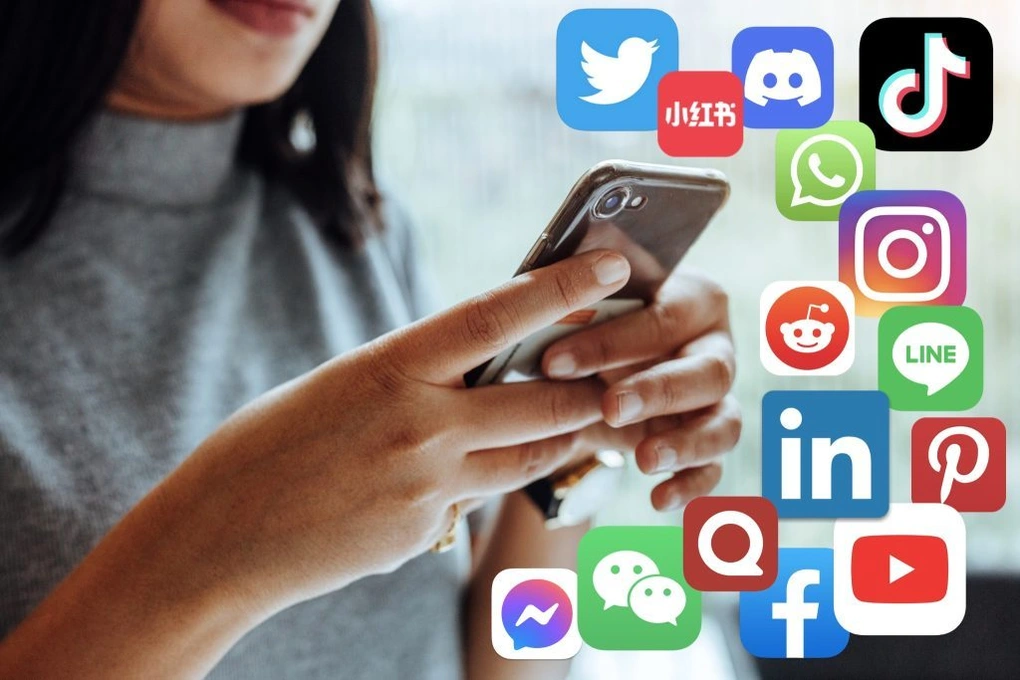
When looking into what social media is used in the Philippines, you will find that it is one of the countries with the highest social media usage rates in the world, with many hours spent online every day. Social media is used not only for entertainment but also for communication, news updates, and online business. People here tend to use multiple platforms at the same time, and each platform serves a different purpose:
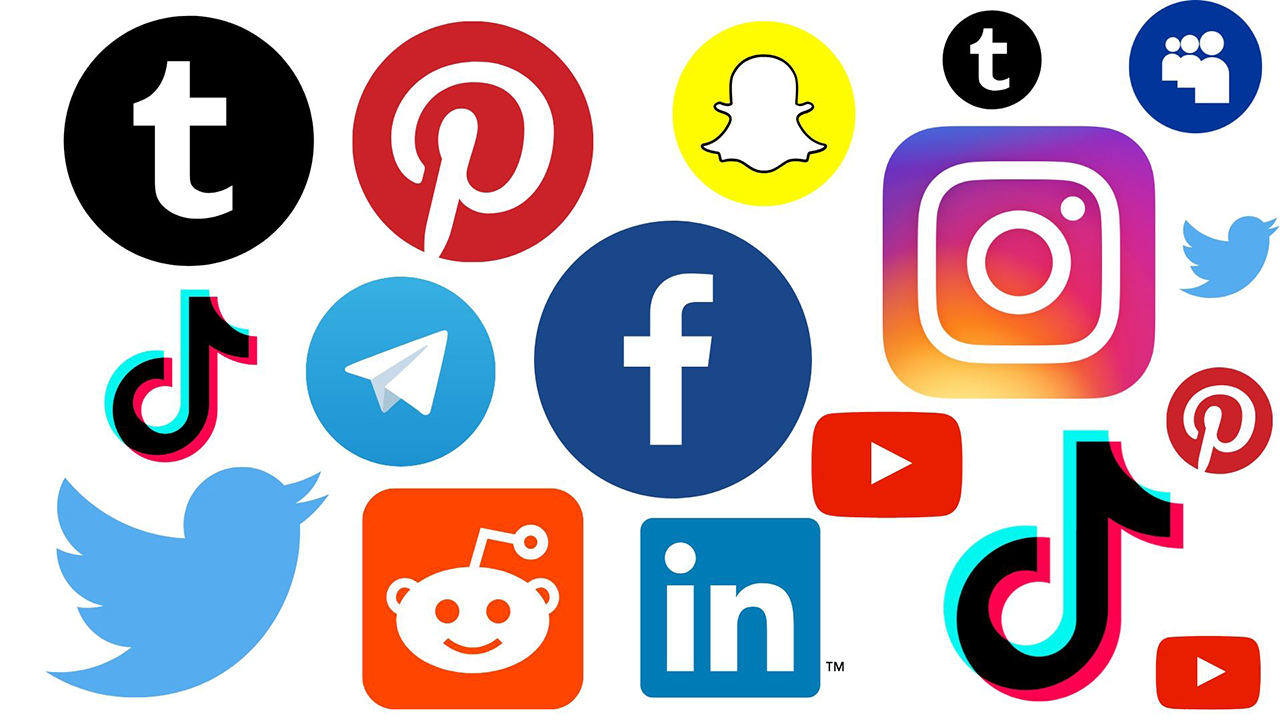
- Facebook: the most popular platform, used for messaging via Messenger, getting news updates, joining groups, and buying and selling online.
- YouTube: a leading entertainment channel, used for watching videos, vlogs, music, and creative content from content creators.
- TikTok: a fast-growing short-form video platform, used for watching viral content, entertainment, and following new trends.
- Instagram: a social network for sharing photos and videos, used for lifestyle updates, travel, fashion, and following KOLs/Influencers.
- X (Twitter): a fast news-update platform, used for following trends, discussing hot topics, and interacting with the community.
From learning what social media is used in the Philippines, it can be seen that popular social media platforms such as Facebook, TikTok, and YouTube are also very familiar apps to users in Vietnam.
See also: How to use Facebook in China: A guide to fast, stable access
Can tourists in the Philippines use social media?
The answer is YES. Travelers to the Philippines can absolutely use popular social media platforms such as Facebook, TikTok, YouTube, and Instagram without restrictions. This country does not block international social media platforms, so users can access them, post photos, message, or watch videos just as they would in Vietnam.
However, the social media experience will depend heavily on Internet connection quality. Therefore, to ensure smooth social media browsing and communication throughout the trip, travelers still need to proactively prepare a suitable and stable Internet solution before departure.
Guide to stable social media access in the Philippines
After understanding what social media is used in the Philippines, users are also very interested in how to access these platforms seamlessly, especially when moving between tourist spots. Below, SimPM will suggest popular Internet connection methods to help you access social media quickly in the Philippines, along with detailed step-by-step instructions.
Using free WiFi
Free WiFi is a popular choice for many travelers thanks to its convenience and zero cost. In the Philippines, users can easily find WiFi at airports, hotels, cafes, or shopping malls. However, this option is only truly suitable when staying in one fixed location, as network quality may be unstable and cannot be used continuously while moving.
How to connect:
- Step 1: Open WiFi settings on your phone
- Step 2:Choose the available Wi‑Fi network at the location (for example: the cafe or hotel name)
- Step 3: Enter the password (if any)
- Step 4: Open the browser to complete the login (if required)
Rent a WiFi hotspot device (Pocket WiFi)
Pocket WiFi is a personal mobile hotspot device that allows multiple devices to access the Internet through a single connection source. This option is often suitable for groups of travelers who need to share a connection to save costs. However, having to carry and charge the device can be inconvenient while traveling.
How to use:
- Step 1: Book the device rental and receive the device before your trip
- Step 2: When you arrive in the Philippines, power on the device
- Step 3: Connect your phone to the device’s WiFi and access social media as usual.
Using international roaming
International roaming lets you use the Internet directly from your primary SIM without changing SIM cards or setting up any additional devices. This is the most convenient solution in terms of operation, but it often comes with high costs, especially if data usage is not controlled.
How to connect:
- Step 1: Subscribe to an international roaming package with your current Vietnamese carrier.
- Step 2: When you arrive in the Philippines, turn on mobile data and roaming on your phone. Go to Settings → Cellular → select Primary SIM → turn on Data Roaming.
- Step 3: The device will automatically search for a signal and connect to the Internet after 1 – 2 minutes.
- Step 4: Users can access and use social media platforms.
Using a Philippines travel SIM/eSIM
Physical travel SIMs and travel eSIMs are both popular solutions that help travelers access stable Internet in the Philippines through local mobile networks. The advantages of this solution lie in its convenience, flexibility, and fast access speed, with a stable connection even while moving. In addition, users can proactively choose a data package that suits their length of stay, helping them control costs more effectively than other solutions such as international roaming.
- Step 1: Buy eSIM or travel SIM before departure.
- Step 2: Install on the device. With a physical SIM, simply insert the SIM into your phone after landing. With an eSIM, users scan the QR code to add it to the phone.
- Step 3: Activate data. Go to Settings → Cellular → select the travel SIM → turn on Data Roaming.
- Step 4: Wait a few minutes for the device to catch a signal. After that, users can access social media apps stably just as they would in Vietnam.
See also: Can an international iPhone use eSIM? How to check easily in just 2 minutes
Comparing Internet solutions when traveling in the Philippines
After learning what social media is used in the Philippines, choosing the right Internet solution will help maintain a stable connection and use these platforms smoothly throughout your journey. Below, SimPM will compare the most popular options in detail so users can easily consider and choose.
| Criteria | Travel eSIM | Physical travel SIM | Public WiFi | Pocket WiFi | International roaming |
| How to use | Scan QR code to activate | Insert a new SIM | Connect to WiFi at the hotspot | Connect to the WiFi hotspot device | Turn on data roaming |
| Speed | Nhanh | Nhanh | Slow if many users | Slow if many users | Depends on the roaming carrier |
| Stability | Highly stable | Highly stable | Low, easily congested | Fairly stable | Stable |
| Flexibility while traveling | Very high | Cao | Low | Medium | Cao |
| Cost | Reasonable | Reasonable | Free | Quite high | Very high |
| Procedure | Mua online | Buy and remove/insert SIM | None | Rent/return device | Not needed |
| Convenience level | Very convenient | Quite convenient | Limited | Medium | Convenient but expensive |
Each solution has its own pros and cons, so the choice also depends on the Internet needs, travel frequency, and budget of each traveler. If you only need short access at a fixed location, public WiFi may be enough. However, for continuous social media use and frequent movement, mobile-network solutions such as a travel eSIM will be the better choice.
Why should you use an eSIM when accessing social media in the Philippines?
When traveling in the Philippines, using social media is not only for entertainment but also serves many practical purposes such as communication, looking up information, and sharing experiences. This requires a stable, flexible, and easy-to-use Internet connection solution throughout the trip. In this context, a Philippines travel eSIM has increasingly become a preferred choice for many travelers thanks to its ability to optimize speed, convenience, and cost at the same time:
- Stay connected at all times: use the mobile network directly in the Philippines, ensuring uninterrupted browsing on Facebook, TikTok, and YouTube
- Quick activation: just scan the QR code, no need to remove or insert SIM cards or deal with complicated steps
- Keep your primary SIM: still receive calls and messages from your personal phone number
- No extra device needed: lighter and more compact than renting a Pocket WiFi
- Prepare before departure: can be purchased and set up in advance, ready to use as soon as you land
- Transparent, easy-to-manage costs: many clear data packages with no unexpected fees
See also: Travel eSIM for overseas trips: Benefits and step-by-step setup guide from A to Z
Recommended Philippines eSIM packages at SimPM
To meet a wide range of usage needs, SimPM offers a variety of Philippines eSIM packages with flexible data allowances by day or by total allowance, suitable for both short trips and long trips.
| Package type | Allowance | Number of days | Price |
| Daily data package | 1GB/day | 3 days | 235.000VND |
| 5 days | 375.000VND | ||
| 7 days | 505.000d | ||
| 15 days | 1.040.000d | ||
| 30 days | 2.050.000d | ||
| 2GB/day | 3 days | 390.000d | |
| 5 days | 630.000d | ||
| 7 days | 860.000VND | ||
| 15 days | 1.800.000 VND | ||
| 30 days | 3.050.000VND | ||
| Total data package | 3GB | 7 days | 265.000d |
| 5GB | 15 days | 440.000d | |
| 20GB | 30 days | 1.670.000d |
To choose the right package, users need to consider their actual usage needs. If you frequently watch videos, livestream, or use TikTok and YouTube, choose a daily data package to ensure stable data every day. On the other hand, if you only use it at a basic level such as messaging, browsing Facebook, or looking up information, a total data package will help save more costs.
To prepare more proactively, users can buy an eSIM completely online at SimPM, receive the QR code quickly via email, and install it before departure. In addition, SimPM’s support team is always ready to advise, guide activation, and handle technical issues, helping users travel with peace of mind and minimize interruptions throughout the trip.
Important notes when using social media in the Philippines
During travel, without proper preparation and control, users may face issues such as loss of connection, rapid data consumption, or security risks for personal information. Therefore, even after understanding what social media is used in the Philippines, users should still note the following important points to keep social media use in the Philippines stable, safe, and cost-effective:
- Limit logging into important accounts on public WiFi to avoid security risks
- Track data usage regularly when watching videos or livestreaming
- Update apps before your trip to avoid wasting data on reloads
- Use a private network when handling important transactions such as banking or work email
- Prepare a backup Internet option such as an eSIM to avoid interruptions while traveling
- Check whether your device supports eSIM before purchasing to ensure convenient use
To fully enjoy your trip and stay smoothly connected on social media platforms, preparing the right Internet solution is essential. Get a Philippines eSIM from SimPM before your trip to ensure stable, convenient, and uninterrupted connectivity throughout your journey.