How to Use Facebook in China: Fast, Stable Access Guide

Facebook is blocked in China, but you can still access it if you choose the right internet connection. This article explains how to use Facebook in China, compares VPN, roaming, and travel eSIMs, and includes setup steps, fixes for common errors, and tips for buying an eSIM online so you can use it reliably as soon as you land.
Is Facebook blocked in China?
The answer is yes. China controls the internet very strictly through the “Great Firewall,” so Facebook, Messenger, Instagram, Google, YouTube, and WhatsApp are all blocked. So if you can’t log in to Facebook in China, that’s normal—it’s not a phone or account problem.
When using hotel Wi-Fi, cafe Wi-Fi, or a local SIM, your connection goes through the domestic network, so Facebook may not load and Messenger may not be able to send messages even when the signal is strong. Understanding this will help you choose the right way to use Facebook in China from the start.
How can you use Facebook in China?
Although Facebook is blocked in mainland China, travelers can still access it if their internet connection does not go through China’s domestic network. Currently, there are 3 popular ways to use Facebook in China that travelers and business visitors often use.
Method 1: Use a travel SIM / eSIM
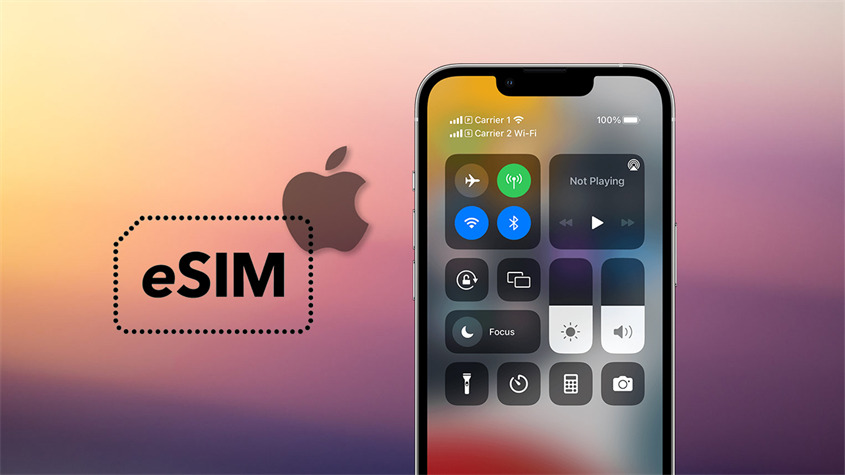
This is the simplest and most stable way to access Facebook in China. Internet data is routed through international servers such as Hong Kong or Singapore, so you can access Facebook, Messenger, and Google directly without installing any extra app. How to do it:
Step 1: Buy eSIM or SIM before your trip You should order online or buy from a reputable travel SIM store in Vietnam so you have internet as soon as you land.
Step 2: Set up on your phone
- For a physical SIM: insert the SIM after you arrive at the airport.
- For an eSIM: scan the QR code sent via email or Zalo to add it to your phone.
Step 3: Activate data. Go to Settings > Cellular, select the travel SIM, then turn on Data Roaming.
Step 4: Start using it. Wait about 1 – 2 minutes for the phone to connect to 4G or 5G. Then you can open Facebook and use it normally right away.
You should install and activate the eSIM before flying so you don’t have to scramble for Wi-Fi at the airport. Once you land, just turn on data roaming and you’ll have internet right away, so you can use Messenger calls, Google Maps, and ride-hailing easily. This is the best option if you need stable internet for travel or business in China.
Method 2: Use a VPN (virtual private network)
VPN is a common option for using Facebook in China when you don’t have a travel SIM. A VPN encrypts your data and changes your IP address to another country (Singapore, Japan, the US…), allowing you to access Facebook, Messenger, or Google even while connected to China’s domestic network. How to do it:
- Step 1: Download the VPN app in advance while you are still in Vietnam (Express VPN, Nord VPN, or a free VPN). Once in China, it is often not downloadable from the App Store/CH Play.
- Step 2: Open the app, create an account, and log in first. It’s a good idea to test the connection once to make sure it works.
- Step 3: When you arrive in China, connect to Wi-Fi or the local > network, open the VPN > and tap Connect. Choose a nearby server such as Hong Kong, Singapore, or Japan for faster speeds.
- Step 4: Once it shows Connected, you can use Facebook, Messenger, and Google normally.
VPN is only suitable as a temporary solution because it depends on Wi-Fi and servers. During peak hours it can become slow or disconnect, which is quite inconvenient for work or video calls. That’s why many people still prepare a travel SIM or eSIM in advance to have stable internet as soon as they land, while using VPN only as a backup.
Method 3: International roaming
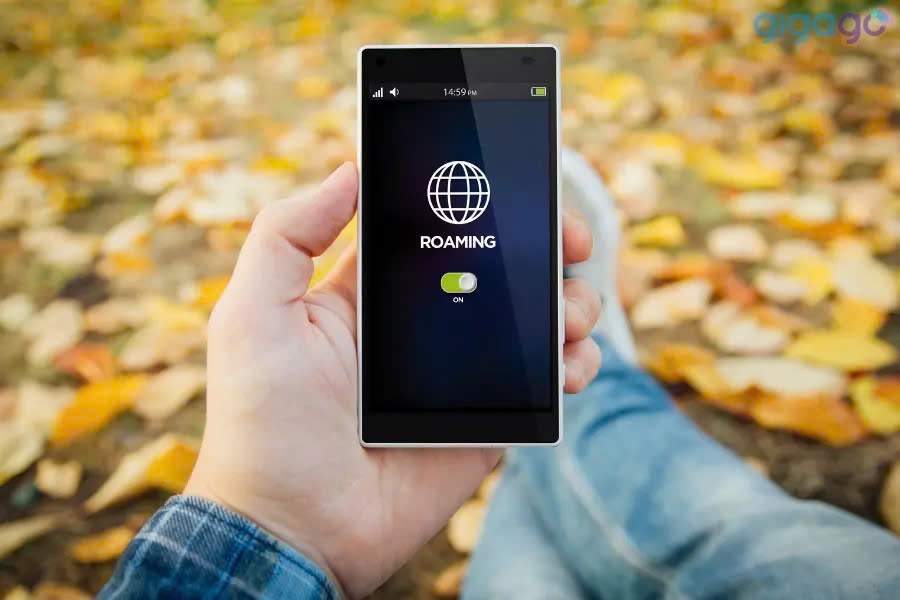
Roaming means using your Vietnamese SIM (Viettel, VinaPhone, MobiFone) to access the internet when you travel to China. When data roaming is turned on, your phone will connect to a local carrier in China, but the internet still goes through your Vietnamese carrier’s system, so you can still use Facebook, Messenger, Gmail, and Google Maps normally. How to do it:
- Step 1: Register before flying. Activate international roaming via text message, hotline, or the carrier app, and choose a suitable data package.
- Step 2: Set up on your phone. Keep your Vietnamese SIM, go to Settings > Cellular > select the primary SIM, then turn on Data Roaming.
- Step 3: Connect in China. The phone will automatically connect after landing. Wait 1 – 2 minutes and you’ll have internet and be able to use Facebook and Google normally, without needing a VPN.
Roaming is convenient because you don’t have to change SIMs, and you can still receive bank OTPs and calls from Vietnam. However, it is expensive and comes with limited data, so it’s only suitable for short trips or when you mainly need to stay in touch. For heavier internet use, a travel SIM or eSIM is more stable and cost-effective.
Why is a travel SIM / eSIM the most stable way to use Facebook in China?
Compared with VPN or roaming, a travel SIM/eSIM uses an international route, so it does not go through China’s domestic network and is less likely to be blocked. That means right after landing, you can open Facebook, Messenger, or Google normally without any complicated setup. This is also the preferred way to use Facebook in China for many travelers and business visitors today.
- Automatic firewall bypass: No need to turn VPN on and off, and no risk of being blocked halfway through.
- Extremely high 4G/5G speed: Uses infrastructure from major carriers such as China Unicom and China Mobile, ensuring livestreaming and video viewing 4K without delay.
- Cost savings: Transparent plan pricing, cheaper than roaming by 5-10 times.
- High security: Does not expose personal information like free VPN apps can.
See also: Answer: Can you use Messenger in China?
China travel eSIM plans at SimPM
China eSIMc from SimPM has built-in firewall bypass, so you can use Facebook, Google, Zalo, TikTok… stably without needing a VPN. After payment, you will receive a QR code in about 3-10 minutes to install it, connect 5G through major carriers, and keep your primary SIM to receive calls, messages, and OTPs.
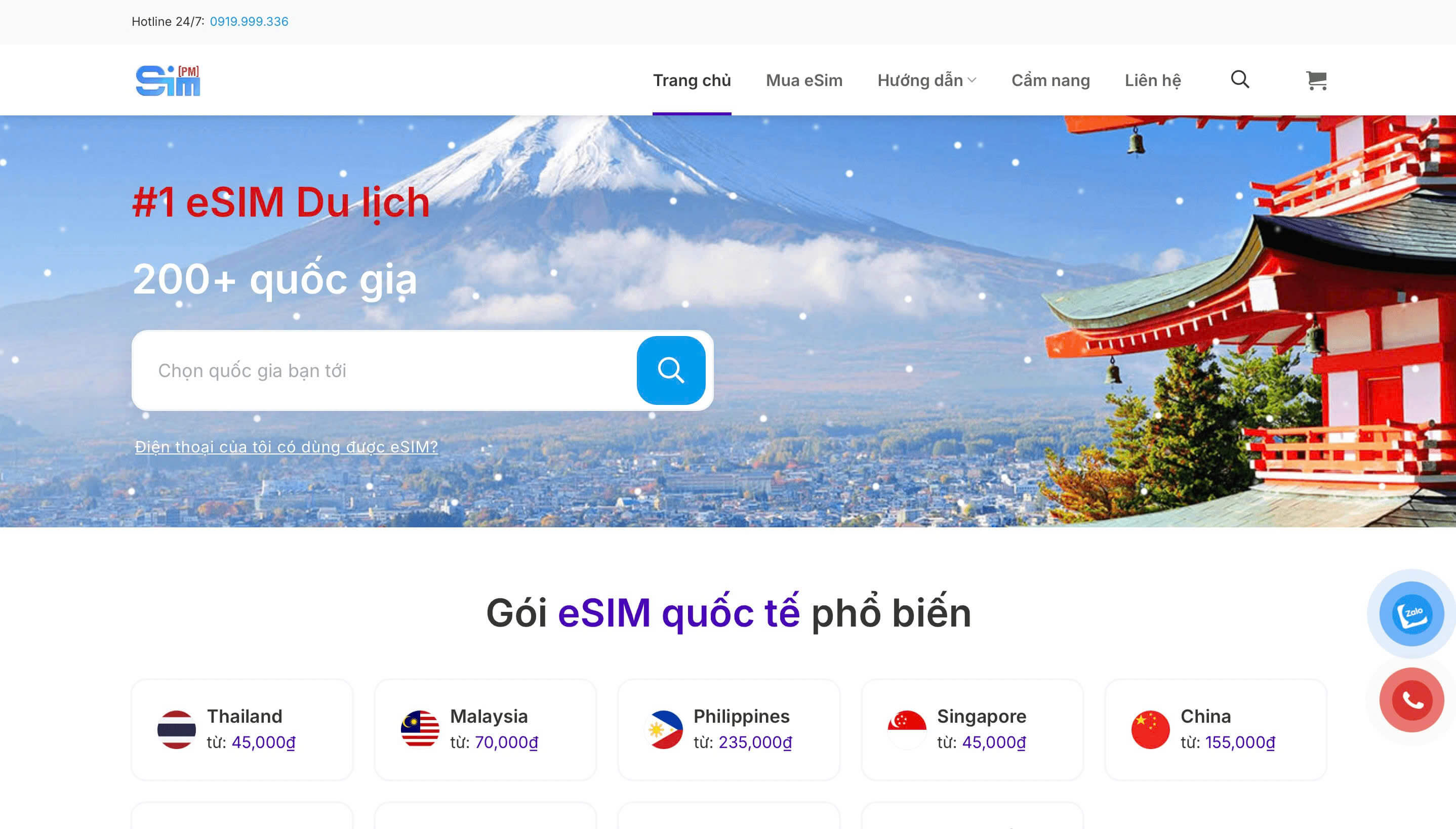
When choosing an eSIM, you only need to pay attention to 2 factors: the number of days of use and the daily data allowance. SimPM currently has 3, 5, 7, and 10-day plans with 1GB or 2GB/day, suitable for everything from short trips to business travel. Below are the plans so you can easily compare and choose according to your schedule.
| Duration | Data/Day | Price (VND) |
| 3 days | 1GB/day | 155.000 |
| 2GB/day | 235.000 | |
| 5 days | 1GB/day | 255.000 |
| 2GB/day | 355.000 | |
| 7 days | 1GB/day | 299.000 |
| 2GB/day | 455.000 | |
| 10 days | 1GB/day | 499.000 |
| 2GB/day | 555.000 |
Just scan the QR code and turn on data roaming when you arrive in China, and you can go online immediately. This is also the most popular option today when looking for a way to use Facebook in China because there’s no need to install a VPN or deal with complicated settings.
Besides Facebook, which apps can a SIM/eSIM use in China?
When you use a travel SIM/eSIM, your internet data goes through international servers instead of China’s domestic network. That means not only can you solve how to use Facebook in China, you can also use most familiar apps normally, just as you would in Vietnam.
Google (very important when traveling to China)
You can still use Google Search to look things up, receive email in Gmail, and especially open Google Maps for directions, subway routes, restaurants, or hotels. These are tools that are often unavailable when connected only to local Wi-Fi. It’s a good idea to save your hotel address in advance and download offline maps for use on the subway or in weak-signal areas.
Messaging apps
Zalo, Messenger, Telegram, WhatsApp, and Viber can all send messages, make calls, and make video calls normally, so you can contact family or business partners anytime. Bank OTPs, flight confirmations, and hotel bookings will still come through. Log in to your accounts in advance and turn on notifications before flying so you don’t have to verify again when you arrive.
Entertainment and social media
You can still watch YouTube, post Instagram stories, use international TikTok, and stream Netflix just like in Vietnam. Online sellers or content creators can still post, reply to customers, and livestream. Limit very high-quality video when you’re out and about because it will use up your data quickly.
Work apps
Slack, Zoom, Google Meet, Microsoft Teams, and Google Drive all work stably, so you can still join meetings and send work files normally. Remote work during your trip is almost uninterrupted. Remember that China is 1 g hours ahead of Vietnam so you don’t miss meeting times.
Common errors when you can’t access Facebook and how to fix them

If you already have a SIM/eSIM but still can’t use Facebook, check the following causes one by one. In most cases, simply adjusting the settings will let you continue using Facebook in China normally.
- “Data Roaming” is not turned on; This is the most common error. Go to Settings > Mobile Data (Mobile Data) > select the SIM/eSIM > and turn on Data Roaming so the phone can access the internet.
- Locked phone (carrier-locked): Travel SIMs only work with unlocked phones. If the phone is carrier-locked, it may not get a signal or may show “No Service”.
- VPN conflict: If an old VPN is still enabled, turn it off or uninstall the app. eSIMs do not need VPN, and VPNs can make the connection slow or prevent Facebook from loading.
- High-speed data used up: When you have used up your daily data, the connection still works but becomes very slow, so Facebook may have trouble loading photos and videos. Check your plan again or wait until the next day for the speed to reset.
Important notes for stable social media access in China
To use Facebook, Google, and other international apps smoothly when traveling to China, you only need to prepare correctly before your flight and choose the right type of connection when using it. A few small steps can make your internet much more stable.
- Set up before flying: If you’re using an eSIM, scan the QR code while still in Vietnam (with stable Wi-Fi) to activate it in advance, so you have internet right when you land.
- Do not delete the eSIM: The QR code can usually only be scanned once; deleting the eSIM may require buying a new plan.
- Limit hotel Wi-Fi: When you need to access Facebook, Google…, turn off Wi-Fi and use the SIM/eSIM mobile data for a more stable connection.
- Time difference: China is 1 g hours ahead of Vietnam, so remember to check the time to avoid missing your schedule.
Facebook is blocked in China, which is normal—it’s not a phone problem. Just use a travel SIM/eSIM and you can still message on Messenger, use Google Maps, and work online stably. Set up the eSIM before flying, and when you land, turn on data roaming to get online immediately. See the full guide on how to use Facebook in China to choose the right plan. Need to buy an eSIM or get support, contact 0919 999 336.