
eSIM No Signal: Causes, Signs and Fixes

eSIM brings many conveniences when traveling, but an eSIM losing signal is still a problem that worries many users, especially when they are abroad and need a constant connection. Understanding how to recognize it, the common causes, and the right fixes will help you stay in control in any situation, avoiding interruptions to internet access, communication, and your travel experience.
What is an eSIM losing signal?
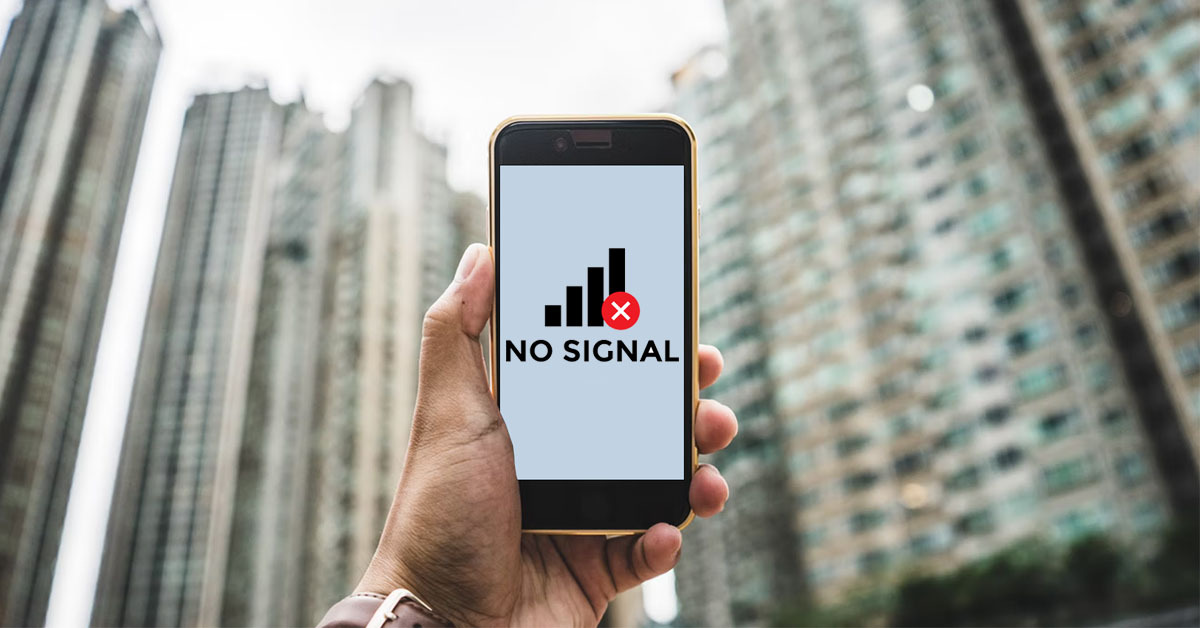
An eSIM losing signal is when a phone cannot connect to a mobile network through the eSIM, making it impossible to use the internet, make calls, or send messages. This can happen temporarily or last for a longer time, depending on the specific cause.
It is important to distinguish between the two common cases:
- eSIM completely loses signal: The phone shows no service, no signal bars, or cannot connect to the network at any time.
- eSIM has weak or unstable reception: Signal appears and disappears, the internet is slow, and the connection is often interrupted when moving between areas.
Identifying the correct case helps users determine the cause and choose the right solution, avoiding deleting the eSIM or wrongly concluding that the eSIM is faulty.
Signs that your eSIM is losing signal
When using an eSIM, especially an international travel eSIM, a loss of signal often does not happen randomly but can be recognized through several specific signs. Observing and understanding these signs correctly helps users identify the issue early, so they can take action or contact technical support in time.
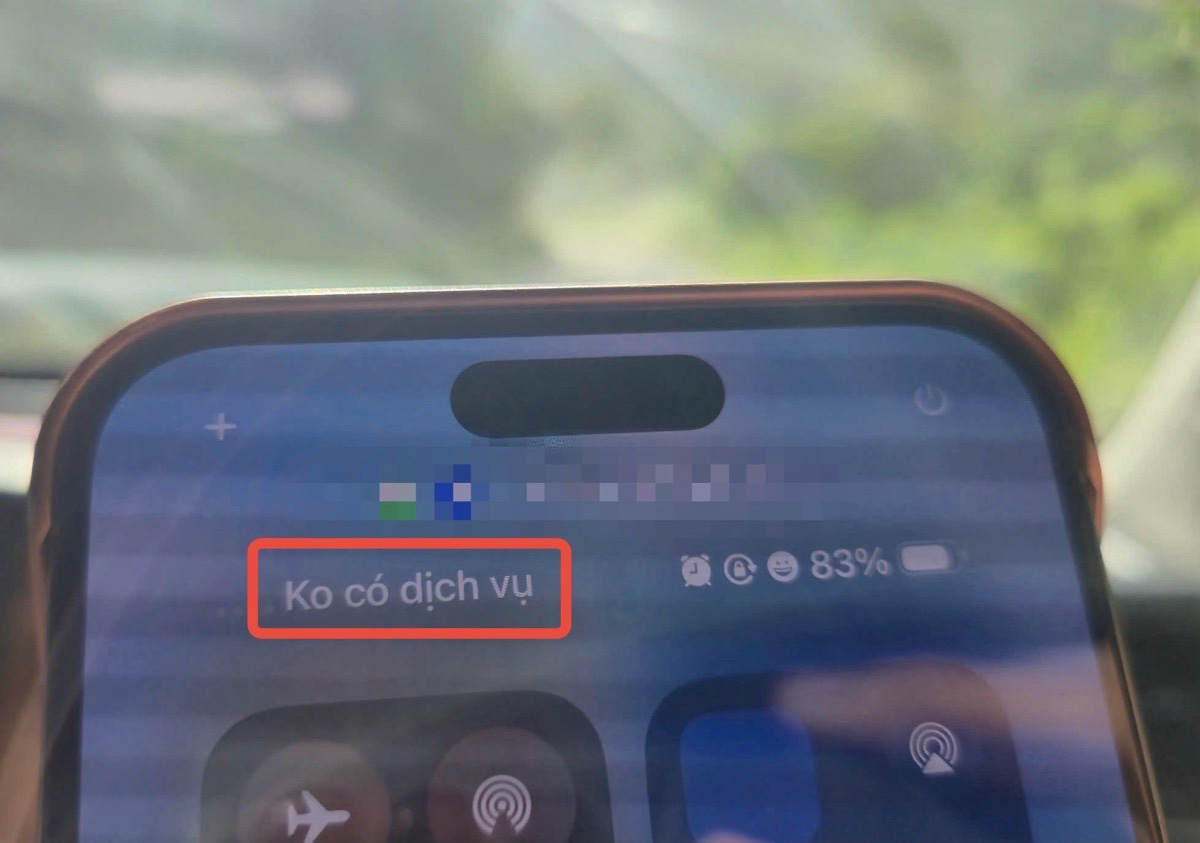
The phone shows “no service”, “no signal” or a warning icon in the signal bars
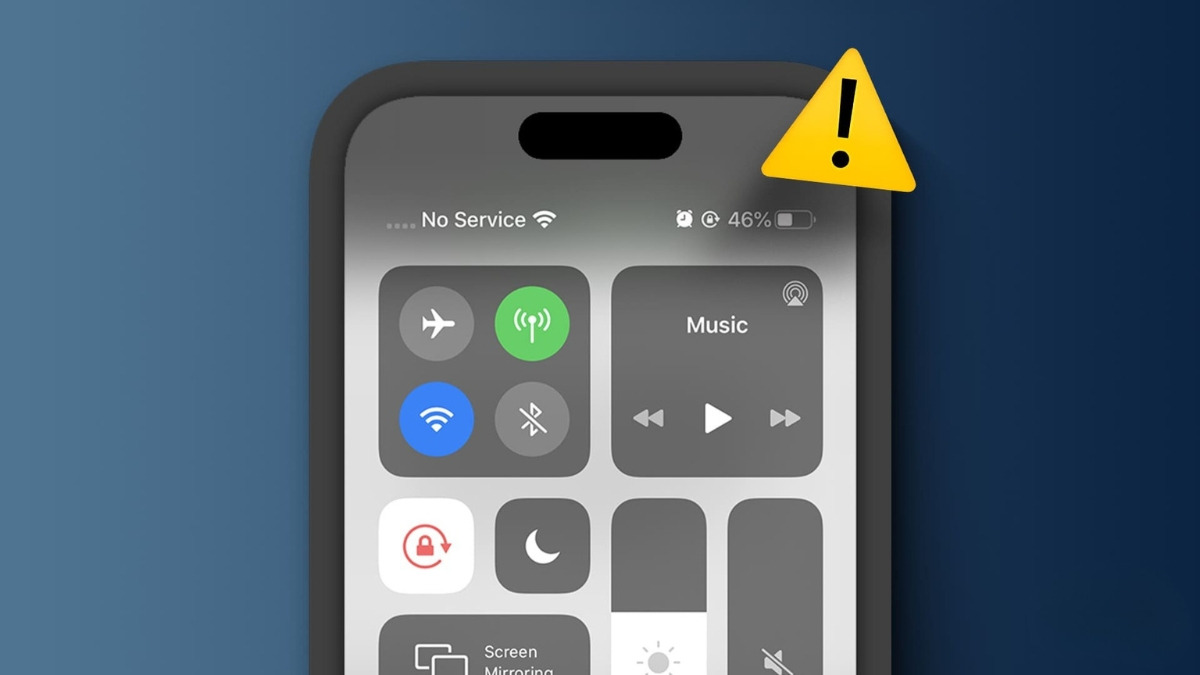
The most obvious sign that an eSIM has lost signal is that the signal bars on the screen do not show any reception bars and a “no service”, “no signal”, or exclamation mark icon appears. This means the device cannot connect to the mobile network in the area where it is being used, even though the eSIM is still installed and activated on the phone.
Cannot access the internet even though the eSIM still has data left
In many cases, the eSIM still has validity and data allowance left, but the user cannot access the internet or apps keep reporting connection errors. This indicates that the eSIM is not receiving a stable network signal from the partner carrier, rather than the plan having run out.
Cannot make or receive calls, or send and receive messages
When an eSIM loses signal, the ability to make or receive calls and messages may be interrupted or unavailable. For eSIMs that support calling, this is a clear sign that the device has lost mobile network connection and can no longer maintain normal communication.
Common causes of eSIM signal loss and how to fix each case
An eSIM losing signal often stems from many different factors related to the usage environment, the device, and the configuration method. Once the cause is identified correctly, users can resolve it quickly and minimize connection interruptions, especially during trips abroad.
The area is outside network coverage

In places such as mountainous areas, islands, suburbs far from the city center, underground tunnels, or while traveling on high-speed vehicles, network signals are often weak or unstable. In these cases, the eSIM cannot connect to the partner carrier even though it is still valid for use.
To fix this issue, users should move to a more open area, closer to a residential center, or try switching to manual network selection to find a carrier with a better signal if the eSIM allows it.
The device is not fully compatible with eSIM
Some devices support eSIM but are not fully compatible in terms of bands or are restricted by the distribution market, which can prevent the eSIM from getting a signal. This often happens with gray-market phones or devices that are not network-unlocked.
The appropriate solution is to carefully check compatibility information before buy eSIM, make sure the device is network-unlocked and fully supports the necessary bands in the country of use.
Outdated operating system or software conflicts
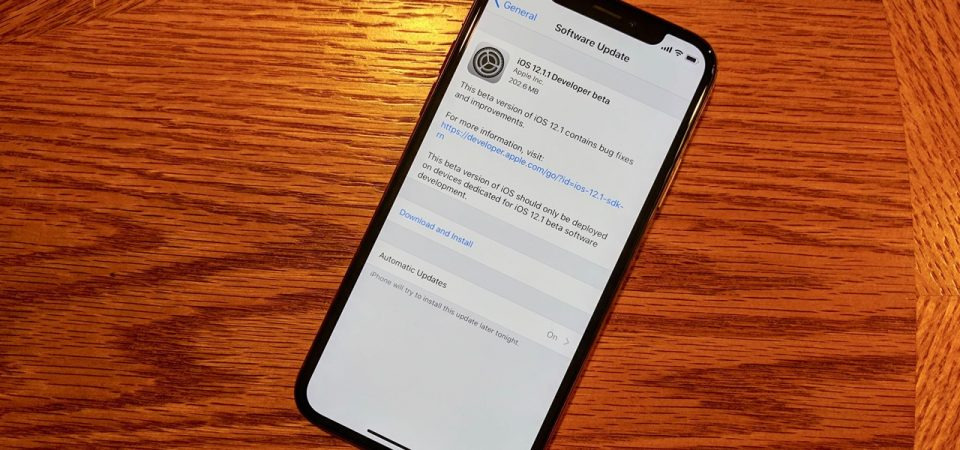
An old operating system version or an update error can conflict with the eSIM configuration, causing the device not to receive a network signal. This often happens after an incomplete update or after a long time without software upgrades.
Updating the operating system to the latest version (at least 12.1 on iOS), then restarting the device, helps refresh the network configuration and improve the eSIM’s connectivity.
The eSIM configuration is incorrect or incomplete
If the eSIM has not been set as the primary mobile data line, data roaming has not been enabled, or the APN configuration is incorrect, the device will not be able to use the network even though the eSIM has been installed. This is a common error for first-time eSIM users.
Users should review all network settings, select the correct eSIM for mobile data, and make sure roaming-related options are enabled according to the instructions.
The phone is in airplane mode or has connection restrictions enabled
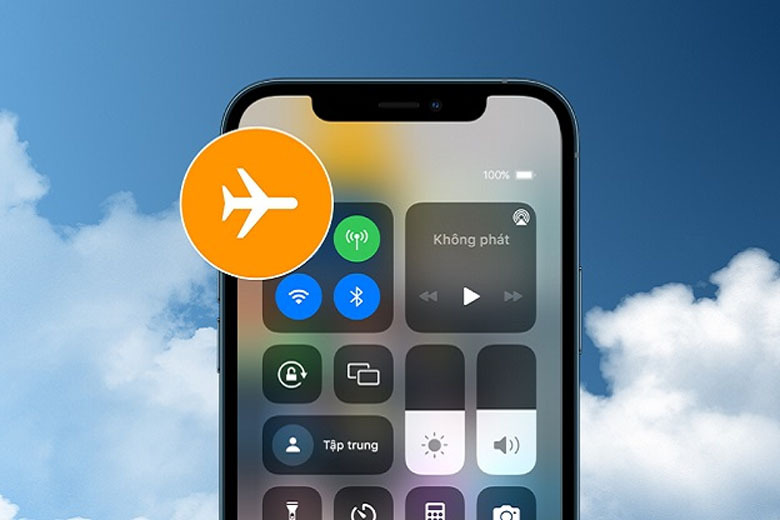
One simple but easily overlooked cause is that the device is in airplane mode or mobile data access for the eSIM has been accidentally restricted. In that case, the eSIM will not be able to connect to the network even though there is no technical fault.
Turning off airplane mode, checking the mobile data settings again, and waiting for the device to reconnect to the network will often restore the signal within a short time.
The eSIM has expired or the plan has been limited
When a travel eSIM has expired or the allowance has been used beyond the permitted data limit, the network connection may be cut off or severely degraded. Users may easily mistake this for a normal signal-loss issue.
Checking the validity period, remaining data, and proactively renewing or buying a new eSIM plan will help ensure uninterrupted connectivity.
Errors during eSIM activation or installation
Installing the eSIM when the network is unstable or performing the steps incorrectly can result in an incomplete eSIM configuration, causing it to fail to get a signal. This is a common error when activating an eSIM for the first time.
In this case, users should delete the eSIM and reinstall it according to the provider’s instructions, and do so in a place with a stable Wi-Fi connection to ensure the activation process goes smoothly.
See more: Using an eSIM makes the phone hot: causes and how to fix it
When should you contact the eSIM provider?
During eSIM use, there will be situations where the basic checks on the device are no longer enough to resolve the issue. At that point, proactively contacting the eSIM provider is necessary to get the right technical support, avoid prolonging the loss of connection, and reduce the impact on your experience.
When you have checked all settings but the eSIM still has no signal
If users have checked mobile data, data roaming, airplane mode, eSIM configuration, and restarted the device, but the eSIM still does not show a network signal, the issue is likely caused by the system or the partner carrier. This is the time when provider intervention is needed for inspection and resolution.
When the eSIM is newly purchased or just activated but does not work
If the eSIM is installed successfully but cannot access the internet or receive a network signal, there may have been an issue during activation or initial configuration. The provider will help confirm the eSIM status and guide adjustments suitable for the device being used.
When the eSIM keeps losing signal even in a good coverage area
If the eSIM frequently drops connection or is unstable even when the user is in a central area with stable network infrastructure, the issue may be related to the partner carrier connection not being optimized. Contacting the provider helps identify and adjust the connection more appropriately.
When you need support to switch partner carriers or handle advanced technical errors
Some eSIMs allow use of multiple carriers, but switching or advanced configuration cannot be done manually. In these cases, the provider will offer technical support so the eSIM connects to the correct network and works more stably.
When you are abroad and need to restore your connection quickly
On international trips or business travel, losing connectivity can be very inconvenient. Contacting the provider early helps users receive guidance appropriate to each country and minimize network interruption time.
See more: A quick and easy guide to canceling an eSIM on your phone
How to reduce the chance of your eSIM losing signal while traveling
To minimize the chance of your eSIM losing signal while traveling and using it abroad, users need to prepare proactively from choosing the eSIM to activating and using it. Below are the important measures that help the eSIM work stably and reduce the risk of losing connection.
Choose an eSIM from a reputable, clearly sourced provider
The eSIM provider plays a decisive role in connection quality and signal stability. Reputable providers often partner with many major carriers, have broad coverage, and maintain well-controlled technical systems, thereby reducing the risk of signal loss during use.
Users can choose to buy an international eSIM at SimPM, a provider of eSIMs for more than 200 countries and territories, including such destinations as China eSIM, South Korea, Thailand, and France. The eSIM is sent quickly via QR code by email, is easy to activate, comes with technical support when needed, and is priced to suit many different travel needs.
Check the list of compatible devices before buying
Not every device supports eSIM in the same way, especially carrier-locked phones or versions made for a specific market. Checking the compatible device list in advance helps users avoid the situation where the eSIM can be installed but cannot get a signal when used. This is an important step to ensure the eSIM works properly from the start.
Activate the eSIM before going to the airport or in a place with stable Wi-Fi
The eSIM activation process requires a stable internet connection to download and complete the network configuration. Doing this before going to the airport or in a place with good Wi-Fi helps reduce installation errors and ensures the eSIM is ready to use as soon as you arrive at your destination. This is especially useful when users land in a new country and do not yet have a backup connection.
Keep troubleshooting instructions saved for when needed
During travel, signal loss can happen unexpectedly due to many different factors. Keeping basic troubleshooting instructions and technical support contact information saved helps users handle issues quickly without relying entirely on an internet connection. This is a small preparation step, but it brings great value in maintaining a stable connection.
An eSIM completely losing signal can be limited if users understand the cause, recognize the signs early, and prepare properly before each trip. If you are looking for an international travel eSIM, SimPM is a suitable choice with eSIM coverage in more than 200 countries, quick QR code delivery by email, and reasonable costs for every journey.









