
Does eSIM Make Your Phone Hot? Causes and Fixes

Many people worry about phone overheating when using eSIM, especially travel eSIMs, after switching to eSIM. Is the cause really the eSIM technology itself, or is it due to usage habits and network conditions? We’ll help you understand the real issue and how to handle it properly.
What is eSIM and how does eSIM work?
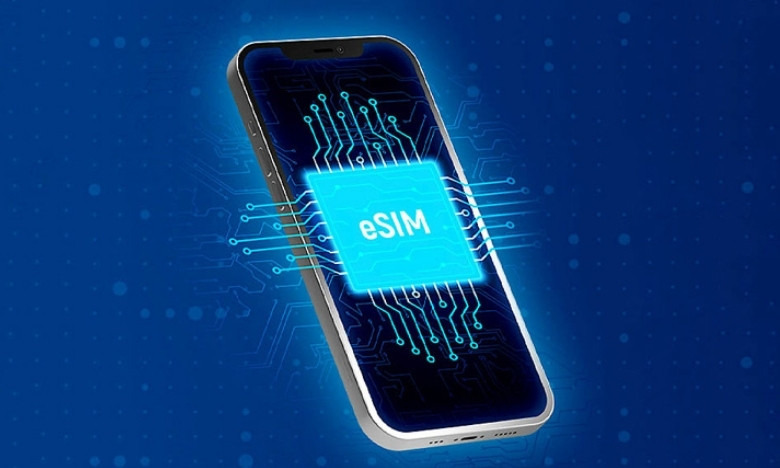
eSIM stands for embedded SIM, meaning an electronic SIM built directly into the phone’s hardware. Instead of inserting a physical SIM, users only need to scan a QR code or enter configuration details to activate the plan.
Technically, eSIM is not an independent processing chip, nor can it generate heat on its own. eSIM only serves to:
- Store subscriber information.
Connect the device to the carrier’s mobile network. - Allow plan switching without removing or inserting a SIM.
The entire process of signal processing, data transmission, and power consumption is still handled by the device’s network modem, CPU, battery, and operating system.
Does using eSIM make the phone hot because of eSIM?
When experiencing phone overheating while using eSIM, many people assume the cause is the eSIM technology. However, technically speaking, eSIM is not the direct factor that makes a phone heat up.
eSIM is actually just a subscriber profile stored on a built-in chip inside the device. This chip does not process data, amplify signals, or consume power independently. The entire process of data transmission, maintaining 4G or 5G connections, and battery drain is handled by the network modem and the phone’s hardware system.
Therefore, if the phone heats up while using eSIM, the reason is usually that the device must maintain a continuous data connection, especially when using a lot of data, international roaming, or dual SIM mode. In these cases, the modem works at high intensity to find and keep a signal, which generates heat. This can happen with both physical SIMs and eSIMs.
In other words, eSIM does not add hardware load and is not a direct source of heat. The device heating up is a result of usage habits and network conditions, not the nature of eSIM technology itself.
The real reasons why using eSIM can make your phone hot
To explain why many people experience phone overheating while using eSIM, we need to look at how the phone operates when connected to a network rather than focusing only on the eSIM. Below are the most common and practical reasons.
The device has to maintain a continuous data connection
When using eSIM to access 4G or 5G, the phone’s network modem must continuously send and receive data. Activities such as watching videos, using social media, working online, or running a hotspot make the modem work harder, which generates heat. This heat comes from data processing, not from the eSIM itself.
Weak signal or international roaming
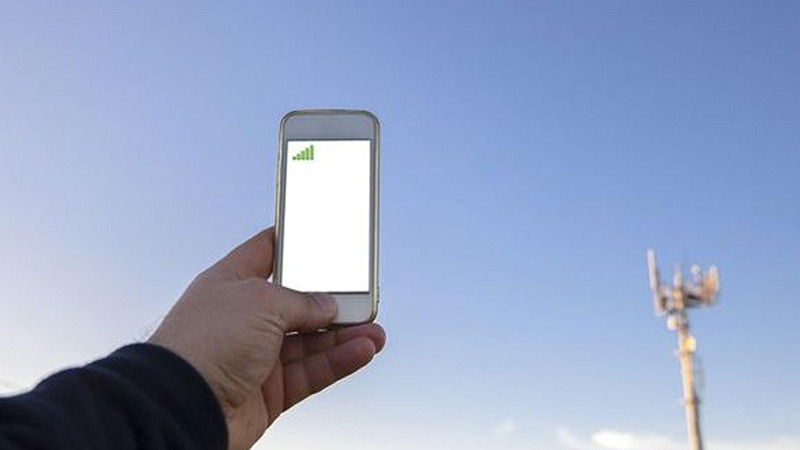
In areas with weak signal or when roaming internationally, the phone has to increase power to search for and keep a stable connection. With travel eSIMs, switching between partner networks may happen frequently, causing the device to drain battery faster and become hotter than usual. This is an easy reason to mistake as being caused by eSIM.
Older devices or degraded batteries
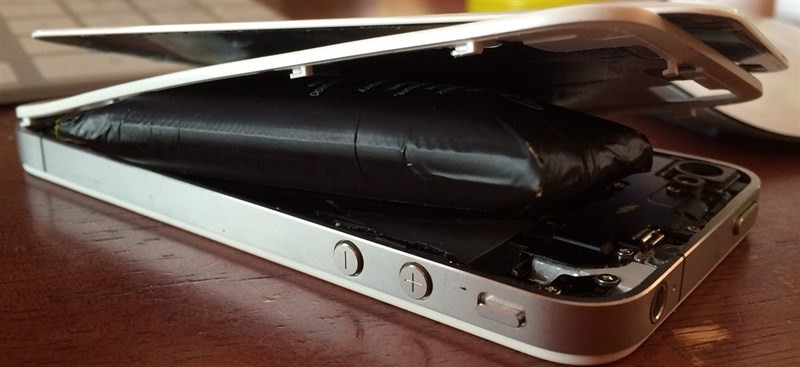
Phones that have been used for many years often have weaker heat dissipation and less stable batteries than when new. When using data continuously, especially in weak-signal environments, the temperature can rise faster than on a newer device. In this case, whether using a physical SIM or eSIM, the device can still get hot.
Background apps and usage habits
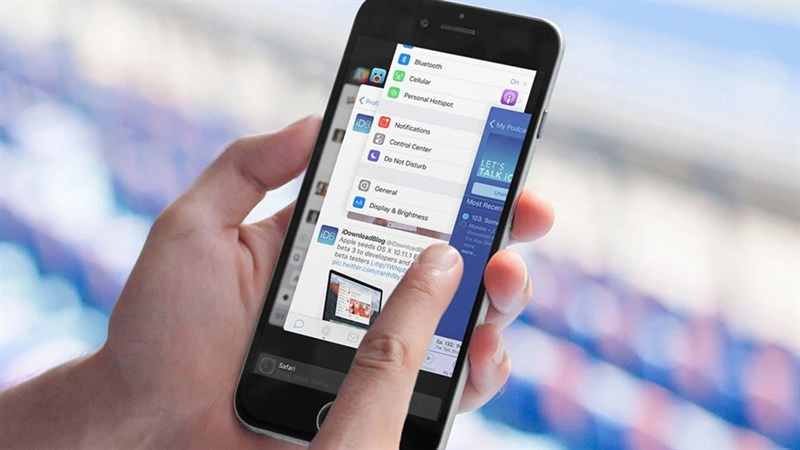
Running many apps at the same time, such as maps, GPS, video calls, or livestreaming, causes the CPU and modem to work heavily together. If you are charging while using eSIM data, the device temperature will rise even faster. These usage habits are major contributing factors to the phone overheating while using eSIM.
How to fix phone overheating when using eSIM
When you experience phone overheating while using eSIM, the important thing is to address the real cause instead of quickly changing SIM technology. Below are effective, safe, and easy-to-apply solutions.
Optimize network settings
If you do not need very high speeds, you should switch from 5G to 4G to reduce the load on the network modem. 5G consumes more power and is more likely to generate heat when running continuously. In addition, turn off automatic network search if you are in an area with stable signal to prevent the device from constantly searching for a stronger signal.
When roaming internationally, only turn on data when necessary instead of leaving the connection on all day. Taking control of when you connect will help significantly reduce the device temperature.
Turn off unnecessary connections
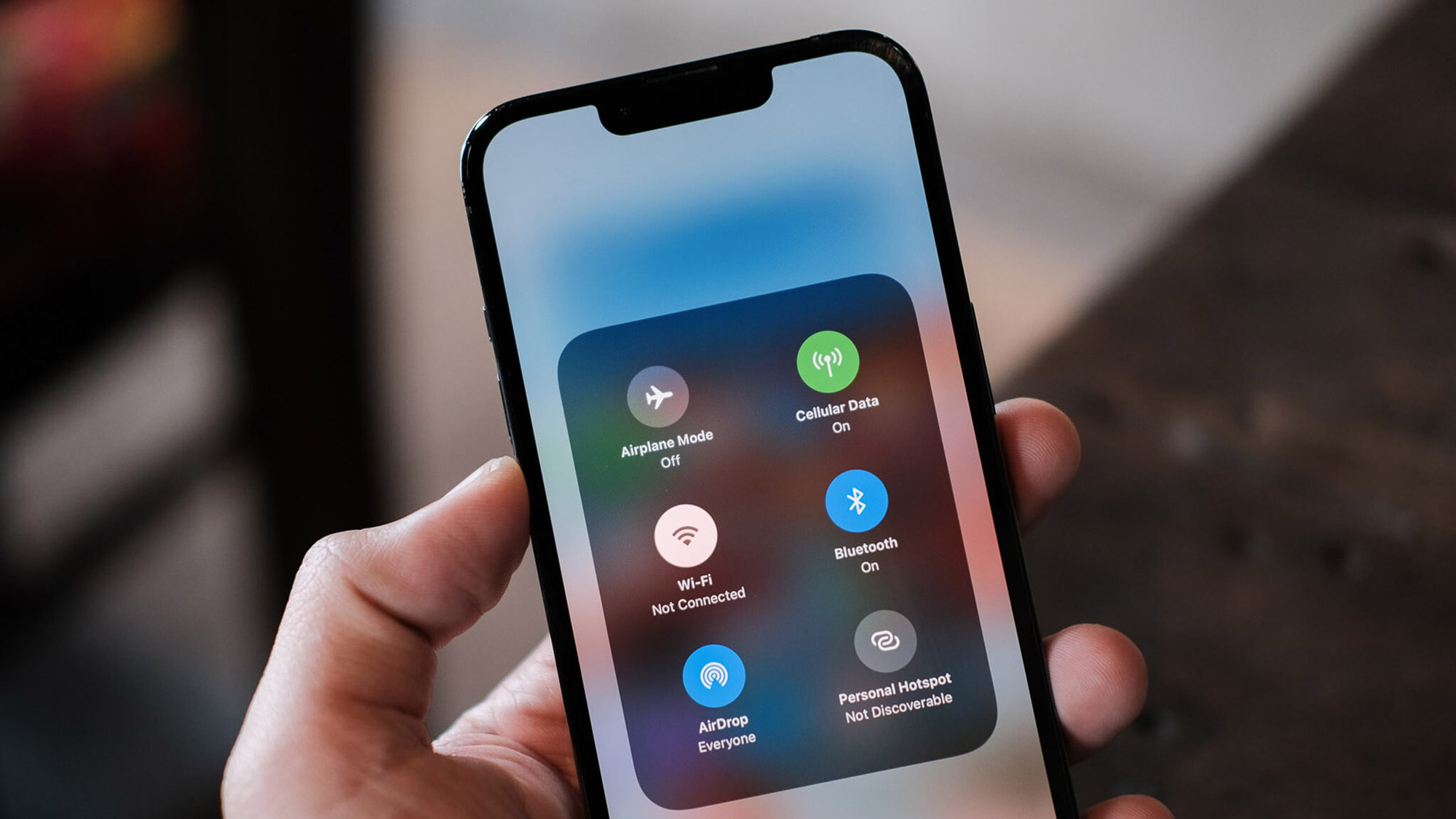
When using eSIM data, turn off auxiliary connections such as Bluetooth, AirDrop, NFC, or hotspot if you are not using them. Also check and close background apps that consume data, such as maps, social media, and location apps. Reducing the number of processes running at the same time will help the CPU and modem work less, thereby limiting overheating.
One important note is that you should not charge while using data continuously, because charging the battery combined with data transmission will make the temperature rise faster than usual.
Manage SIMs and usage modes properly
If you are using eSIM and a physical SIM at the same time, consider turning off the SIM you do not need to avoid the device having to maintain two network connections at once. When you do not need to receive calls from the secondary SIM, turning off one SIM will save battery and noticeably reduce heat.
In addition, you can activate battery saver mode when using eSIM for a long period. This mode will automatically limit background activity and optimize system performance.
Choose a quality travel eSIM and a reputable carrier

The quality of the eSIM directly affects connection stability. An eSIM with an unstable network or poor routing can cause the device to switch signals continuously, making the modem work harder and generate heat.
You should prioritize an eSIM with strong network partners in the destination country to limit frequent network switching. Avoid buy eSIMunknown sources or prices that are too cheap because they may use intermediate network routes, which can easily cause battery drain.
Currently, SimPM is one of the reputable travel eSIM providers for many countries, with the advantages of stable network, fewer signal switches, and clear technical support. Users receive the QR code quickly by email, can install it easily, and are guided in detail, helping reduce technical risks during use.
SimPM currently offers more than 200 international eSIMs, meeting every user need for every destination. Some notable eSIMs include: China eSIM, Thailand eSIM, Japan eSIM,…
Check battery condition and device status
If you have optimized the settings but the phone still overheats while using eSIM, you should check the battery capacity and hardware condition. A degraded battery or a device that has been used for a long time can cause heat to build up faster. In this case, replacing the battery or updating the operating system can significantly improve performance and device temperature.
Signs of overheating while using eSIM to watch for
To properly assess the severity of phone overheating while using eSIM, users need to distinguish between slight warmth during data use and abnormal signs that indicate the device is overloaded. Below are the important signs you should monitor:
- The phone heats up quickly even without heavy tasks: The phone gets warm after only a few minutes of turning on eSIM data, even if you are only messaging or casually browsing. This may be a sign that the modem is constantly searching for signal due to weak reception or unstable roaming.
- Battery drains abnormally fast: When the battery drops sharply in a short time even though you are not using many heavy apps, the device is likely consuming a lot of power to maintain the network connection. This condition is often accompanied by a noticeable warm feeling on the back of the phone.
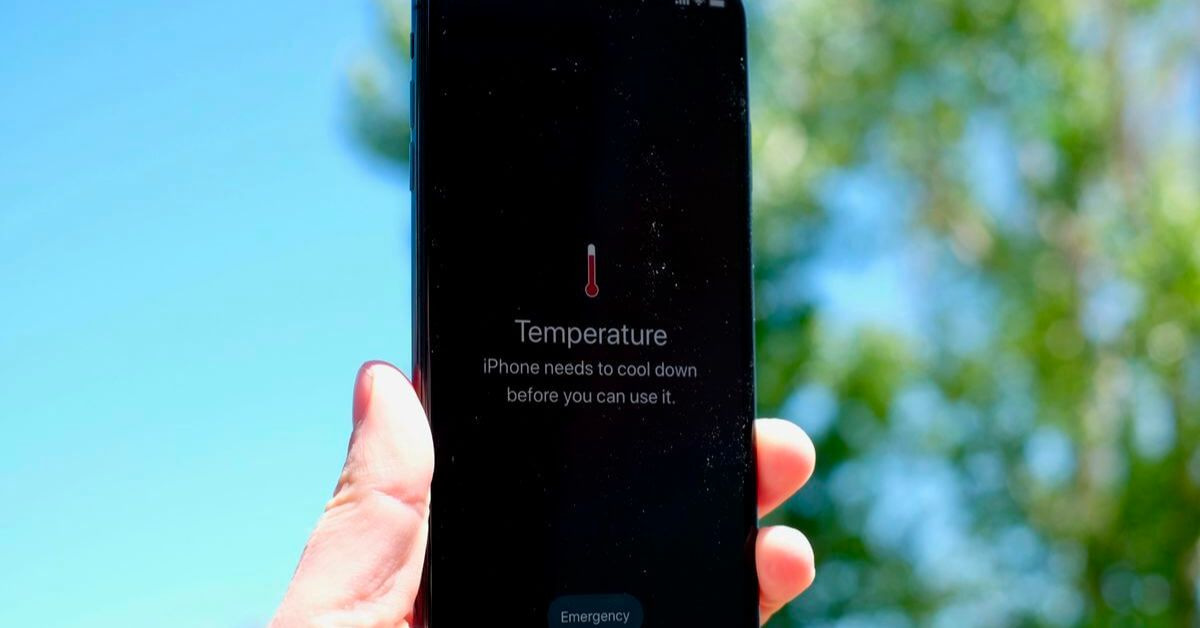
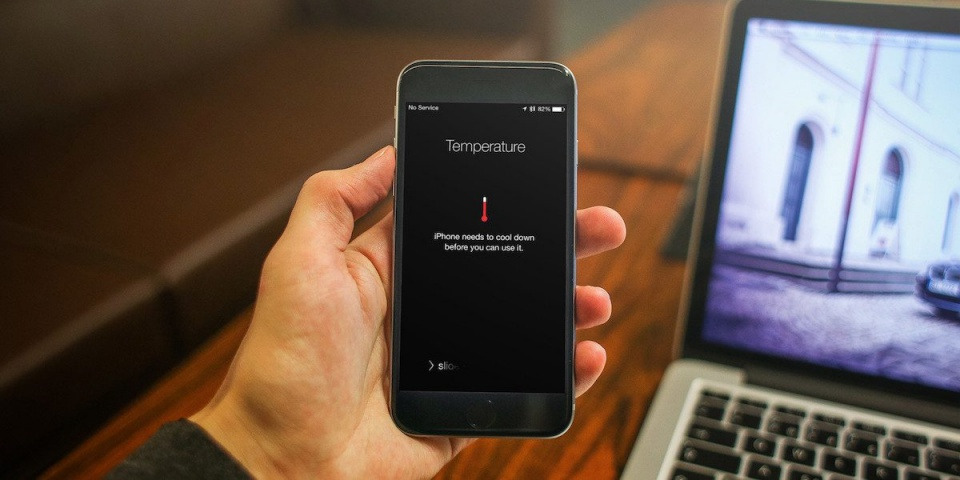
- Temperature warning appears on iPhone or Android: The operating system may display a message that the device is too hot, automatically reduce brightness, or limit performance. This is a hardware protection mechanism when the temperature exceeds the safe threshold.
- Performance drops, the phone responds slowly: When the temperature rises too high, the system will lower the CPU clock speed to reduce the load. Users may notice stuttering, lag, or slower app opening than usual while using eSIM data.
- The area near the camera or the upper part of the phone heats up noticeably: This is where the network modem is located. If this area heats up when eSIM is turned on, it means the device is processing the connection at a high intensity, not that the eSIM itself is generating heat.
If the above signs only appear for a short time when using a lot of data, that may be a normal device response. However, if the situation happens repeatedly or comes with system warnings, users should check network settings and battery condition to ensure long-term safety.
See more: eSIM Not Compatible with iPhone: Causes and How to Fix It
Tips for using eSIM on your phone
To use eSIM stably, save battery, and limit phone overheating while using eSIM, users need to understand how the device operates and proactively optimize usage. Below are practical tips drawn from consulting and supporting customers using domestic eSIM and travel eSIM.
- Activate eSIM at the right time and in the right way: You should install the eSIM when you have a stable WiFi connection to avoid configuration errors. If you use a travel eSIM, install it before departure but only turn on data when you arrive at your destination, to avoid the device roaming too early and wasting battery.
- Monitor data and battery usage in the first few days of use: After activating the eSIM, check the battery and data sections in settings to see which apps are consuming the most resources. This helps detect the cause early if the device overheats or the battery drains quickly.
- Do not turn on too many connections at the same time: When using eSIM data, turn off unnecessary connections such as Bluetooth, hotspot, or AirDrop. If you do not need to receive calls from the secondary SIM, you can turn off the other SIM to reduce the modem load.
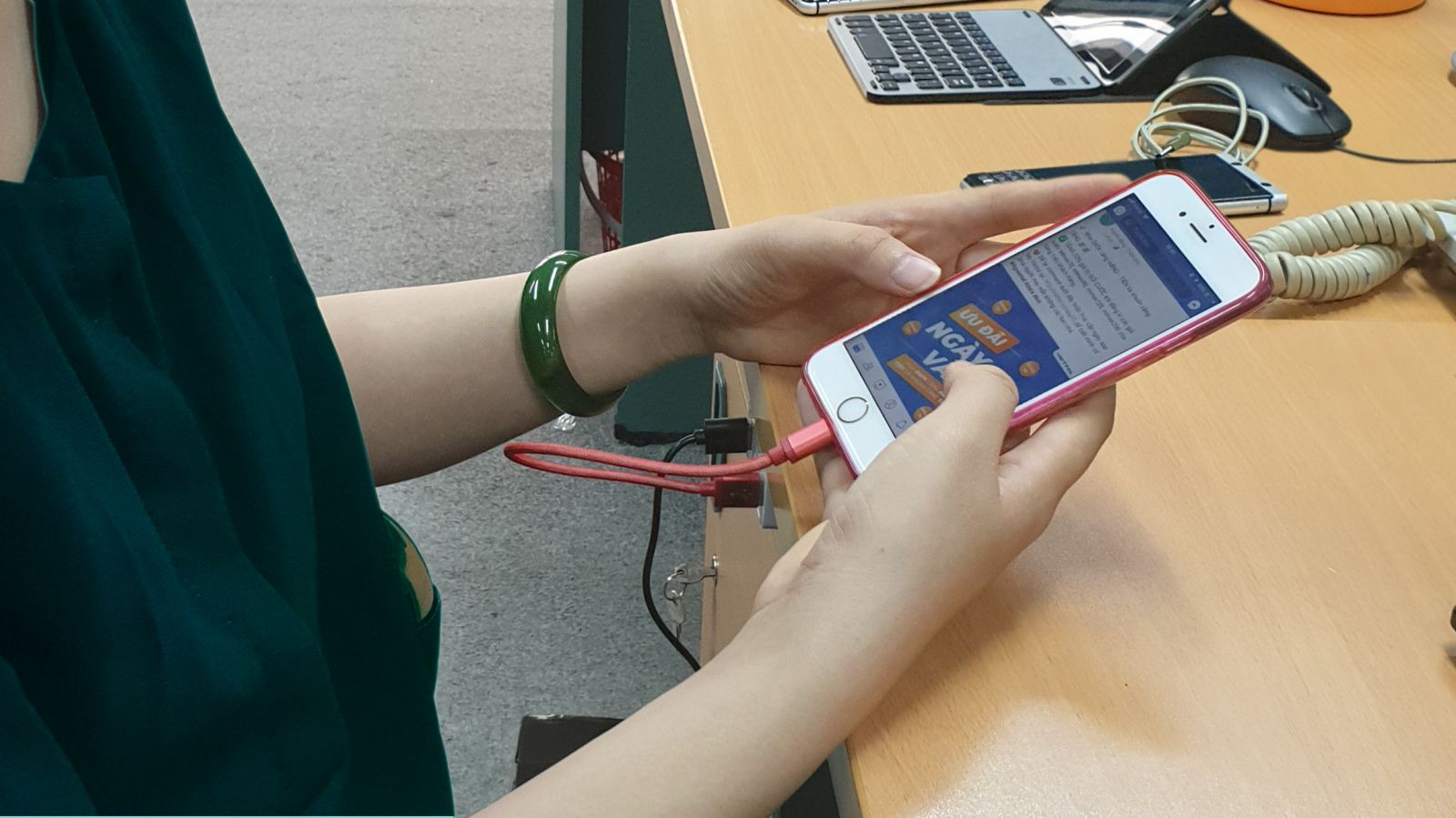
- Avoid charging while using heavy data: Charging the battery while continuously transmitting data is one of the reasons the temperature rises quickly. If you need to use the device for a long period, unplug it once the battery is sufficient and keep the phone in a well-ventilated place.
- Choose a reputable eSIM provider: An eSIM with a stable network and fewer signal switches will help the device maintain a smoother connection and reduce the need for the modem to search for networks continuously. Avoid cheap, unclear-origin eSIMs because they may use intermediate network routes, which can easily cause battery drain.
- Update the operating system regularly: Updates from Apple or Android often optimize modem performance and improve battery management. Regular updates help the device work better with eSIM and improve stability.
In short, phone overheating while using eSIM does not come from the eSIM itself, but mainly relates to data usage intensity, signal quality, and device condition. When you understand the real cause and optimize how you use it, you can absolutely use eSIM stably, save battery, and stay safe in the long term.









