
How to Delete an eSIM on Your Phone Quickly and Easily

When using an eSIM, many users wonder how to delete an eSIM on their phone properly and safely without affecting connectivity. We’ll help you understand when you need to delete an eSIM, whether deleting it has any impact, and how to do it step by step on each device, so you can manage your eSIM proactively and use it with greater peace of mind.
What is an eSIM and when do you need to delete an eSIM on your phone?
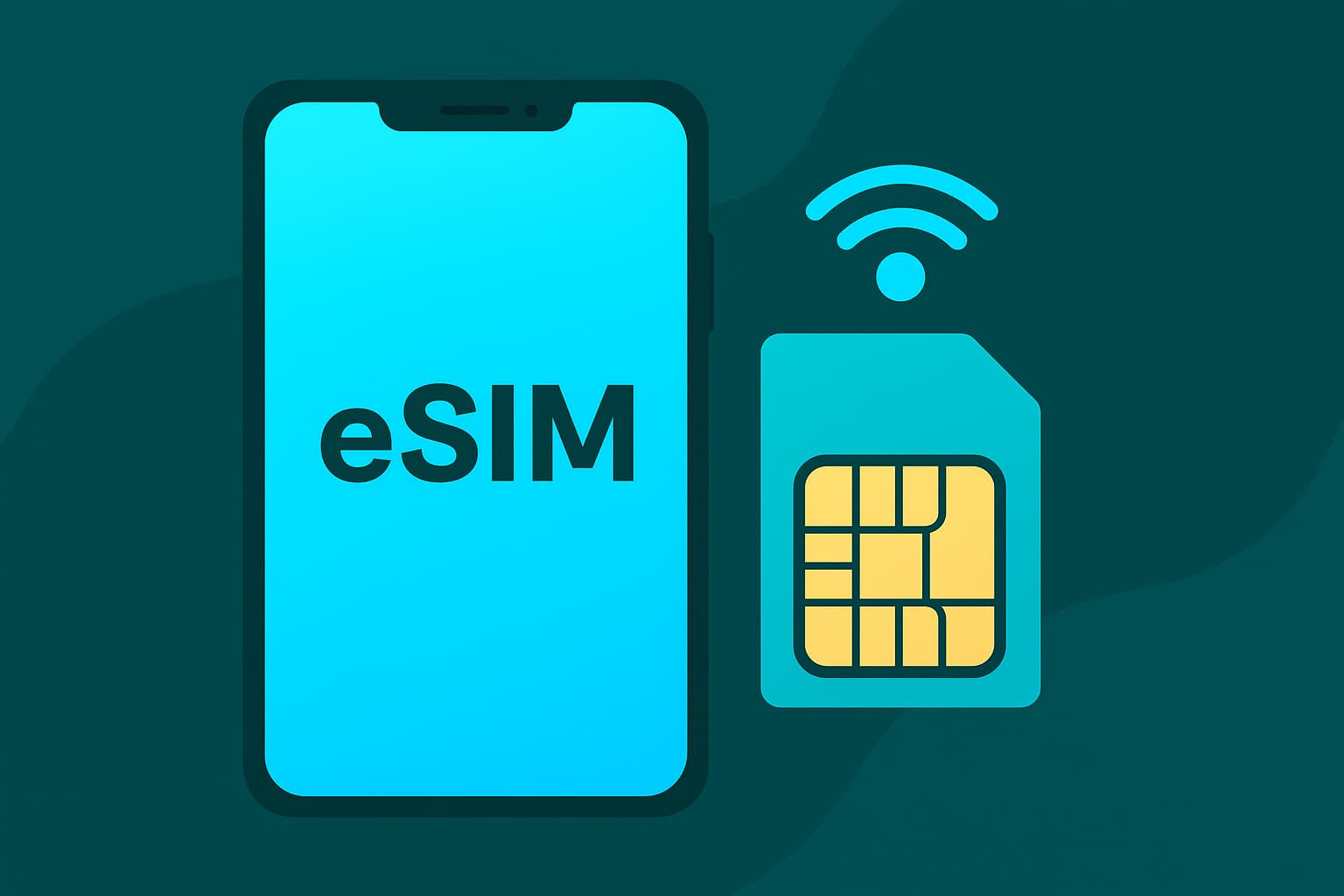
An eSIM is an electronic SIM card built directly into the phone’s hardware instead of existing as a traditional physical SIM card. With an eSIM, users do not need to remove or insert a SIM tray and can still register, activate, and use mobile services by scanning a QR code or installing a configuration profile from the carrier or eSIM provider.
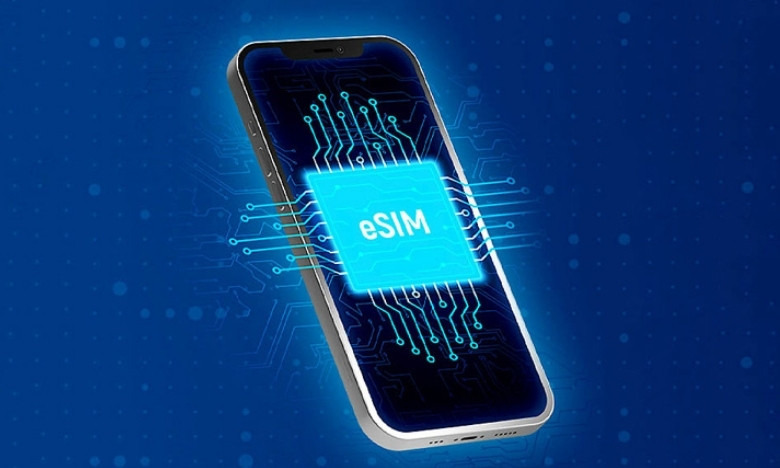
In essence, an eSIM still performs all the functions of a regular SIM, such as calling, texting, and accessing mobile data. The difference lies in its flexibility: one device can store multiple eSIMs at the same time, allowing users to easily switch between plans, carriers, or usage purposes such as a personal SIM, work SIM, or travel eSIM.
Deleting an eSIM is not a mandatory step after each use, but in some cases, deleting an eSIM is necessary to ensure effective connection management and personal information security.
You should consider deleting the eSIM on your phone when:
- You no longer need the current eSIM, for example because you have switched to another number or another plan.
- Your trip is over and you no longer plan to use the travel eSIM.
- You want to install a new eSIM, but the device has stored too many old eSIMs, which can make it easy to choose the wrong network.
- You are preparing to sell, give away, or transfer the phone to someone else and need to erase all old connection information.
- You are experiencing prolonged connection issues and are advised to delete the old eSIM to install a new one.
From a user experience perspective, deleting an eSIM helps the phone run more neatly, avoids network configuration conflicts, and reduces privacy-related risks. However, before deleting it, users should determine whether that eSIM is still needed for communication or internet access, especially if they are abroad or do not have a backup SIM.
Does deleting an eSIM on your phone have any effect?
Deleting an eSIM on your phone is essentially the process of removing the eSIM profile that has been installed on the device. This process only affects that eSIM’s mobile connection settings and is not related to the phone’s hardware or operating system. Therefore, users can rest assured that deleting an eSIM will not damage the device and will not cause technical errors.
However, to fully understand it, you need to consider the impact of deleting an eSIM from several angles, especially in terms of connectivity, communication capability, and the user experience.
Direct impact on mobile connectivity
The most obvious effect of deleting an eSIM is losing all access to the services tied to that eSIM. Immediately after the process is completed:
- The phone will no longer have mobile data connectivity from the deleted eSIM.
- Calling and texting services using that eSIM number will stop working.
- Apps or services that depend on mobile connectivity from the eSIM may be interrupted if there is no alternative network.
This is especially important for users who rely only on eSIM without a physical SIM, or who use the eSIM as their main internet connection.
Impact on phone number use and related services
For eSIMs used as a personal or work contact number, deleting the eSIM means that the number may temporarily or permanently no longer be usable on the device. In some cases, the eSIM number is also used to:
- Receive two-factor authentication codes for bank, social media, or email accounts.
- Contact partners, customers, or family members.
- Activate online services that require phone number verification.
If you delete the eSIM before transferring the number to another SIM or updating authentication details, you may have difficulty logging in or receiving important notifications.
Impact on travel eSIMs and plans that are still valid
For travel eSIMs or prepaid data eSIMs, deleting the eSIM while the plan is still active may cause the remaining usage time to be lost. Many travel eSIM providers do not support restoring a deleted eSIM, since each activation code is usually for one-time use only.
Therefore, if the eSIM still has data or days of validity remaining, users should weigh deleting it immediately against keeping it on the device until it expires.
How to delete an eSIM on your phone
Deleting an eSIM on your phone is an important connectivity management step that helps users keep better control of the eSIMs stored on the device and avoid confusion during use. When you follow the correct steps to delete an eSIM on your phone, you can remove an eSIM you no longer need while still ensuring the safety of the device and your personal data.
Step-by-step guide to deleting an eSIM on iPhone
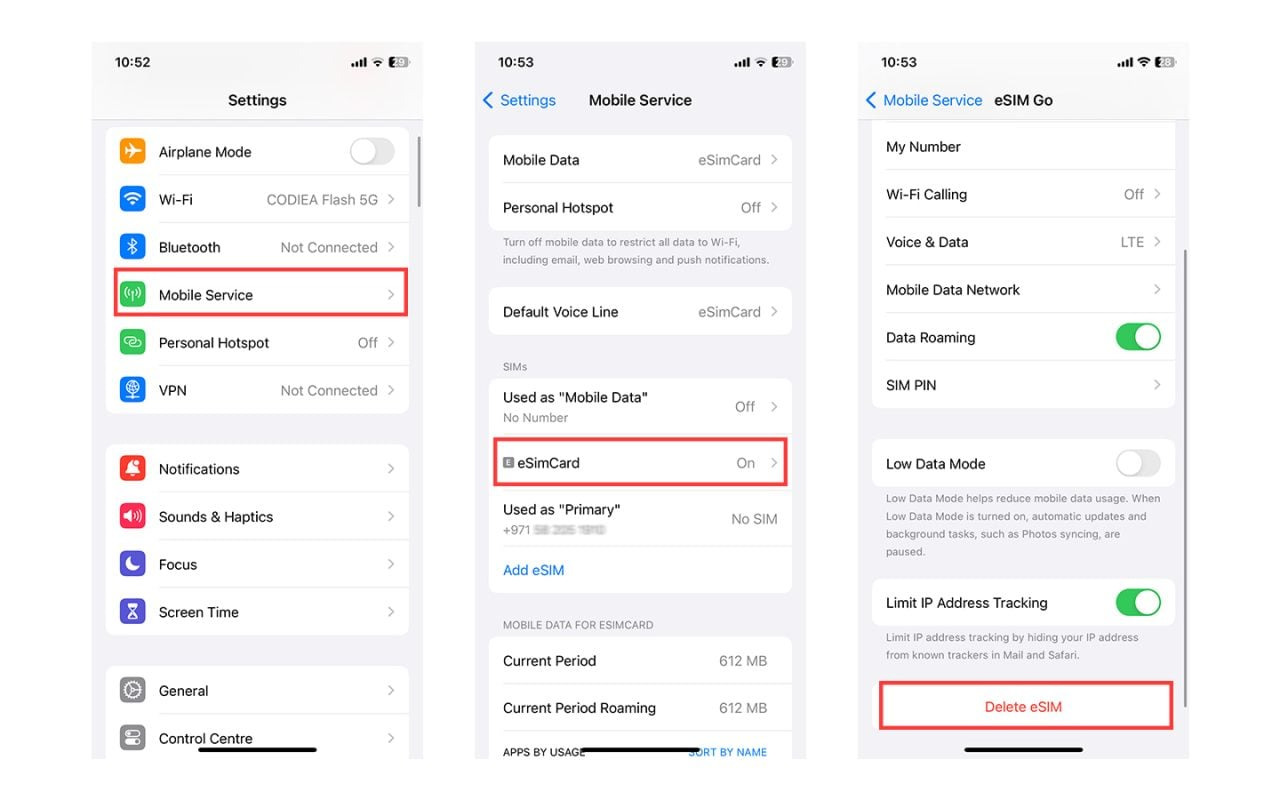
The instructions below apply to iPhone models that support eSIM.
- Step 1: Open the Settings app on your phone, then select Cellular.
- Step 2: In the Cellular screen, scroll down the list of SIMs on the device. Select the eSIM you want to delete to open the detailed information page.
- Step 3: Tap Delete eSIM.
- Step 4: When the system displays a confirmation message, tap Delete eSIM again to complete the process.
Once completed, the eSIM will be fully removed from the iPhone and will no longer be able to connect to the network or use the subscription number linked to that eSIM.
How to delete an eSIM on Android phones
On Android phones, the interface may vary depending on the manufacturer, but the eSIM deletion process is generally similar.
- Step 1: Go to Settings, select Connections, then tap SIM manager.
- Step 2: In the list of SIMs and eSIMs, select the one you want to remove from the device.eSIM you want to delete from the device.
- Step 3: If the eSIM is currently enabled, turn off the eSIM before deleting it to ensure the system processes it smoothly.
- Step 4: Tap Delete, then select Confirm to finish deleting the eSIM.
Once confirmed, the eSIM will be removed from the SIM list and will no longer appear on the Android phone.
How to delete a travel eSIM on your phone

Travel eSIMs are designed for short-term use, serving your internet access needs when traveling abroad without having to buy a physical SIM. Therefore, the correct way to delete an eSIM on your phone for a travel eSIM is often very simple, and in many cases users do not need to delete it manually.
With travel eSIM products provided by SimPM, the eSIM will automatically be deleted when the validity period ends. The usage time is calculated from the moment the eSIM first connects to the network in the destination country. At the end of the plan cycle, the eSIM will automatically stop working, will no longer be able to access the internet, and no additional charges will be incurred.
For example, with Thailand eSIM 3-day plan, after using the 3 days included in the package, the eSIM will automatically expire. Users do not need to turn off the eSIM, do not need to delete the eSIM in settings, and do not need to perform any additional technical steps on the phone.
See more: eSIM not receiving messages: 8 reasons & Complete fix
Things to note when deleting an eSIM on your phone
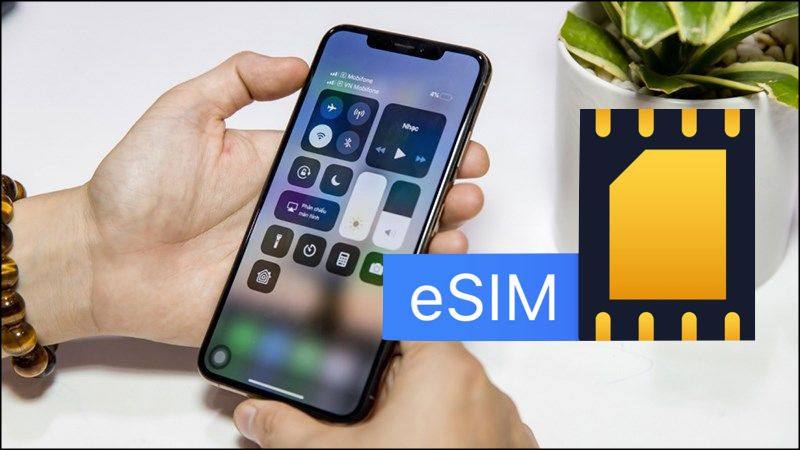
Before following the steps to delete an eSIM on your phone, users should take time to check and prepare carefully to avoid connection interruptions or other unexpected inconveniences. Below are important notes to help ensure the eSIM deletion process is safe, purposeful, and suitable for your actual usage needs.
- Identify the correct eSIM to delete: On many devices, users can store multiple eSIMs at the same time for different purposes. Before deleting one, check carefully which eSIM is being used for calls or mobile data to avoid deleting the active one by mistake.
- Check for a backup connection option: If the eSIM is your main connection, make sure the phone already has a physical SIM or another eSIM ready to use. This is especially important when abroad, where losing internet access can make daily life and travel much more difficult.
- Consider the remaining validity period of the eSIM: With a data eSIM or travel eSIM, deleting it while the plan still has time or data remaining may mean the leftover value cannot be used. If it is not truly necessary, users should wait for the eSIM to expire instead of deleting it early.
- No need to worry about charges when deleting an eSIM: Deleting an eSIM on your phone is completely free. Users do not need to pay any additional fee for the deletion process, regardless of when it is done.
- It’s best to delete the eSIM before selling or transferring the phone: When you no longer use the device, deleting all eSIMs helps protect personal information and avoid risks related to phone numbers, verification codes, and services linked to the old eSIM.
- Check the connection again after deleting the eSIM: After completing the steps to delete an eSIM on your phone, users should go back into the mobile settings to confirm that the device has switched to another SIM or eSIM that is working properly, ensuring uninterrupted use.
See more: Guide to using eSIM on iPhone 14 in an easy-to-understand way for beginners
Frequently asked questions about how to delete an eSIM on your phone
As users learn about and carry out the steps to delete an eSIM on their phone, many still have questions about the impact, the process, and how to use the eSIM afterward. Below are some frequently asked questions, answered based on real-world experience and the principles of safe eSIM use.
- Will my phone malfunction or slow down after deleting an eSIM?
No. Deleting an eSIM only removes that eSIM’s mobile connection settings and does not affect the phone’s hardware, operating system, or performance. - Will deleting an eSIM erase personal data on the phone?
No. Data such as photos, videos, contacts, apps, and login accounts will remain unchanged after you complete the steps to delete an eSIM on your phone. - Do I need an internet connection to delete an eSIM?
It is not required, but it is best to have a stable network connection so the eSIM deletion process goes smoothly and reduces the chance of errors during the procedure. - Should I delete the eSIM as soon as I finish using it?
Not required. If the eSIM has expired or you no longer need it, you can keep it on the device and only delete it when you need to clean up the eSIM list or prepare to install a new eSIM. - Will deleting an eSIM affect the physical SIM or other eSIMs?
No. Deleting an eSIM only affects the selected eSIM and has absolutely no impact on the physical SIM or other eSIMs active on the same device. - When should I delete an eSIM on my phone?
You should delete an eSIM when you no longer need it, before selling or transferring the phone, or when you need to install a new eSIM to avoid confusion and make eSIM management more convenient.
Above, SimPM has provided a detailed guide to deleting an eSIM on your phone clearly, safely, and easily on both iPhone and Android. We hope the information in this article helps you manage your eSIM proactively, avoid connection interruptions, and use your eSIM more effectively in any situation. Visit SimPM now to choose the right international eSIM and stay connected to the internet anywhere in the world.









