
Does an eSIM Drain Battery? Detailed Answer & How to Optimize

eSIM is becoming increasingly popular thanks to its convenience and flexibility, especially when traveling or on international business trips. However, many people still wonder whether using an eSIM drains battery and whether this technology affects device performance. Let SimPM help you understand what eSIM is, how it works, while also analyzing the exact battery consumption and the most optimal way to use eSIM in real life.
What is eSIM? How eSIM works
eSIM is a type of electronic SIM integrated directly into a device’s hardware, such as a phone, tablet, or smartwatch. Unlike a traditional physical SIM, eSIM does not exist as a removable card but is permanently mounted on the circuit board, allowing users to activate and change carriers through software.
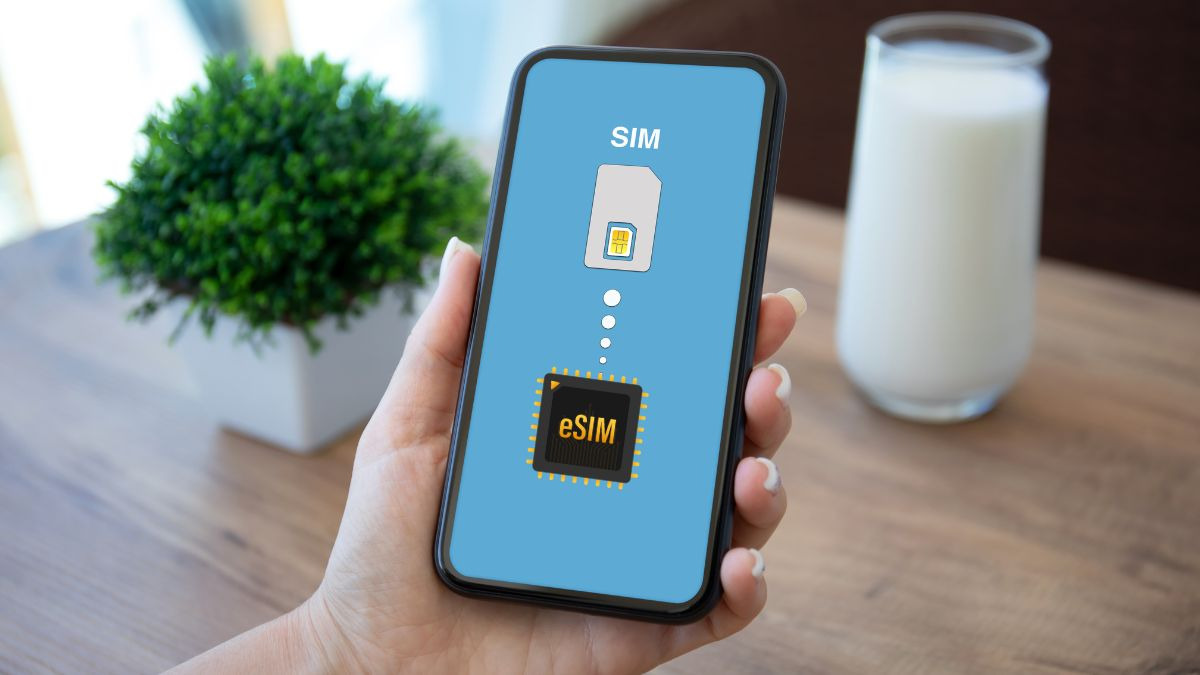
Instead of removing and inserting a SIM card, users only need to scan a QR code or enter the information provided by the carrier to download the subscription profile to the device. As a result, eSIM offers a high level of flexibility, especially useful when traveling internationally or needing to switch between multiple plans.
In essence, eSIM does not change the way a device connects to a mobile network. The difference lies in how subscription information is stored and managed.
Specifically, eSIM works based on two main components:
- Integrated eSIM chip: stores carrier profiles in digital data form.
- Remote management system: allows profiles to be downloaded, activated, and switched without replacing the SIM.
When you activate eSIM:
- The device downloads subscription information from the carrier.
- The mobile modem on the phone uses this information to connect to cell towers.
- Calling, messaging, and data usage work the same as with a physical SIM.
What is important to emphasize is:
- eSIM does not have its own radio transmission mechanism.
- All connectivity functions are still handled by the device’s modem.
Therefore, if you are wondering whether using eSIM drains battery, the answer lies in this principle: eSIM only changes how the SIM is stored, not how power is consumed when connecting to the network.
Does using eSIM drain battery?
This is a question that many users care about when they first switch to eSIM, especially those who travel frequently or use data continuously. So, does using eSIM drain battery in practice? The answer is: not significantly, and it is almost equivalent to a physical SIM.
To understand the essence, you need to look at how the device connects to the network. Whether you use eSIM or a physical SIM, the phone still uses the same important component: the mobile modem for receiving and transmitting signals.
This means:
- eSIM does not add any extra hardware that consumes power.
- There is no difference in the process of searching for signal, connecting, or transmitting data.
- Battery consumption depends on the modem and network conditions, not on the type of SIM.
Therefore, from a technology standpoint, whether using eSIM drains battery is actually not a major concern. In short, if you are wondering whether using eSIM drains battery, you can rest assured that:
- eSIM is not the cause of battery drain.
- Battery consumption depends on signal conditions and how the device is used.
- The battery experience between eSIM and a physical SIM is equivalent.
Factors that make eSIM seem to “drain more battery”
In reality, many people feel that battery drains faster after switching to eSIM and ask whether using eSIM drains battery. However, if analyzed correctly, eSIM is not the direct cause of battery drain. This feeling mainly comes from factors related to usage habits and the connectivity environment.
Turning on multiple SIMs at the same time
When you use eSIM and a physical SIM at the same time, or even 2 eSIMs, the device must maintain multiple network connections in parallel. The modem will keep working continuously to maintain the signal for each SIM, causing higher power consumption compared to using only one SIM. This is a common reason why users think eSIM causes battery drain, while the real cause is dual SIM mode.
Weak or unstable signal
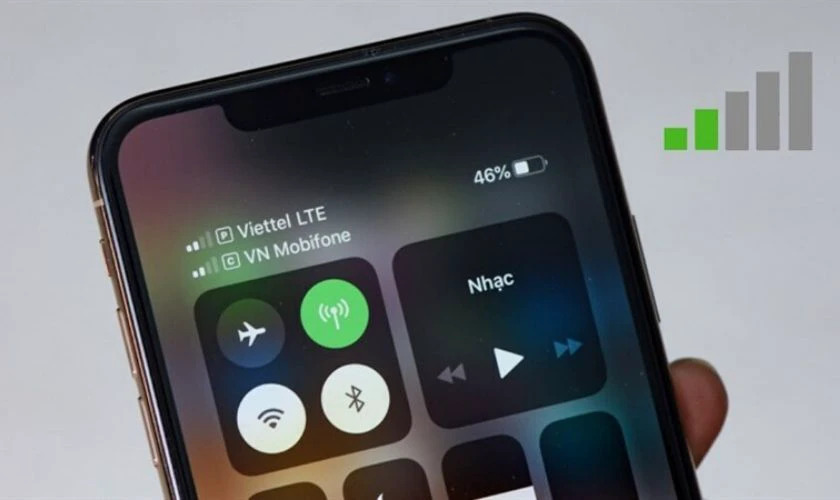
Signal quality is a factor that directly affects battery life, regardless of whether you are using eSIM or a physical SIM. When in an area with weak signal, the phone must continuously search for and switch between base stations, while increasing transmit and receive power to maintain the connection. This causes the battery to drain faster than normal. This often happens when you are indoors, in remote areas, or when using an international eSIM with an unstable network. This is also why many people mistakenly think that using eSIM drains battery.
Network configuration is not optimized
Improper network settings also contribute to increased battery consumption. For example, turning on 5G in areas without stable coverage or leaving automatic network selection enabled while roaming. In that case, the device has to continuously scan and look for a better signal, leading to more energy consumption without the user noticing.
Increased data usage frequency
An important but often overlooked factor is user behavior. When you have eSIM, especially data plans with unlimited data or large allowances, users tend to use the internet more. Constant use of maps, social media, videos, or online apps causes the device to consume more power.
Background apps running more often
When the network connection is stable, background apps will automatically sync data, update information, or continuously send notifications. If not well controlled, these activities happen silently but still consume a significant amount of battery. This is also an indirect reason why users feel the battery drains faster when using eSIM.
How to use eSIM efficiently to save battery
Although eSIM is not the direct cause of battery drain, how you use and set it up on the device greatly affects actual battery life. Optimizing it properly not only helps extend usage time but also ensures a stable connection, especially when traveling or working continuously.
Turn off unused SIMs
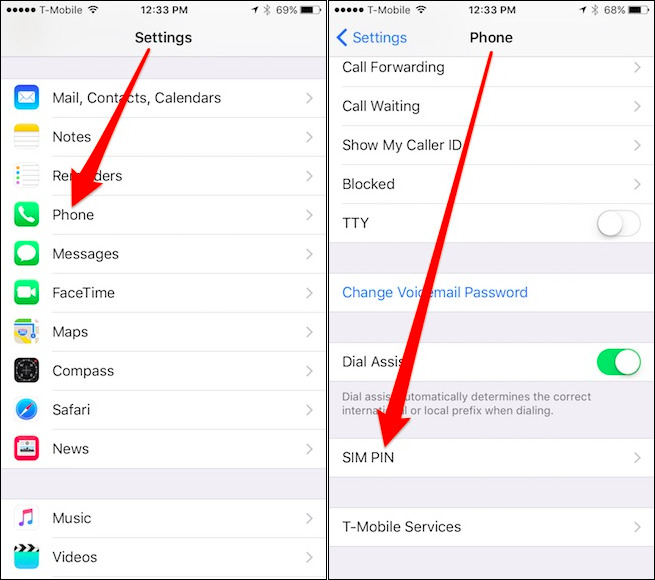
If your device has multiple SIMs turned on at the same time, whether it is eSIM combined with a physical SIM or multiple eSIMs, consider turning off the SIMs you do not need. When each SIM is active, the modem has to maintain multiple parallel connections, leading to higher power consumption. Keeping only the main SIM will help reduce system load and save battery noticeably.
Choose the right network
Choosing a stable network is an important factor in reducing battery consumption. When the device connects to a network with a strong signal, data transmission becomes smoother and uses less power. On the contrary, if automatic network selection is enabled in a weak-signal environment or while roaming, the phone will continuously search and switch between carriers, causing battery to drain faster. In some cases, manually selecting a stable carrier is more effective.
Control background apps
Background apps are a common reason battery drains quickly without users noticing. When using eSIM, especially data plans with large allowances, many apps will automatically sync data such as email, social media, or cloud storage. Limiting network access for unnecessary apps, turning off automatic updates, or controlling notifications will help significantly reduce battery consumption.
Optimize mobile network settings
You should adjust some settings to match real usage conditions. For example, if you do not need high speed, you can switch from 5G to 4G to reduce power consumption. Also, avoid letting the device continuously search for signal in weak-signal areas for long periods. These small adjustments can make a big difference in battery life.
Turn on battery saver mode when needed
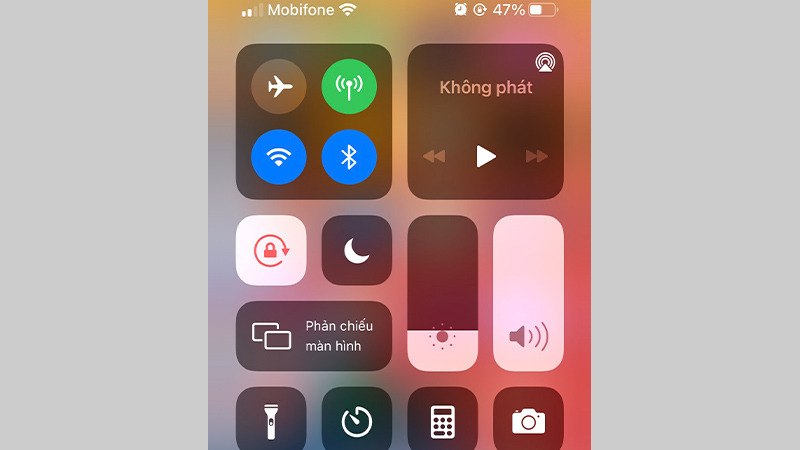
In situations such as traveling a lot, being out all day, or not having the chance to charge regularly, battery saver mode is an effective solution. This mode will automatically limit background activity, reduce performance, and optimize connectivity to extend usage time. When combined with eSIM, this is a way to maintain a stable connection while still ensuring the battery does not drain quickly.
See also: Guide to using eSIM on iPhone 12 simple and easy to do
Frequently asked questions (FAQ)
Below are common questions users often care about when learning about and using eSIM, especially regarding performance and real-world experience.
Does eSIM drain more battery than a regular SIM?
No. Technically, eSIM and physical SIM both use the same mobile modem to connect to the network, so battery consumption is equivalent. There is no evidence that eSIM drains more battery under the same usage conditions. If you notice faster battery drain, the cause is usually weak signal, network configuration, or usage habits, not eSIM itself.
Where can I buy an international travel eSIM?

You should choose reputable providers to ensure stable connectivity and quick support when needed. One worthwhile option is SimPM, a provider specializing in travel eSIMs in more than 200 countries and territories.
SimPM offers a wide range of popular eSIM plans such as China eSIM, Thailand eSIM, Korea eSIM and many other countries, suitable for both travel and business needs. After purchase, you will receive the QR code by email very quickly, and can activate it immediately without waiting. In addition, the technical support team is always ready to help throughout the usage process, giving you peace of mind when connecting abroad.
Does using an international eSIM drain battery?
In some cases, when using an international eSIM, you may notice the battery drains faster than usual. The main reason is that the device has to connect to partner networks, where the signal may sometimes be unstable or carrier switching may occur. In that case, the modem will work more to maintain the connection. However, this is a network-environment factor, not caused by the eSIM itself.
Does using 2 eSIMs at the same time drain battery?
Yes. When you turn on two eSIMs at the same time, the device has to maintain two parallel network connections, causing the modem to work continuously and consume more power. This is a common reason for faster battery drain, especially if both SIMs are using data or have unstable signals. To save battery, you should turn off the SIM you do not need when not in use.
So, SimPM has clearly answered the question “Does using eSIM drain battery?”: eSIM does not drain battery more than a physical SIM. If you are looking for a stable travel eSIM solution that is easy to install and use as soon as you arrive, SimPM is a reliable choice, offering a wide range of eSIM plans along with fast technical support throughout your trip.









