Answering the Question: Can eSIM Use Zalo?

Whether eSIM can use Zalo is a common question for many people when switching to eSIM, especially travel eSIM and international eSIM. SimPM will help you understand how eSIM works and why you can completely feel confident using Zalo stably with eSIM.
What is eSIM? How does eSIM work?
eSIM is an electronic SIM built into the device, allowing users to connect to mobile networks without using a physical SIM. Instead of inserting a traditional SIM card, users only need to scan a QR code or install the eSIM profile provided by the provider to activate the service. eSIM technology is now supported on many newer smartphone, tablet, and smart device models.
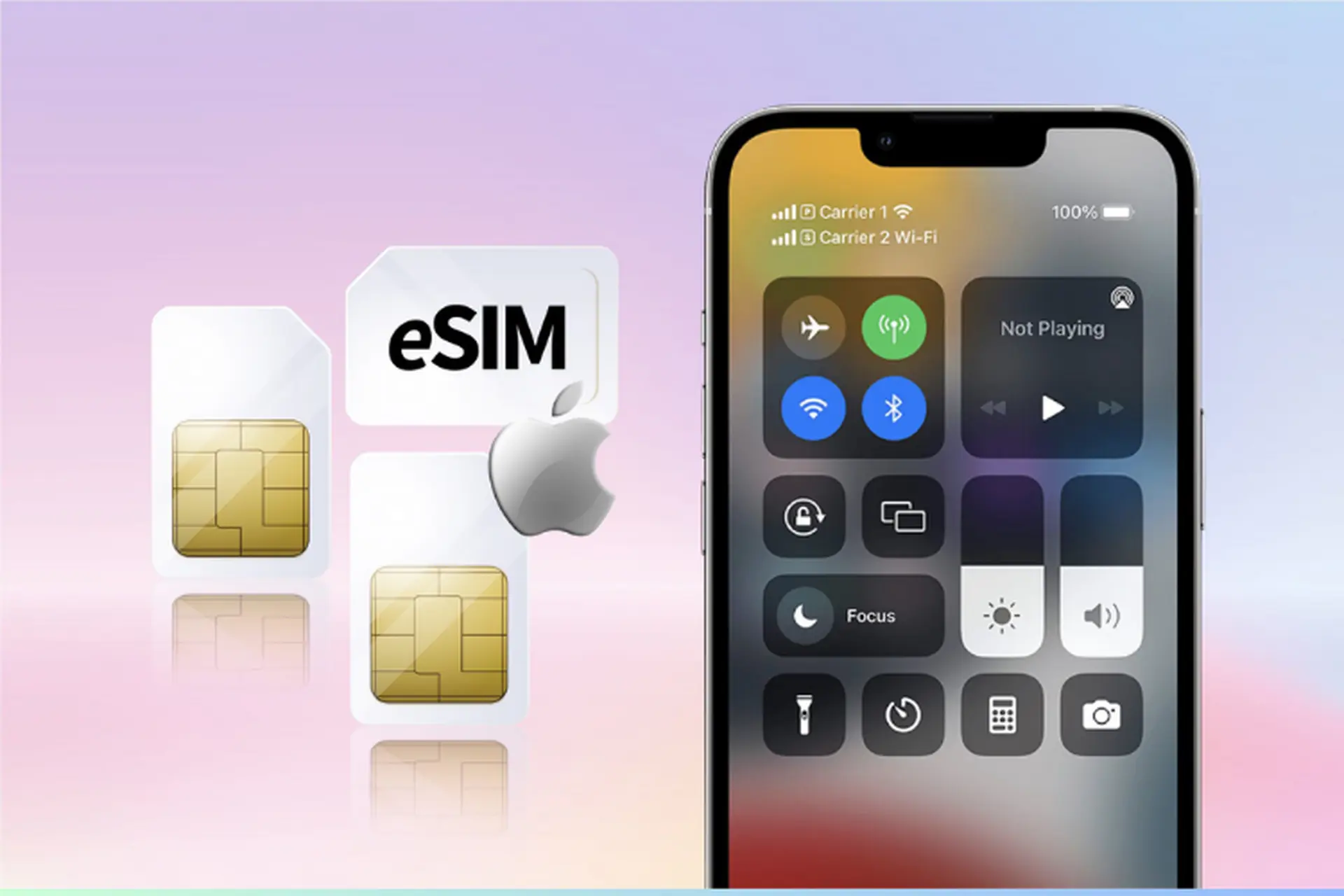
In terms of how it works, eSIM fully performs the subscriber authentication function with the carrier, similar to a physical SIM, but all information is managed digitally. After installation, eSIM will connect directly to the mobile network and provide internet data to the device.
Thanks to fast activation, easy management, and the ability to be used alongside a physical SIM, eSIM becomes a flexible solution, especially suitable for people who travel frequently, go on trips, or need continuous internet connectivity without relying on a traditional SIM.
Can eSIM use Zalo?

Can eSIM use Zalo? eSIM can absolutely use Zalo, and this has been verified through real-world use by many travel eSIM and international eSIM users. Zalo is a communication app that operates on the internet, so it does not depend on whether the device is using a physical SIM or eSIM. As long as the eSIM has a stable mobile data connection, Zalo will work normally.
When using eSIM, the device still accesses the internet just like when using Wi-Fi or a traditional SIM. Thanks to that, users can log in to Zalo, keep their account active, and stay in contact continuously without interruption. Using eSIM does not change the phone number registered with Zalo, and does not affect contacts, messages, or chat history that already existed before.
In practice, many people who use eSIM for travel or overseas business trips still use Zalo every day to message, make voice calls, and video call back to Vietnam. The user experience mainly depends on the quality and speed of the eSIM package’s network. If the eSIM has stable speed, Zalo features work smoothly, including video calls or sending large files.
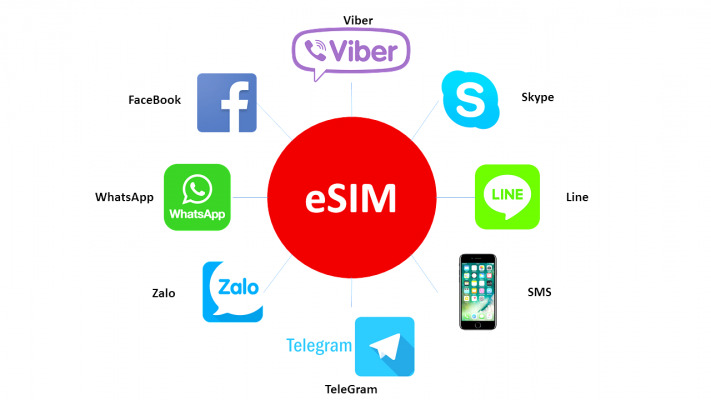
Zalo features that can be used when using eSIM
After understanding clearly whether eSIM can use Zalo, the next concern many people have is whether Zalo’s features are limited when using eSIM. In reality, if the eSIM has a stable internet connection, users can fully use Zalo’s functions just like when using a physical SIM or Wi-Fi. Below are the Zalo features that work normally when using eSIM.
Send text messages, images, videos, and files
When using eSIM, users can send text messages, images, videos, documents, and other file types through Zalo without any obstacles. Both personal and group chats are fully synchronized, and message history remains unchanged, unaffected by the switch to eSIM.
Zalo voice and video calls over the internet
Zalo’s voice call and video call features operate entirely based on an internet connection. Therefore, eSIM is well suited to Zalo calling needs, especially when traveling or on business trips abroad. If the eSIM has high speed and good stability, call quality is clear, with little lag or stutter, and not much different from domestic mobile networks.
Receive notifications, post status updates, and join groups
eSIM users still receive all Zalo notifications in real time, including new messages, incoming calls, and group notifications. In addition, posting status updates, viewing friends’ diaries, interacting, and joining family or work groups all work normally.
Use Zalo Pay when conditions are met
Zalo Pay can still be used when using eSIM, provided the account has been verified and fully linked according to system requirements. In some cases requiring security verification, Zalo may send an OTP code to the originally registered phone number, so users should keep their primary SIM for convenience when verification is needed.
See more: Answer: 1 Can 2 eSIM be used on a phone?
Cases where eSIM cannot be used for Zalo
Although eSIM can completely be used for Zalo under normal conditions, in reality there are still some cases where Zalo does not work or works unstably when using eSIM. These situations usually do not come from the Zalo app but from the connection quality or the characteristics of the eSIM package being used.
eSIM has run out of data or is speed-limited
The most common case is that the eSIM has used up its high-speed data allowance or has a bandwidth limiting policy applied. When network speed drops sharply, Zalo may become slow, messages may fail to load, and voice or video calls may be interrupted. With travel eSIM packages, this often happens if users do not control data usage or use many background apps.
eSIM network quality is unstable in some areas
eSIM network quality depends on the carrier infrastructure in the area where it is used. In some remote areas, crowded places, or within buildings with poor signal, the internet connection may be weak or unstable. At that point, Zalo may not receive notifications, may temporarily lose connection, or may not be able to make calls.
Installation error or incorrect eSIM configuration
If the eSIM has not been installed correctly, the network configuration is incomplete, or there is a conflict with the physical SIM, the device may not be able to connect to the internet. When the eSIM has no mobile data, Zalo will not be able to work even though the account is still intact.
Notes when buying eSIM for stable Zalo use
To keep Zalo running smoothly when using eSIM, choosing the right type of eSIM and the right provider plays a very important role. Based on practical experience in consulting and supporting eSIM users, below are the necessary notes to ensure a stable Zalo experience and minimize interruptions during use.
Prioritize eSIM with high speed and stable connection
Zalo is a data-intensive app, especially for video calling and file sending. Therefore, users should prioritize eSIM plans with high speed, stable bandwidth, and low latency. This helps Zalo calls stay clear and reduces lag or dropped connections midway.
Check the high-speed data limit policy
Many eSIM plans apply a high-speed data limit policy (fair usage). After using up this allowance, network speed will decrease significantly. Users should carefully check the plan information before purchasing to ensure the high-speed allowance is enough for their Zalo messaging, voice calling, and video calling needs throughout the usage period.
Limit background data sync to save data
When using eSIM, especially travel eSIM, users should turn off or limit background data-sync apps such as photo backups and automatic app updates. This helps save data and prioritize bandwidth for Zalo, thereby ensuring the app operates more stably.
Choose a reputable travel eSIM to get good support

eSIM quality depends heavily on the provider. Users should buy travel eSIM from a reputable provider such as SimPM, specializing in multi-country travel eSIM such as China eSIM, Korea eSIM, Singapore and many other countries. The eSIM QR code is sent quickly via email, is easy to install, and has support staff throughout the usage period, helping users feel secure when using Zalo anywhere.
If you are still wondering whether eSIM can use Zalo, the answer is absolutely yes, as long as the eSIM has a stable internet connection and fits your usage needs. To ensure a smooth Zalo experience when traveling or on business trips abroad, you should choose a quality international travel eSIM at SimPM, helping you stay seamlessly connected anytime, anywhere.