Which 7-Day South Korea Travel eSIM Should You Choose for Stable Internet?

A trip to South Korea for 7 days usually comes with a packed itinerary: at the airport, getting around, finding your way to attractions, and more. Buying a travel SIM is the ideal tool for travel, communication, and handling unexpected situations. Therefore, preparing a South Korea travel SIM 7 days before departure is an important step that helps you stay fully in control throughout your journey. This article by simPM will help you better understand and choose the most effective South Korea travel SIM.
Why should you buy a South Korea travel SIM for 7 days?
Many travelers choose international roaming because they think it is convenient and they do not need to change SIMs. However, for a trip lasting about one week, roaming is often expensive and has unstable speeds because it depends on agreements between Vietnamese carriers and Korean carriers. This can easily lead to slow connections, difficulty loading maps, or trouble booking rides during peak hours.
By contrast, a South Korea travel SIM for 7 days uses the local network infrastructure directly, delivering much more stable speeds of 4G/5G. You can comfortably use Google Maps, KakaoMap, and Naver Map for navigation, book taxis via Kakao T, look up destination information, share photos on social media, or make video calls back home to your family. Having your own Internet connection also means you do not have to rely on public WiFi (which often carries security risks and is not always available).
What types of South Korea travel SIMs are available for 7 days?
Today, travelers to South Korea usually choose between two main forms: traditional physical SIMs and electronic eSIMs. Each type has its own characteristics, fitting different usage habits.
Traditional physical SIM
A physical SIM is one that you need to insert directly into your phone, replacing your Vietnamese SIM while traveling. The advantage of this type of SIM is that it is easy to use, compatible with most device models, and some plans also offer unlimited data or include a Korean phone number for local calls and texts.
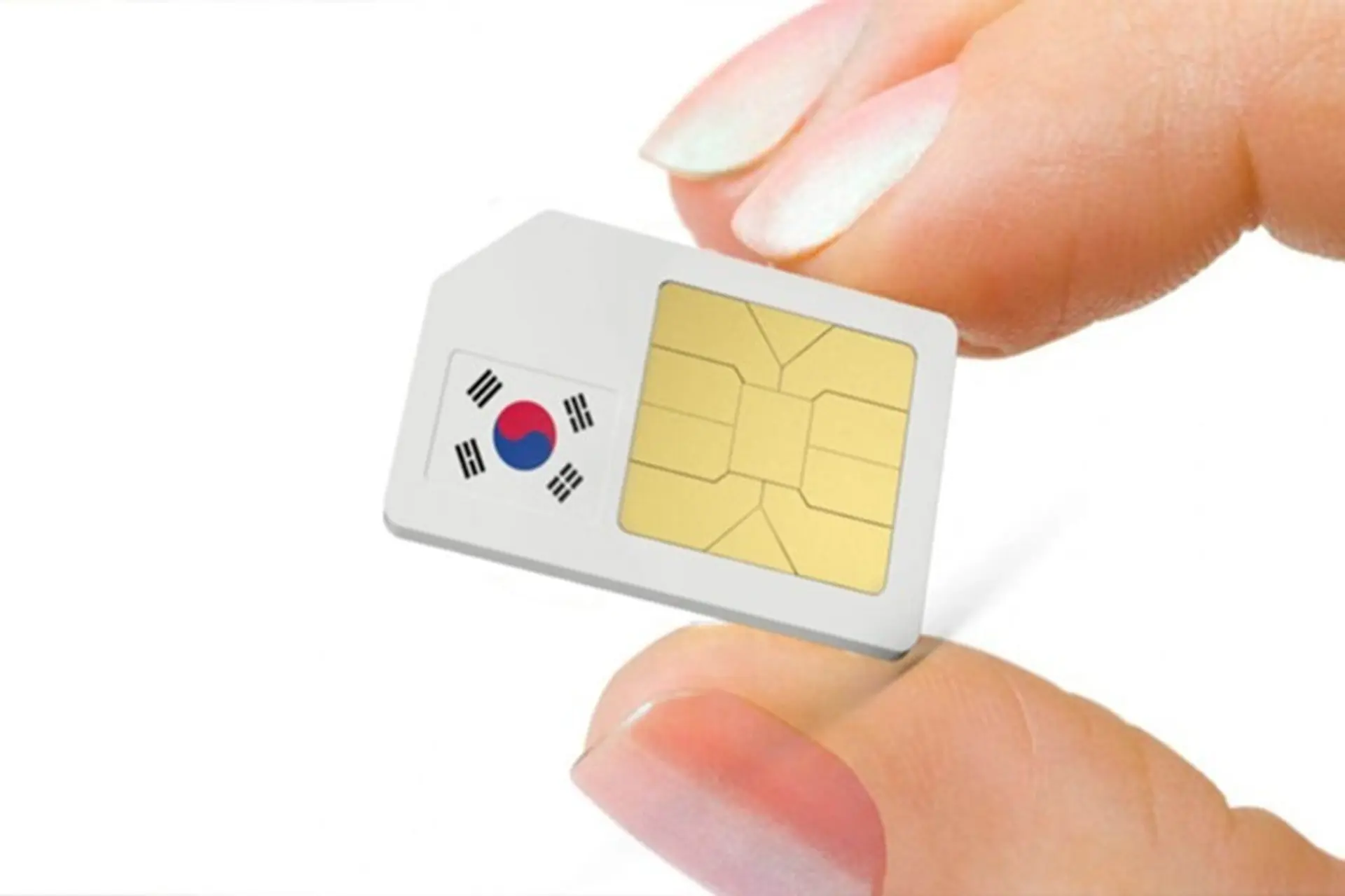
However, removing your primary SIM means you may have difficulty receiving bank OTPs or important calls from Vietnam. In addition, the small SIM card can be easily misplaced, and you also need to wait for the SIM to be delivered before departure or line up to buy one at the airport upon arrival.
South Korea travel eSIM
An eSIM is a digital SIM that is installed directly onto your device via a QR code. You do not need to remove your existing physical SIM. On iPhone models from XS and above or many premium Android models, the eSIM works alongside the primary SIM.
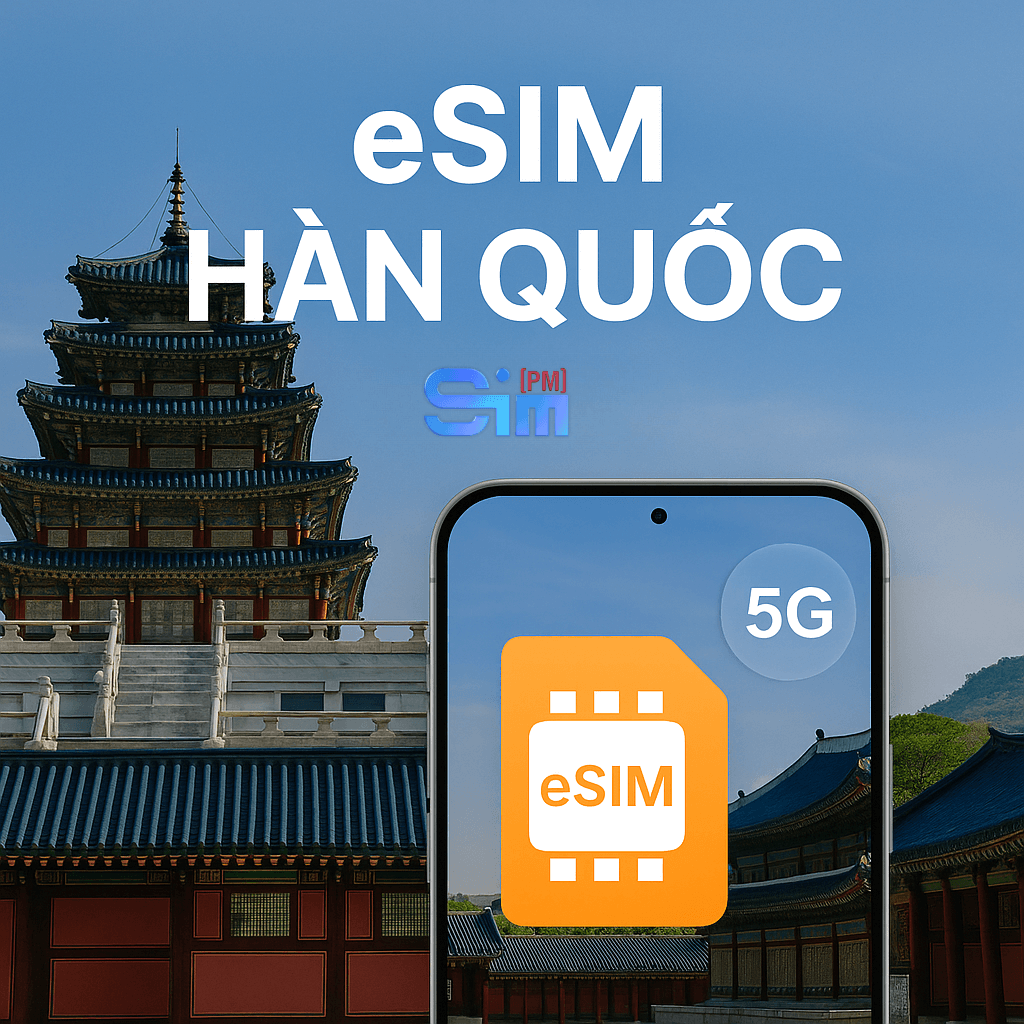
The biggest advantage of an eSIM is convenience and flexibility. You can:
- Buy online and receive the QR code by email
- Set it up before flying
- Turn it on as soon as you land
Throughout the 7-day trip, your Vietnamese SIM still works to receive OTPs, while the eSIM handles Internet data.
If you are looking for a South Korea travel SIM for 7 days for your trip, you can also consider the South Korea eSIM plans from SimPM to keep the same familiar setup method across many countries in Asia.
How much data should you choose for 7 days in South Korea?
To choose the right data allowance, you need to analyze your actual usage habits. On average, a user who continuously uses maps, browses social media, and watches short videos can consume from 1GB to 1.5GB per day.
If you:
- Only use maps and basic messaging → 500MB/day may be enough but is fairly close to the limit.
- Use social media, watch light videos, and look up information often → 1GB/day is suitable but still requires control.
- Watch videos frequently, make video calls, or share WiFi with other devices → 2GB/day is safer.
For a 7-day trip, you should not choose a plan that is too close to your actual needs. Running out of data in the middle of the day, especially while moving around in an unfamiliar area, can cause major inconvenience. Therefore, if you are deciding between 1GB and 2GB/day, choosing the higher option is usually better in terms of experience.
Which carrier should you prioritize when choosing a South Korea travel SIM for 7 days?
In South Korea, the three main carriers are SK Telecom (SKT), KT, and LG U+. Among them, SKT is often considered to have the widest coverage and the most stable quality, especially when traveling between provinces or to less populated areas.
If your itinerary includes many places such as Seoul, Busan, Nami Island, or Jeju, using a SIM based on SKT infrastructure helps reduce the risk of signal loss or unstable speeds while traveling by KTX high-speed train or long-distance bus. The South Korea eSIM plans at SimPM currently use the SKT network, making them suitable for travelers who need a stable connection throughout the full 7 days without relying on public WiFi.
Do you need a SIM with a Korean phone number?
The answer depends on the purpose of your trip. If you are traveling purely for 7 days, most needs can be handled through apps. Booking a taxi via Kakao T, making restaurant reservations online, or contacting your hotel by email does not require a local number.
However, in the following cases, a Korean phone number can be useful:
- Working with local partners
- Long-term stay
- Needing to receive verification SMS from local services
For short-term travelers, a data-only eSIM is often the more reasonable choice because it is simple and cost-effective.
When should you install and activate a travel SIM?
The time you install and activate your SIM, especially an eSIM, directly affects whether you use the full number of days and whether you run into connection problems right after landing. Many issues such as “no network on arrival,” “one day of usage deducted,” or “the phone does not recognize the eSIM” all stem from installing it at the wrong time or missing an important step.
Below is a detailed guide by stage to help you use a South Korea travel SIM for 7 days to the fullest.
Best time to install the eSIM: Before departure, in Vietnam
With an eSIM, you should install it while still in Vietnam, in a stable WiFi environment and when you have enough time. This helps you resolve issues in time if problems arise, such as not being able to scan the QR code, the device reporting incompatibility, or entering incorrect information.
The “installation” process here only adds the eSIM profile to your phone; it is not yet activating data use in South Korea. After scanning the QR code and successfully adding the eSIM, you will see a new mobile plan appear in your phone’s SIM settings.
After this step, you should:
- Give the eSIM an easy-to-remember name (for example: “Korea 7 Days”) so you do not confuse it with your primary SIM
- Turn the eSIM off or do not select it as the primary mobile data line yet
Setting it up in advance helps you avoid depending on airport WiFi when you arrive, while also reducing the risk of rushed setup after a long flight.
The time NOT to turn on the eSIM: While still in Vietnam
Many people turn on mobile data right after setting up the eSIM to “test the network.” This is not something you should do.
Most travel eSIMs count the usage period from the moment the eSIM first connects to a partner network abroad. If you turn on the eSIM and let the phone search for a network while still in Vietnam, the system may record the start of the usage cycle, causing you to lose part of the first day. Therefore, after setup, keep the eSIM turned off or not selected as the data SIM until you actually arrive in South Korea.
Activation time: Right after landing in South Korea
The ideal time to activate the eSIM is after the plane has landed, you turn off airplane mode, and you are preparing to leave the airport area.
Steps to follow in order:
- Go to mobile settings and turn on the South Korea eSIM
- Select this eSIM as your primary mobile data line (Cellular Data / Mobile Data)
- Turn on Data Roaming for the eSIM
- Turn on Data Roaming in cases where the travel eSIM does not incur any extra charges. This is only a technical condition for the eSIM to connect to the SKT network (or the corresponding local Korean network).
After completing these steps, it usually takes from a few dozen seconds to a few minutes for the phone to get signal. If there is still no network immediately, you can turn airplane mode on/off once or restart the device to refresh the connection.
You should not insert and turn on the travel SIM too early in Vietnam, because some SIMs will start counting the usage day as soon as they are activated for the first time. In addition, while still in Vietnam, the SIM may not be able to connect to a network, making it easy to mistake it for a faulty SIM.
After inserting the SIM in South Korea, you just need to turn on mobile data and, if necessary, enable data roaming according to the provider’s instructions.
Tips for using a South Korea travel SIM for 7 days smoothly and avoiding running out of data
During your 7 days in South Korea, you will use the Internet more than usual because you need to constantly check maps, find train routes, look up place information, and communicate through social media. If you do not control usage properly, your data may run out early in the day or slow down right when you need it most. With just a few small habit changes, you can use a South Korea travel SIM for 7 days very comfortably:
- Limit background apps that consume data, such as automatic photo backups to iCloud or Google Photos, email syncing, app updates, or downloading new social media content. Before your trip, you should turn off photo backup using mobile data and disable automatic app updates when you are not on WiFi.
- Maps are the most-used apps when traveling independently. Instead of keeping Google Maps or Naver Map open all the time, you should download offline maps for the areas you will visit in advance and only turn them on when you need directions. Once you know the route, you can turn off the screen or exit the app to reduce data and battery usage.
- When traveling by subway or bus, you should lower video quality to medium instead of HD. Long videos or uploading photos and clips to social media should be done at the hotel using WiFi.
- Only turn on hotspot sharing when truly needed, and avoid letting other devices automatically update software or download large files through the hotspot.
- At the end of each day, you should check your data usage. If you see that your allowance is running low, prioritize using WiFi in the evening and limit video watching the next day.
Choosing an SIMPM eSIM makes your 7-day trip more complete
A suitable South Korea travel SIM for 7 days not only helps you access the Internet but also ensures your trip goes smoothly, safely, and with full flexibility.
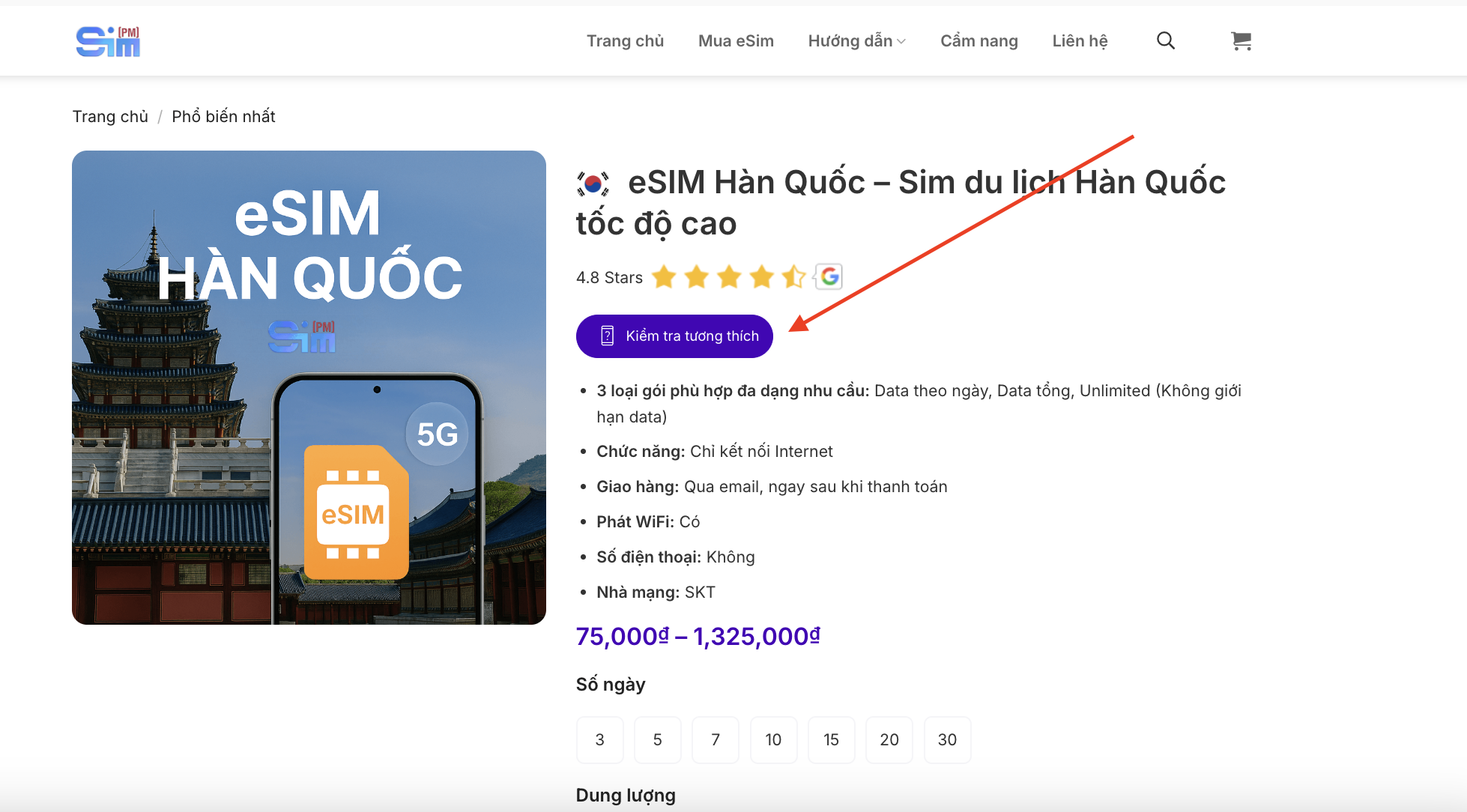
If you want a compact solution, fast delivery by email, stable SKT network use, and to keep your Vietnamese SIM for receiving OTPs, you can explore the South Korea travel eSIM plans at SimPM. SimPM offers many data-by-day options (3, 5, 7, 10 days…), detailed installation instructions in Vietnamese, and support when needed.
Outside of South Korea, contact the hotline 0919.999.336 of SimPM to learn more about eSIM options for many other regions, suitable if you frequently travel internationally, such as:
- Japan eSIM, Thailand eSIM for trips in Asia
- Germany eSIM, eSIM Hungary for trips in Europe
- US eSIM 5G for business trips or travel in the Americas
Getting familiar with eSIMs on a 7-day trip to South Korea can be a convenient first step for your next international journeys.