eSIM on iPhone No Signal: Causes and Fixes

eSIM on iPhone no signal is a situation that makes many users worry, especially when they urgently need to make contact or use the internet. We’ll help you recognize the signs, understand the causes, and handle the issue effectively when the eSIM on your iPhone has no signal, so you can use your eSIM more stably and with greater peace of mind.
What is the no-signal issue on iPhone eSIM?
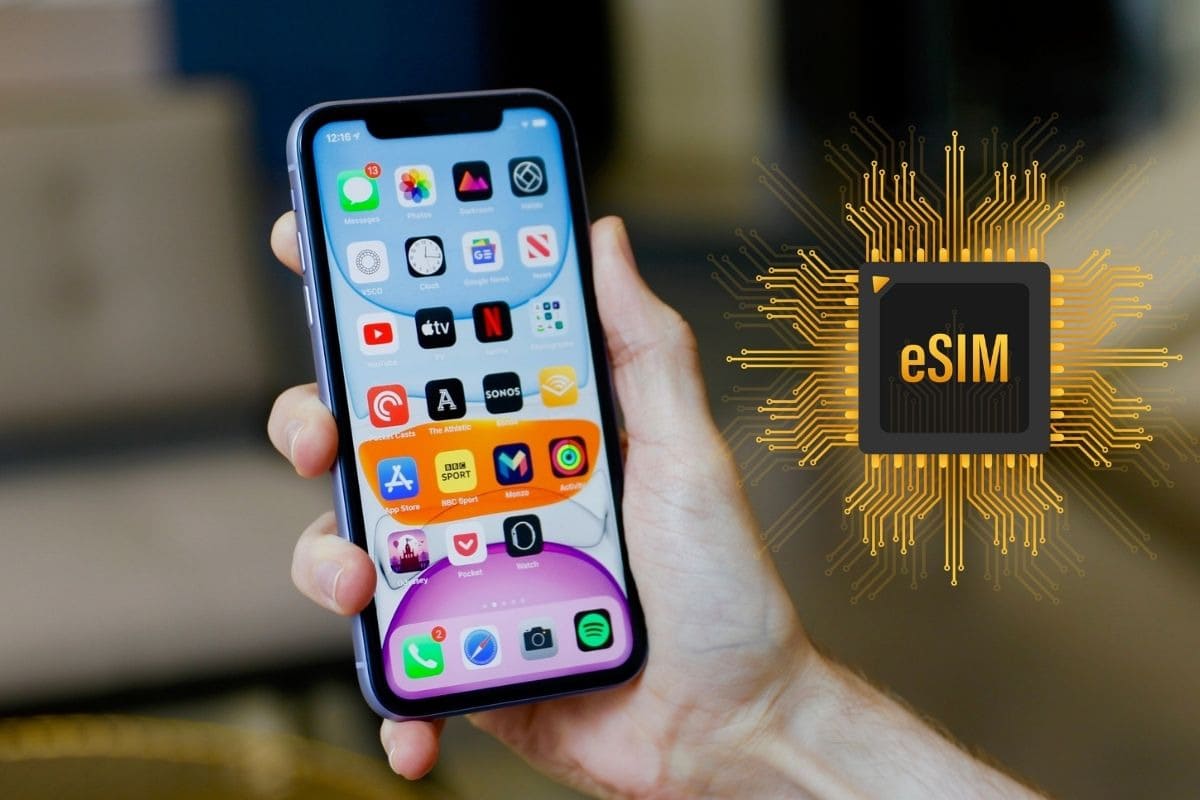
eSIM on iPhone no signal means the device cannot connect to the mobile network, even though the eSIM is still present in the system. When this error occurs, users may be unable to make phone calls, access mobile internet, or see a stable signal display.
Unlike a physical SIM, an eSIM works entirely based on a network profile downloaded to the device. Therefore, even a small mismatch in settings, coverage, or the data plan can cause the eSIM to lose signal, especially with travel eSIMs or international eSIMs.
Signs that the eSIM on iPhone has no signal
Recognizing the early signs of an iPhone eSIM no-signal issue helps users take action proactively and avoid communication disruptions. Below are the most common and easiest-to-notice signs during real-world use.
- iPhone shows “No Service” or “No service”: When this happens, the iPhone cannot connect to any mobile network. Users will not be able to make calls, send messages, or use mobile data even though the eSIM is still on the device.
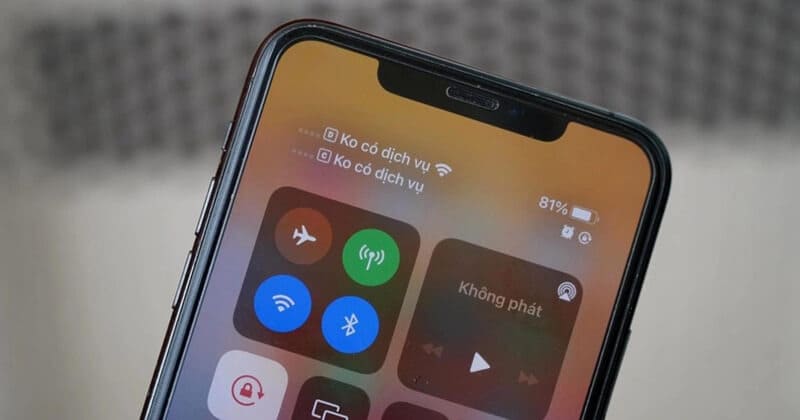
- Mobile signal is unstable, appearing and disappearing: The signal bars may appear and then disappear repeatedly in a short period. This indicates that the eSIM connection is unstable or the device cannot maintain a signal with the carrier.
- Cannot make calls or use mobile data: The iPhone may still show signal bars, but calls cannot connect and mobile internet does not work. This indicates that the eSIM is having an issue with service access permissions.
- eSIM still appears in settings but cannot connect to the network: In Mobile Settings, the eSIM is still enabled but cannot access the network. This case is often related to configuration errors, the data plan, or the connection with the carrier.
- An error message related to the mobile network appears: The iPhone may display an alert asking you to check mobile settings or network connection. This is a sign that the system cannot confirm the connection between the eSIM and the network in use.
Causes of eSIM no signal on iPhone
To effectively fix the iPhone eSIM no-signal issue, users need to understand the root causes behind the error. Below are the most common causes, analyzed based on real eSIM deployment experience and iPhone user behavior.
Mobile data has not been enabled for the eSIM
After installing the eSIM, iPhone does not automatically choose the eSIM as the main mobile data source in some cases. When mobile data has not been enabled or assigned to the eSIM, the device will not be able to access the network even though the eSIM appears normal. This is a common error for first-time eSIM users or those using both a physical SIM and an eSIM.
Airplane Mode was turned on by mistake
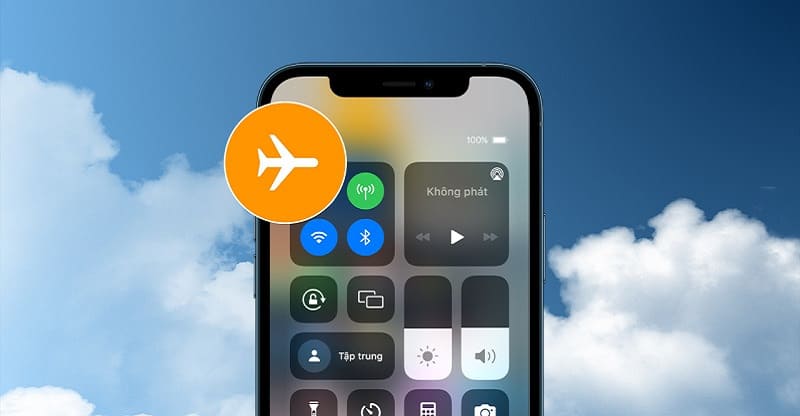
Airplane Mode turns off all wireless connections on the iPhone, including the eSIM’s mobile network. Many users turn this mode on while traveling or to save battery, but forget to turn it off, leading them to think the eSIM has no signal. When Airplane Mode is still on, the eSIM cannot connect to any carrier.
Conflict between the physical SIM and the eSIM
When an iPhone uses a physical SIM and an eSIM at the same time, the system needs to clearly determine which SIM is prioritized for data and calls. If settings are incorrect or a configuration error occurs, the eSIM can conflict and fail to get a signal. This usually happens when users switch networks frequently or change the roles of the two SIMs.
Area with unstable coverage
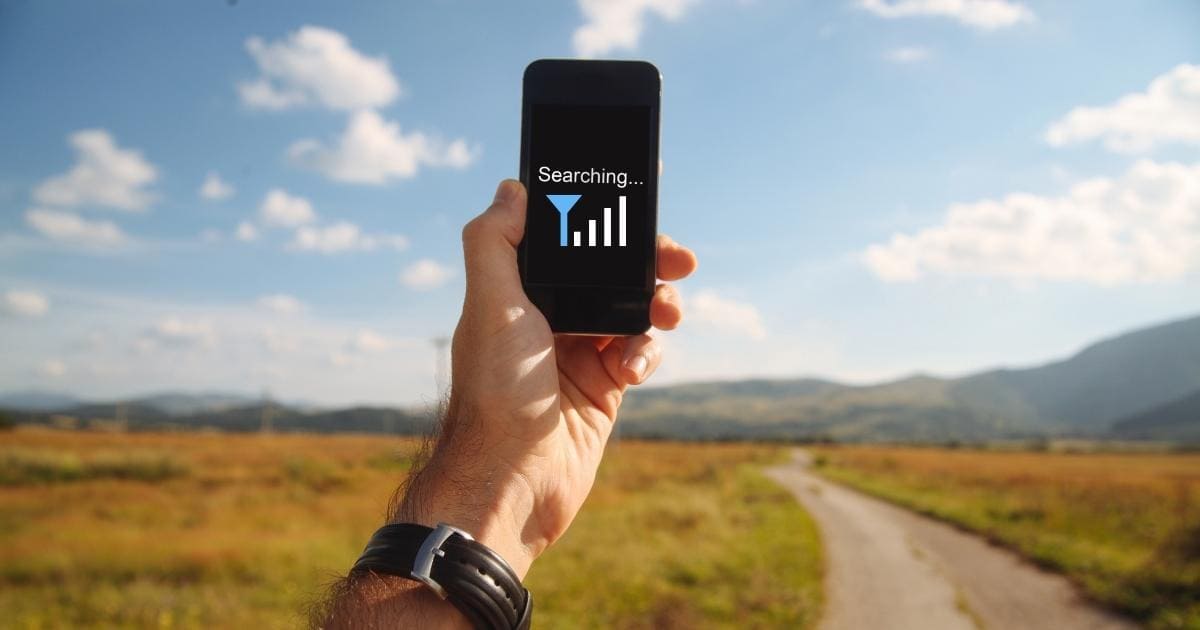
eSIM signal quality depends directly on the carrier’s coverage in the area where it is being used. In places such as basements, outlying areas, mountainous regions, or areas with many obstacles, the eSIM may not get a signal or the connection may be very weak. With travel eSIMs, this situation is even more likely if that area only supports certain networks.
The carrier is under maintenance or experiencing a system issue
At certain times, the carrier may perform maintenance or encounter unexpected technical errors. When that happens, the eSIM connection may be temporarily interrupted even though the iPhone settings are completely correct. Users can usually only wait for the system to become stable again or switch to another network if the eSIM plan allows it.
The eSIM data plan has run out or expired
With a data eSIM or travel eSIM, once the data allowance has been used up or the service plan has reached its validity period, the network connection will be cut off immediately. The iPhone will still show the eSIM, but it cannot access the internet or use services. This is a common cause that is easy to overlook if users do not monitor their data regularly.
iOS operating system error
Some iOS versions may develop errors related to mobile network and eSIM management. When an operating system error occurs, the eSIM may lose signal, the connection may become unstable, or the network may not be detected even though it was working normally before. This case usually requires updating to a newer iOS version or resetting network settings to fix it.
How to effectively fix eSIM no signal on iPhone
After identifying the cause of the signal loss, users should apply the appropriate fix so the eSIM on the iPhone can quickly work again. Below are effective solutions, organized by specific cause.
Fix eSIM no signal on iPhone due to mobile data not being enabled
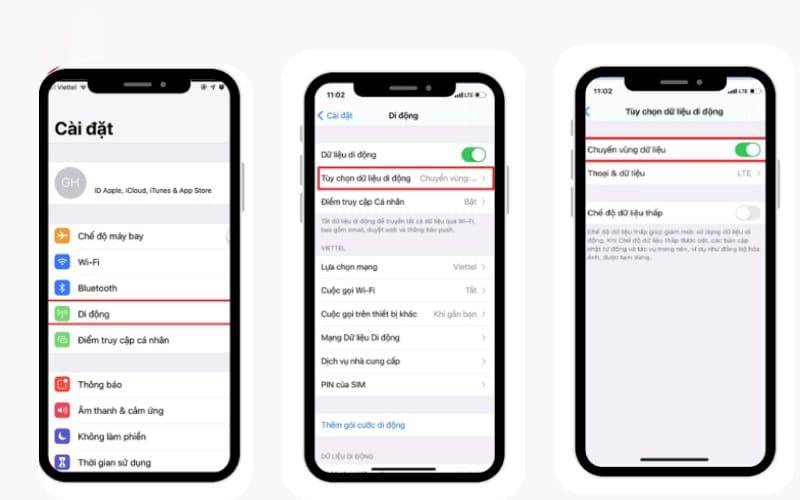
Users need to go to Settings > Mobile and check whether the eSIM has been selected as the primary mobile data line. If mobile data has not been enabled for the eSIM, the iPhone will not be able to connect to the network. Once enabled correctly, the device will usually pick up signal again immediately.
Fix eSIM no signal on iPhone due to Airplane Mode being turned on by mistake
Please check and turn off Airplane Mode on the iPhone, then wait about 30 to 60 g seconds for the system to reconnect to the network. In many cases, turning Airplane Mode on and off again helps refresh the connection and restore the eSIM signal quickly.
Fix eSIM no signal on iPhone due to a conflict between the physical SIM and the eSIM
When using a physical SIM and an eSIM together, users should recheck the data and call priority settings. You can try temporarily turning off the physical SIM so the iPhone prioritizes the eSIM connection. Once the eSIM is stable, you can turn the physical SIM back on if needed.
Fix eSIM no signal on iPhone due to weak signal area
If you are in a weak-signal area such as a basement, an outlying area, or a place with many obstacles, you should move to a more open location. Changing your location may help the iPhone regain a more stable eSIM signal.
Fix eSIM no signal on iPhone due to carrier issues
If the carrier is under maintenance or experiencing a system error, users usually cannot fix it immediately on their own. At this point, you should wait for the system to stabilize again or switch to another network if your eSIM plan allows multiple carriers to be selected.
Fix eSIM no signal on iPhone due to an expired data plan
Users need to check the data allowance and validity period of the eSIM plan they are using. When the data plan has run out or expired, you need to buy more data or renew the plan to continue connecting to the network. After renewal, the eSIM will work normally again.
Fix eSIM no signal on iPhone due to iOS operating system errors
Please check and update your iPhone to the latest iOS version to fix software errors related to eSIM. If needed, users can reset network settings to refresh the entire connection configuration. This usually helps improve signal loss caused by system errors.
See more: Will resetting all settings delete eSIM? Don’t reset before you know this
When should you contact the eSIM provider?
In many cases, users can check and fix iPhone eSIM errors themselves. However, there are still situations that require direct intervention from the eSIM provider to ensure the connection is restored properly and safely for the device.
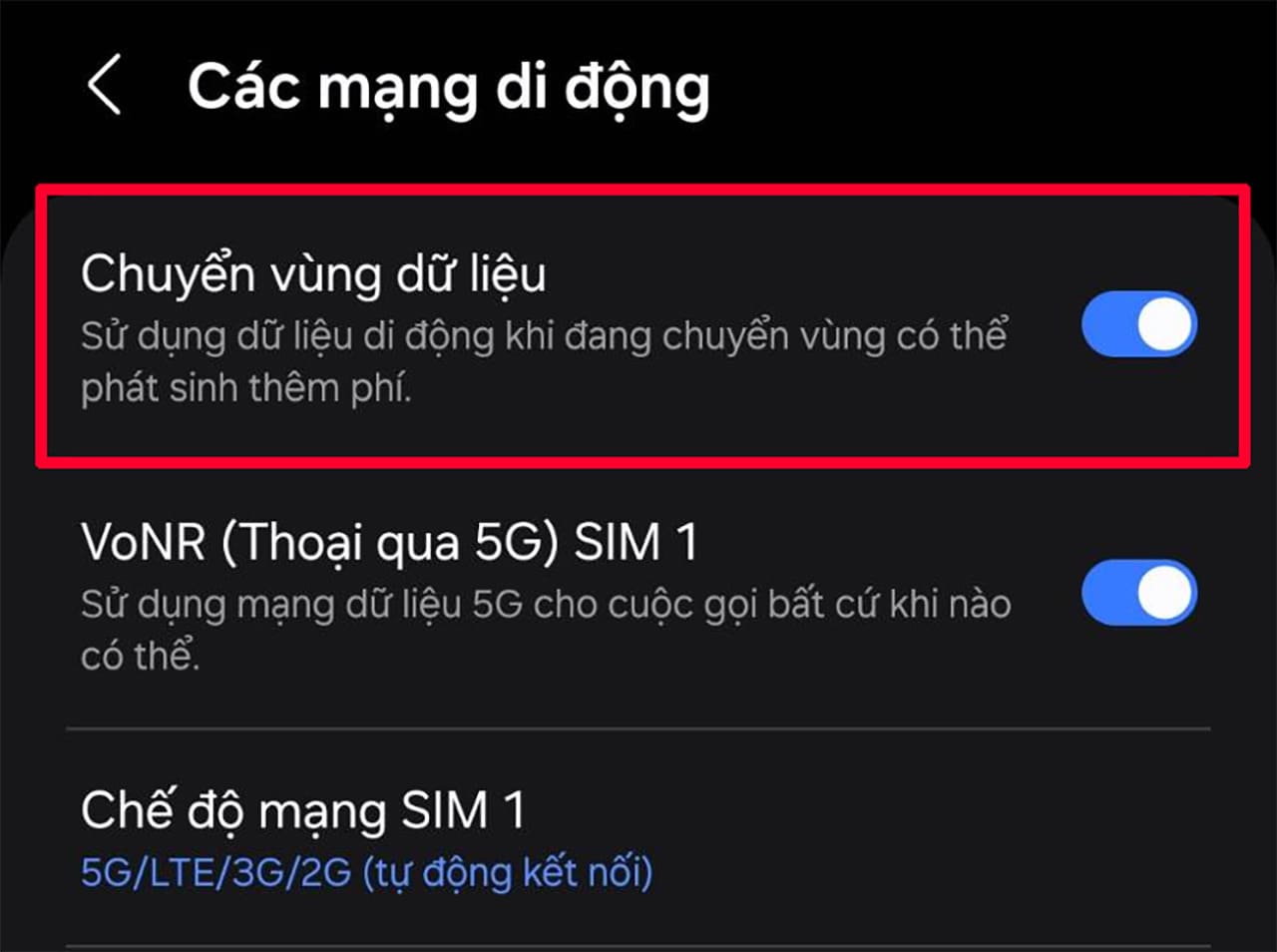
- You have tried the basic fixes but the eSIM still has no signal: When users have checked settings, mobile data, roaming, and reset the network but the eSIM still cannot get a signal, the issue is very likely coming from the system or the eSIM profile. At this point, the eSIM provider is the only party that can check the technical status on the server side.
- A newly purchased eSIM cannot be activated or cannot connect to the network: If the eSIM was just installed but does not get signal or cannot access data, this is often related to the activation process. The eSIM provider can help recheck the QR code, the eSIM profile, or reactivate it from the system.
- You suspect a technical error with the eSIM or bought the wrong country plan: If the eSIM does not support the country or network being used, the iPhone will not be able to connect even if the settings are correct. The eSIM provider can confirm the service plan again and help switch you to a more suitable plan.
See more: How to activate China eSIM in detail from A–Z for iPhone and Android
How to reduce the chance of eSIM no signal on iPhone in the future
To minimize the chance of eSIM no signal on iPhone during use, users should proactively prepare and choose the right solution from the start. Below are important measures, clearly organized by group for easier application.
Choose a reputable eSIM provider with transparent coverage

A reputable eSIM provider will clearly publish information about supported countries, partner carriers, and the actual coverage range. This helps users avoid buying an incompatible eSIM or one with weak signal at their destination.
If you need a stable travel eSIM, multiple country options, and clear technical support, you can refer to Sim PM with the China eSIM, Thailand, Japan, South Korea, Singapore, and Europe plans, suitable for both short vacations and long business trips.
Check whether the iPhone supports eSIM and international bands
Before buy eSIM, users need to confirm that the iPhone model they are using supports eSIM and is compatible with the network bands in the destination country. Some mainland China iPhone versions or carrier-locked devices may have limited connectivity, leading to no signal even though the eSIM is installed correctly.
Activate the eSIM before your trip
Activating the eSIM early helps users check connectivity and handle issues while they are still in their home country. If an error occurs, the eSIM provider can offer faster support than when the user is already abroad and urgently needs a connection.
Regularly monitor the eSIM data allowance and validity period
For data eSIMs and travel eSIMs, checking the remaining allowance and usage period helps avoid sudden signal loss due to the plan expiring. Users should proactively monitor usage, especially on long trips or when using a lot of data.
Keep the iPhone updated with stable iOS versions
iOS updates often improve eSIM management and mobile network connectivity. Maintaining a stable iOS version helps reduce software errors and ensures the eSIM works smoothly throughout use.
In short, eSIM no signal on iPhone is an issue that can occur during use, but it can be greatly reduced if users prepare and set it up correctly. Choosing the right eSIM, checking coverage, and activating it early will help reduce the risk of connection disruptions, especially when traveling abroad. If you need a stable travel eSIM with support for many countries such as China, Thailand, Japan, South Korea, Singapore, or Europe, you can refer to Sim PM for peace of mind and to stay connected throughout your journey.