
Does the iPhone XR Support eSIM? Setup Guide and Notes

Are you wondering whether the iPhone XR supports eSIM and whether this device is suitable for today’s needs, especially when traveling? In fact, the iPhone XR still supports eSIM, but not every version can use it and certain conditions must be met. Let SimPM walk you through its support, setup process, and the important notes for using eSIM most effectively.
Does the iPhone XR support eSIM?
Does the iPhone XR support eSIM? The answer is yes, but you need to understand the device version and usage conditions correctly to avoid confusion.
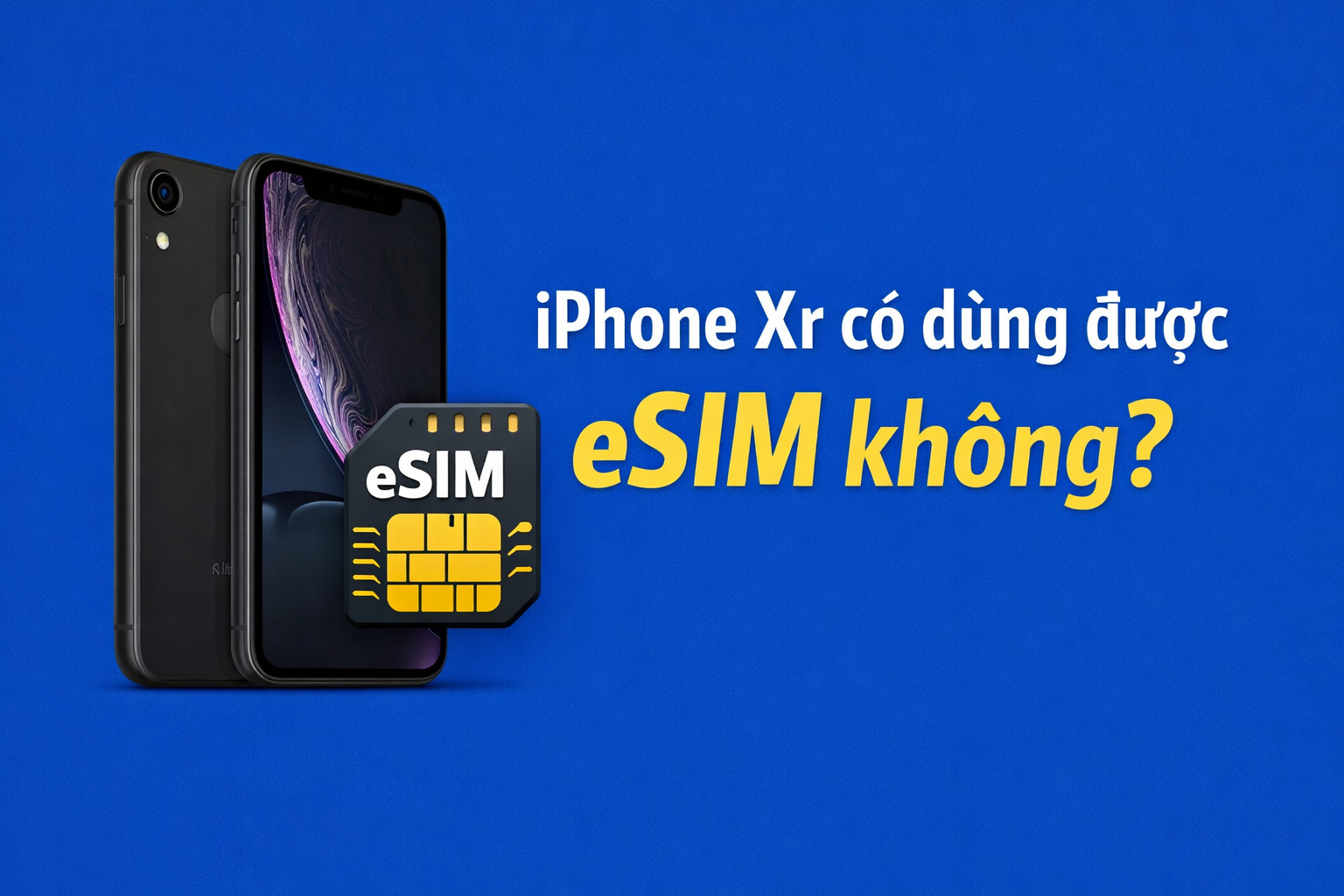
In essence, the iPhone XR is one of the first iPhone models Apple equipped with eSIM technology, allowing users to use 1 physical nano SIM and 1 eSIM at the same time. This makes the device more flexible in managing phone numbers, especially useful for people who travel often or need to separate personal and work contacts.
However, when researching “Does the iPhone XR support eSIM?”, many people often overlook an important factor: the market version. Not all iPhone XR models support eSIM:
- International versions (the US, Vietnam, Singapore, etc.) fully support eSIM.
- The version for China and Hong Kong does not support eSIM; instead, it has 2 physical nano SIM slot.
In addition, eSIM use also depends on whether the device is an international version (unlocked) and whether your carrier supports eSIM. If these factors are fully met, the iPhone XR can activate and use eSIM stably, just like newer iPhone models.
Requirements for using eSIM on the iPhone XR
Although the question “Does the iPhone XR support eSIM?” has a yes answer, in reality not every device can activate eSIM immediately. Users need to ensure several important conditions related to software, hardware, and carrier support for eSIM to work properly.
Compatible iOS version
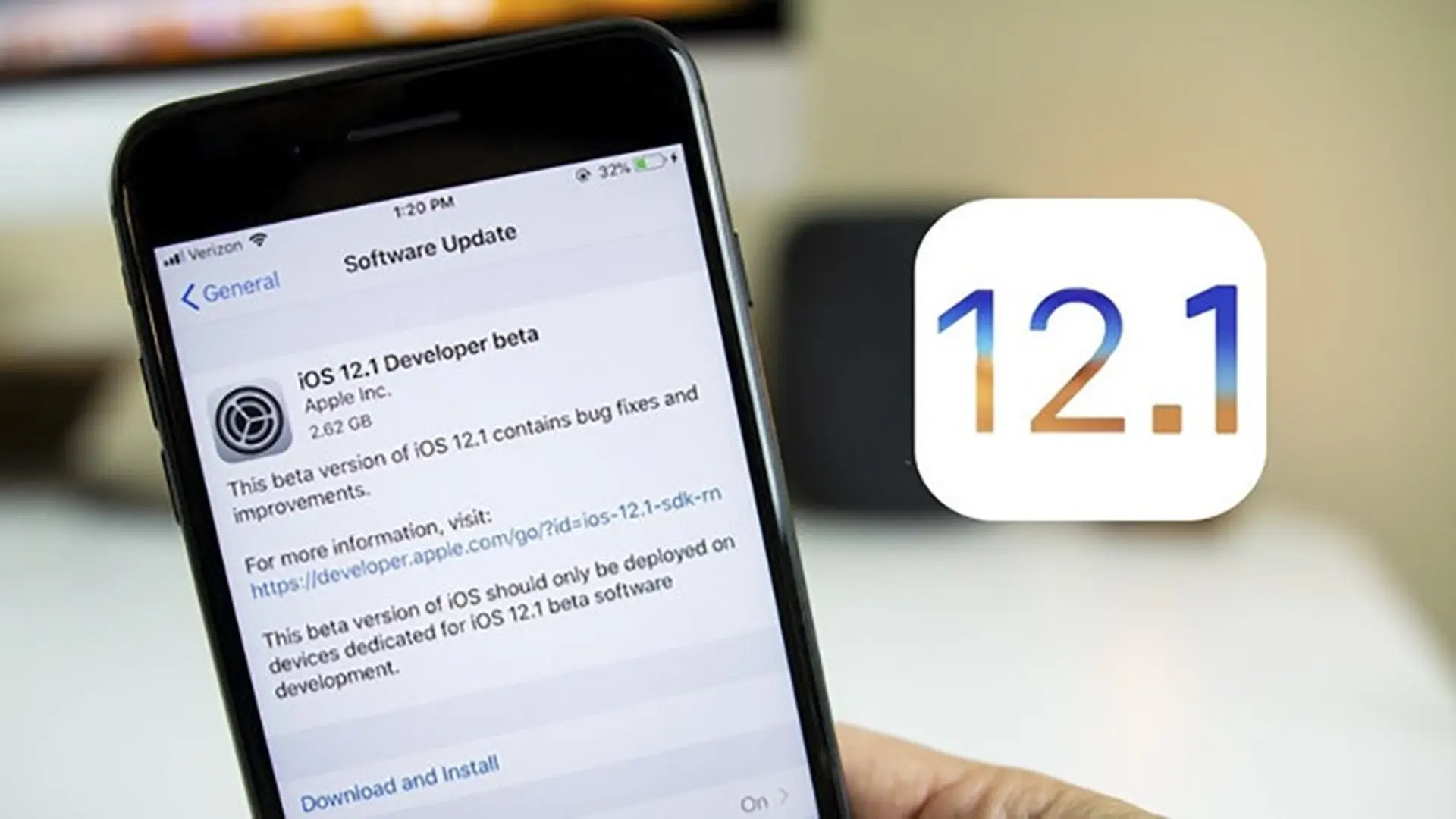
The iPhone XR only supports eSIM from iOS 12.1 onward. If the device is running an earlier version, the option to add an eSIM will not appear in Settings.
In addition, updating to the latest iOS version not only helps activate eSIM but also:
- Improves stability when using 2 SIM.
- Reduces issues such as signal loss or the plan not being recognized.
- Optimizes switching between the main SIM and eSIM.
Recommendation: always update iOS before installing an eSIM.
eSIM-supported carrier
eSIM only works when the carrier offers this service. In Vietnam, major carriers such as Viettel, Vinaphone, and Mobifone have already rolled out eSIM for iPhone XR users.
If using an international travel eSIM, you need to:
- Choose a reputable provider.
- Make sure the eSIM plan is compatible with the iPhone XR.
- Check the coverage area at your destination.
The device is an international version (unlocked)
This is a mandatory condition that is often overlooked. The iPhone XR must be an international (unlocked) version to add eSIMs from multiple carriers.
If the device is locked:
- You may not be able to add an eSIM.
- Or you may only be able to use the original carrier’s eSIM.
You can check by inserting a SIM from another carrier or going into Settings to view the network lock status.
Hardware version that supports eSIM
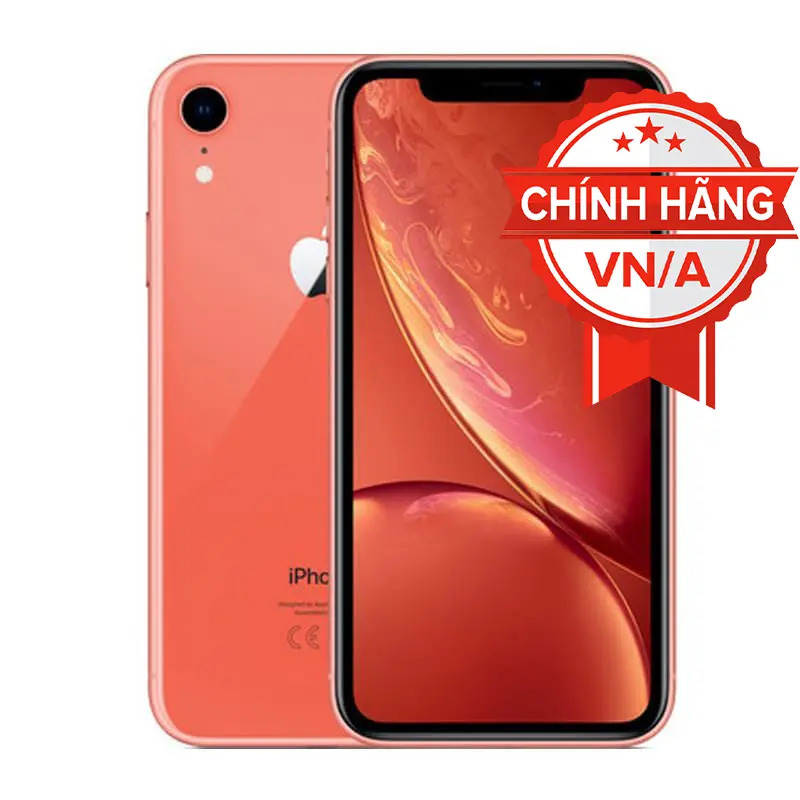
Not every iPhone XR has eSIM. As mentioned, the version for China and Hong Kong does not support eSIM.
Therefore, before buying or setting up, make sure to:
- Check the model number.
- Identify the distribution market.
Internet connection during setup
To activate eSIM, the device needs a stable internet connection (WiFi or 4G/5G). This is required to:
- Scan the eSIM QR code.
- Download the plan profile from the carrier.
Without internet, the eSIM addition process cannot be completed.
How to set up eSIM on the iPhone XR
Once you have confirmed whether the iPhone XR supports eSIM and the device meets all conditions, you can quickly set it up by following the steps below:
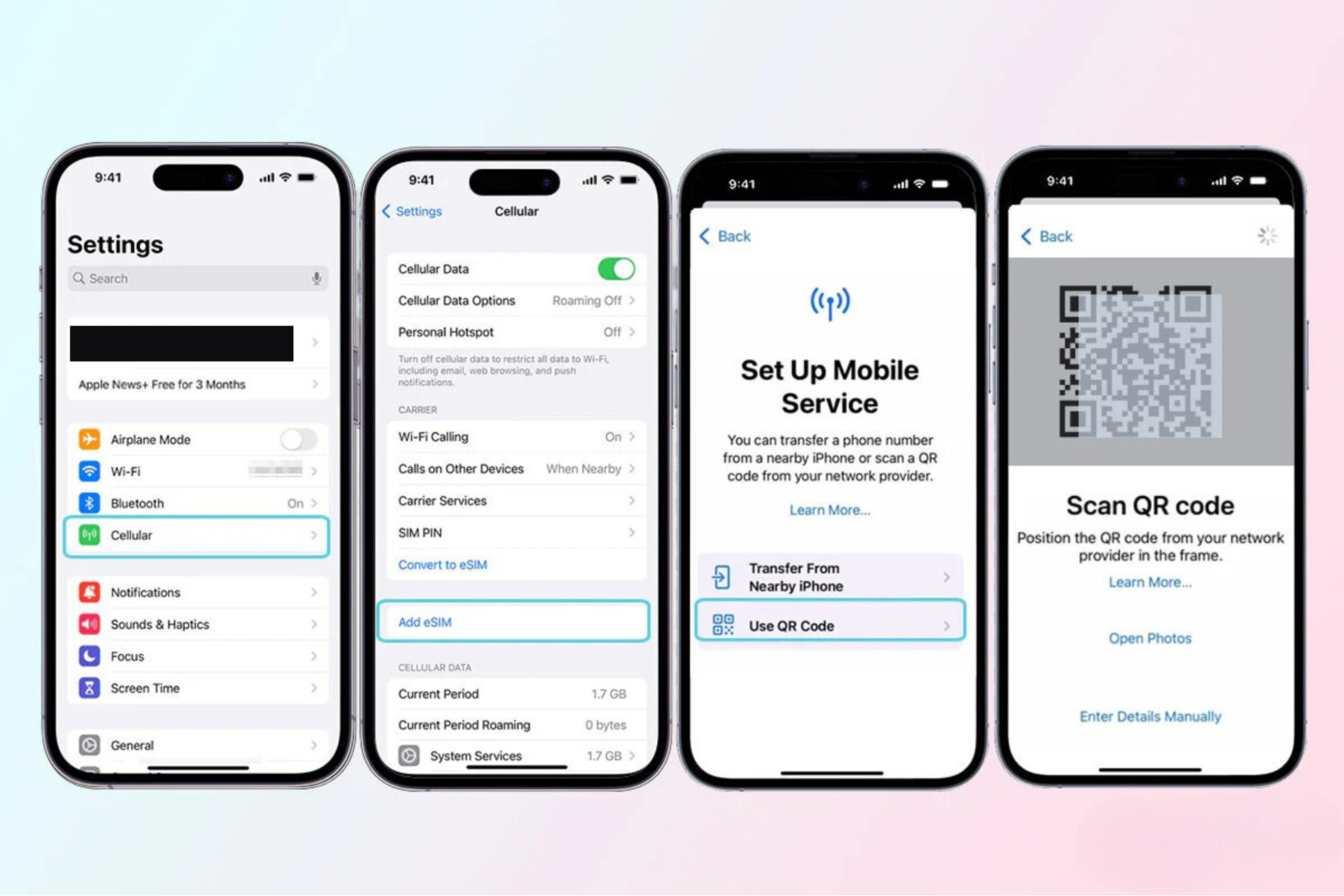
- Step 1: Open Mobile Settings
Go to Settings → select Cellular → tap Add Cellular Plan. - Step 2: Scan the eSIM QR code
Use the iPhone camera to scan the QR code provided by the carrier or eSIM provider.
Make sure the device has a stable internet connection. - Step 3: Confirm the plan
When the eSIM information appears → tap Add Cellular Plan to download the profile. - Step 4: Set up the SIM
Name the eSIM (for example: travel, work).
Choose the default SIM for data, calls, and messages. - Step 5: Finish and check
Check again in the Cellular menu.
Turn on eSIM data and try connecting to the internet to make sure it works normally.
Pros and cons of using eSIM on the iPhone XR
After understanding whether the iPhone XR supports eSIM and setting it up successfully, you should consider the pros and cons below to use it more effectively:
Advantages of using eSIM on iPhone XR
- No need for a physical SIM: eSIM is built into the device, completely eliminating the need to remove and insert SIM cards, and reducing the risk of damaging or losing the SIM.
- Use alongside 2 convenient SIM: iPhone XR supports 1 nano SIM and 1 eSIM, making it easy to separate personal and work communications on the same device.
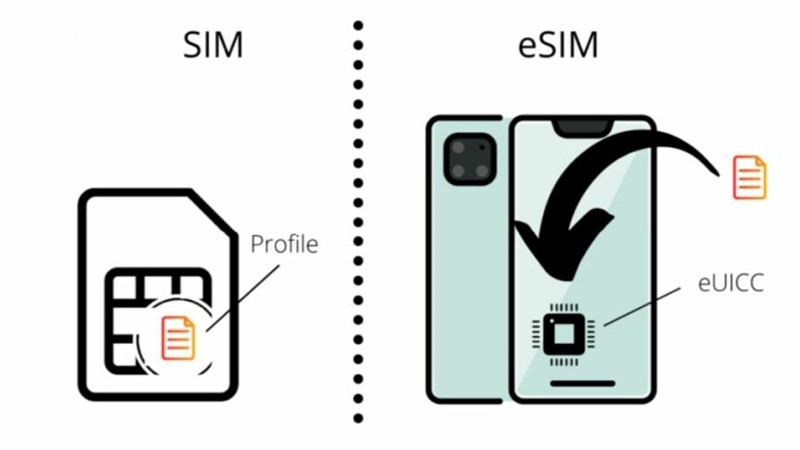
- Quick activation: just scan the QR code from the carrier or provider and you can start using it immediately, without needing to go to a store to register.
- Suitable for international travel: eSIM lets you buy a foreign data plan before your trip, helping you save on roaming costs and stay connected as soon as you arrive.
- Flexible switching between plans: users can store multiple eSIMs on the device and choose which one to use depending on their needs.
Disadvantages of using eSIM on iPhone XR
- Not every version supports it: iPhone XR units from the China and Hong Kong markets do not have eSIM, which can easily cause confusion when buying.
- Depends on the carrier: if the carrier or eSIM provider is unstable, signal and data quality may be affected.
See more: Can a locked iPhone use eSIM? Are there any restrictions?
Is the iPhone XR suitable for travel eSIM use?
The answer is yes. The iPhone XR is still a suitable device for using travel eSIM if you meet the correct device-version conditions and have successfully installed the eSIM.
In fact, although it is not the newest iPhone model, the iPhone XR is still considered stable when using eSIM, especially for short trips or independent travel. The device supports smooth switching between the main SIM and eSIM, helping users maintain domestic contact while using international data flexibly.
Reasons the iPhone XR is suitable for travel eSIM use:
- Quick activation before departure: you can buy an eSIM and scan the QR code right in Vietnam, so you’re ready to connect as soon as you arrive abroad without needing to find a SIM at the airport.
- Keep your main SIM active: no need to remove the physical SIM, and you can still receive calls and messages from your main number while using eSIM for internet access.
- Save on roaming costs: travel eSIMs are often priced better than international roaming, helping you control costs effectively.
- Suitable for many countries: current eSIM plans support multiple countries, which is convenient if you move across several destinations on the same trip.
- Easy to manage and switch: you can turn eSIM on/off or switch data directly in Settings without any physical operation.
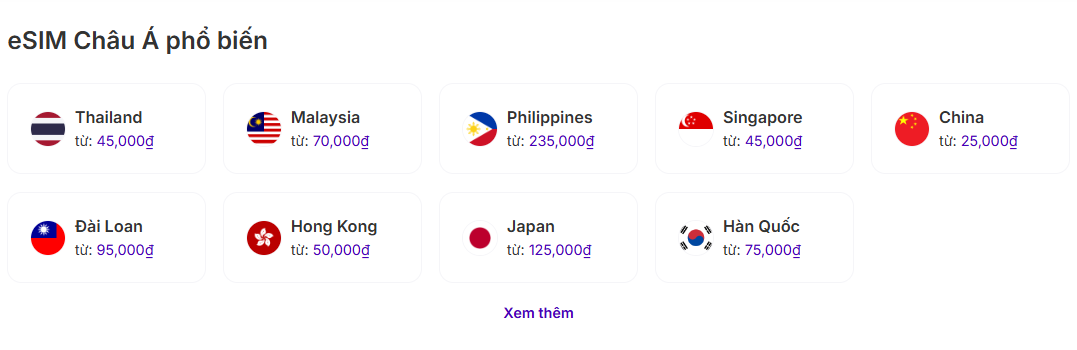
To ensure a stable experience when using eSIM on the iPhone XR, you should prioritize a reputable provider. Among them, SimPM is a worthwhile option with travel eSIM coverage in more than 200 countries and territories, meeting a wide range of international travel needs.
When users buy eSIM will receive the QR code quickly by email and can easily install it in just a few minutes without going to a store. In addition, SimPM also offers many flexible data plans for each trip, helping optimize usage costs. In particular, you do not need to remove your main SIM from the phone, can keep normal contact, and use eSIM right after activation.
See more: Answer: Does the iPhone 14 Pro Max support 2 eSIM?
Important notes when using eSIM on the iPhone XR
To use eSIM on the iPhone XR stably and avoid issues during use, you need to keep in mind the important notes below:
- Check the device version before buying an eSIM: not every iPhone XR supports eSIM, especially versions from China and Hong Kong, which cannot use it. Checking the model helps you avoid buying an eSIM that won’t work.
- Update iOS to the latest version: eSIM requires iOS 12.1 or later, but you should update to the latest version to minimize connection errors and ensure performance when using 2 SIMs.
- Prepare an internet connection during setup: scanning the QR code and downloading the eSIM profile requires WiFi or mobile data; otherwise, the activation process will be interrupted.
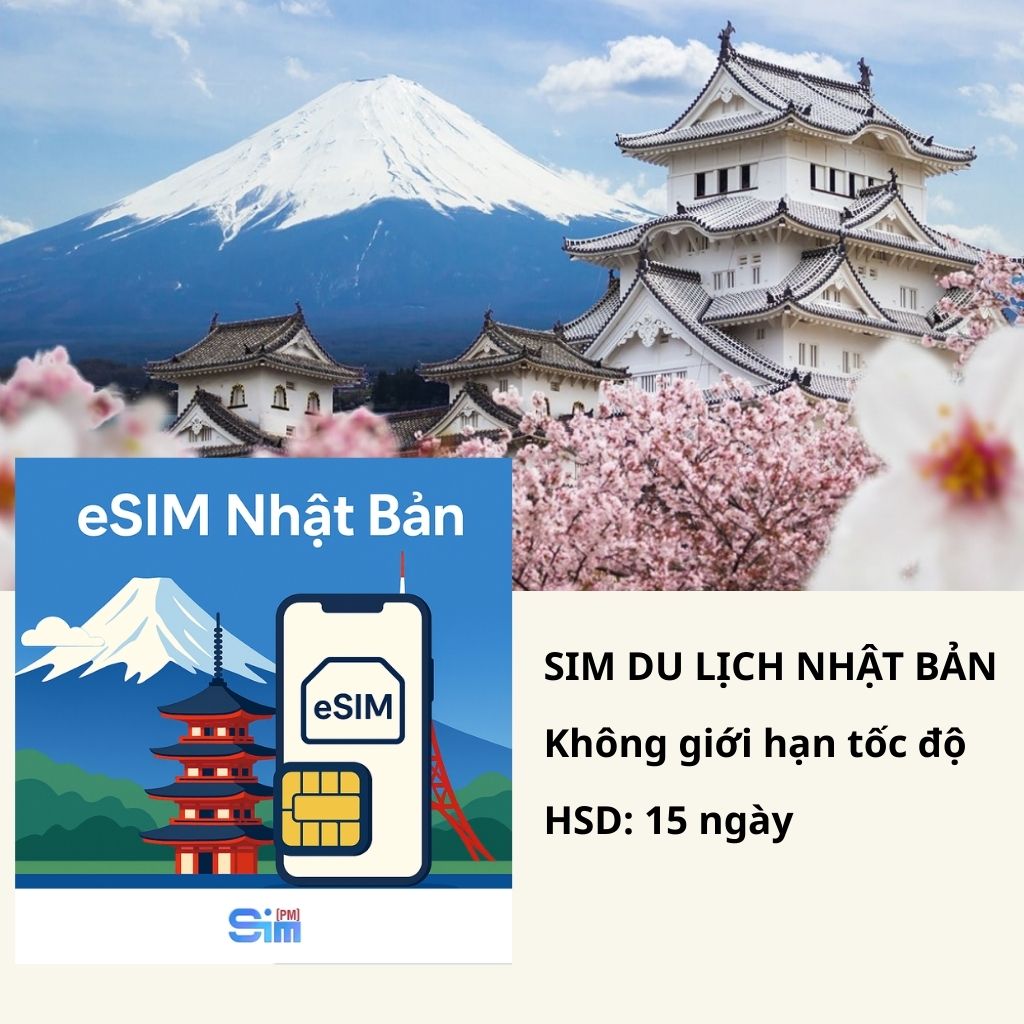
- Do not delete the travel eSIM before you finish using it: deleting the eSIM means losing the plan you are currently using, and travel eSIMs in particular cannot be restored without a new code. See some travel eSIMs that are currently of interest such as: China eSIM, Japan eSIM,…
- Choose the correct SIM for mobile data: when using nano SIM and eSIM together, you need to set the correct SIM for data to avoid unexpected charges, especially when abroad.
- Monitor your eSIM data allowance and validity period: many people forget to check the remaining data or usage period, causing connection interruptions while traveling.
- Restart the device if errors occur: if the eSIM does not get signal or has no data, restarting the phone often quickly fixes temporary issues.
It can be seen that the iPhone XR still supports eSIM and fully meets basic to advanced usage needs, especially for travel or when using multiple phone numbers at the same time. However, to use it effectively, you need to check the correct device version, ensure compatibility, and choose a reputable eSIM provider.
If you are looking for a fast, convenient, and cost-effective travel eSIM solution, SimPM is a worthwhile choice with coverage in more than 200 countries, easy activation using only a QR code, and prompt support. Contact SimPM now – 0919.999.936 to get advice on the right eSIM plan for your trip.









