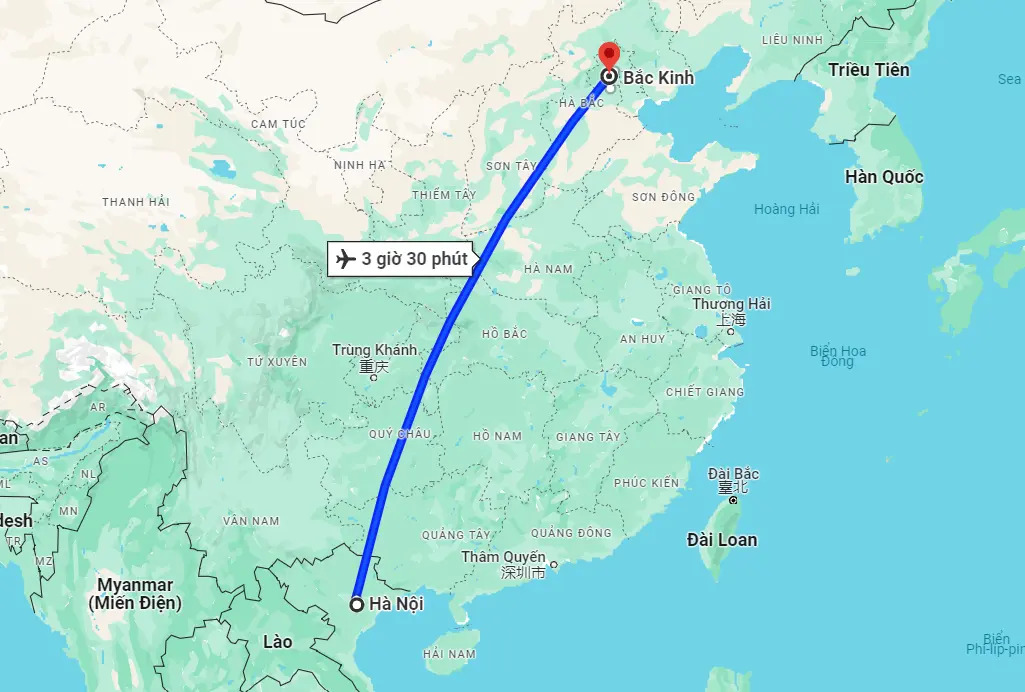
How to Activate a China eSIM: A–Z Guide for iPhone and Android

China eSIM is becoming a convenient internet connection solution chosen by many travelers, business visitors, and short-term workers in China. However, not everyone knows the correct time and process to activate a China eSIM. SimPM will guide you in detail, from the conditions you need to prepare, to installation, and how to activate your China eSIM when you arrive.
What is a China eSIM and when do you need to activate it?
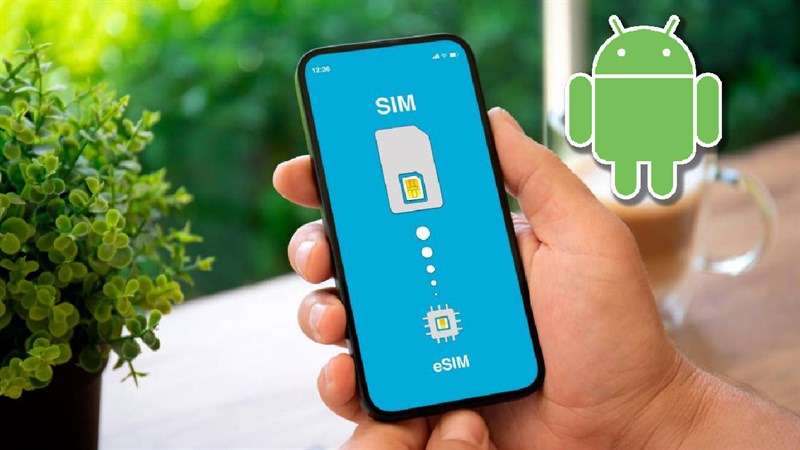
A China eSIM is a built-in electronic SIM that lets users connect to mobile networks in China without inserting a physical SIM card. Instead of swapping a traditional SIM, users simply scan a QR code or enter configuration details to download the network profile to their device. After installation, the eSIM works like a regular SIM, used to access the internet, check maps, communicate via apps such as WeChat, Zalo, Google Maps, or handle work while in China.

Unlike a physical SIM, a China eSIM is not tied to a SIM tray, there is no risk of losing it, it does not need to be removed and reinserted when roaming, and you can store multiple different eSIMs on the same device. This is why eSIM is especially suitable for travelers, short business trips, or people who frequently move between countries.
As for activation timing, users need to understand how a China travel eSIM works. Most eSIM plans today start counting the validity period from the moment the eSIM first connects to a network, not from the time of purchase or QR scan. Therefore, the activation time directly affects the eSIM validity period.
In practice, the recommended approach is:
- Install the China eSIM on your phone before flying to make sure there are no technical issues.
- Only turn on the eSIM and mobile data after arriving in China, or right before you need to use it.
- Avoid turning on data too early while you are still in Vietnam, because the eSIM may start counting usage days even before you arrive in China.
Activating at the right time helps users make full use of the plan’s full number of days, while avoiding the eSIM expiring early or having no network on the last days of the trip. This is an important factor that first-time China eSIM users often overlook.
Requirements before activating a China eSIM
Before performing the China eSIM activation method, users need to make sure certain mandatory conditions are met regarding the device, the eSIM, and the installation environment. Preparing everything from the start not only makes activation smoother but also minimizes common errors such as being unable to scan the QR code, the eSIM not connecting to the network, or the eSIM disappearing after installation.China eSIM , users need to make sure certain mandatory conditions are met regarding the device, the eSIM, and the installation environment. Preparing everything from the start not only makes activation smoother but also minimizes common errors such as being unable to scan the QR code, the eSIM not connecting to the network, or the eSIM disappearing after installation.
The device must support eSIM
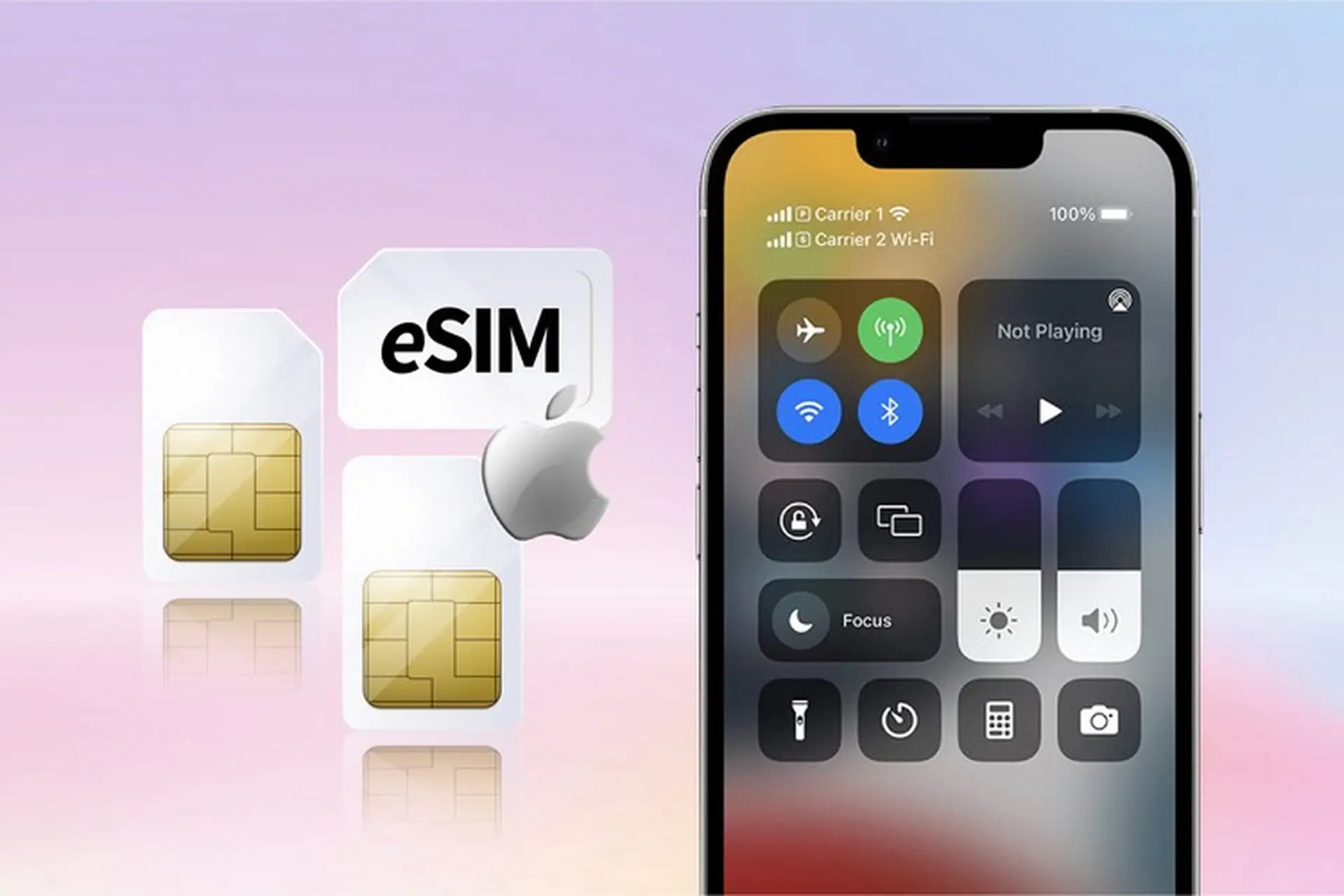
The most important requirement is that the phone or device being used must support eSIM. Not all smartphones today are compatible with this technology, including some newer models. Popular devices that support eSIM include iPhone from iPhone XS, XR and later; Samsung Galaxy S20, S21, S22, S23, Z Flip and Z Fold series; Google Pixel from Pixel 3 and later. For brands such as Huawei, Xiaomi, Oppo, or Vivo, only some premium models and international versions support eSIM.
Users should check the mobile settings or SIM management section on the device to confirm eSIM support before purchasing and activating. This helps avoid buying an eSIM that cannot be used because the device is incompatible.
The China eSIM must be valid and never activated before
In addition to the device, the China eSIM used must be a new eSIM that has never been installed on any other device. Each travel eSIM is issued for only one device and cannot be reused once it has been activated before.
When buying an eSIM China at SimPM, users will receive a separate QR code together with the plan details, validity period, and specific installation instructions. Using a properly sourced eSIM helps ensure successful activation and technical support when needed.
Have a stable internet connection when installing the eSIM
The eSIM installation and activation process requires the device to have a stable internet connection, usually Wi-Fi. While scanning the QR code and downloading the eSIM profile, if the network is interrupted, the installation may fail or not complete.
Therefore, users should perform the China eSIM activation method while at home, in a hotel, or in another place with strong Wi-Fi, instead of waiting until the airport or crowded areas with unstable connectivity.
Guide to installing & and activating China eSIM on iPhone
After preparing a compatible device and a valid eSIM, iPhone users can proceed with the China eSIM activation method below. This process is designed to match the iOS interface, making it easy to use and minimizing common errors when installing a travel eSIM.
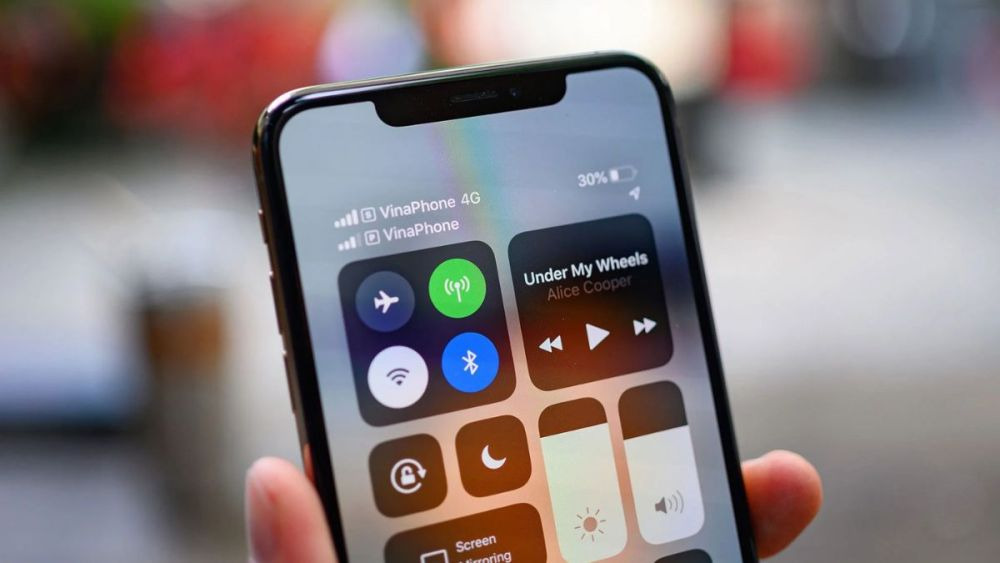
Step 1. Go to Settings and open Mobile Data
On iPhone, open Settings, then select Mobile Data (or Cellular). This is where all physical SIMs and eSIMs currently used on the device are managed. Before continuing, make sure the iPhone is connected to stable Wi-Fi so the eSIM profile download process is not interrupted.
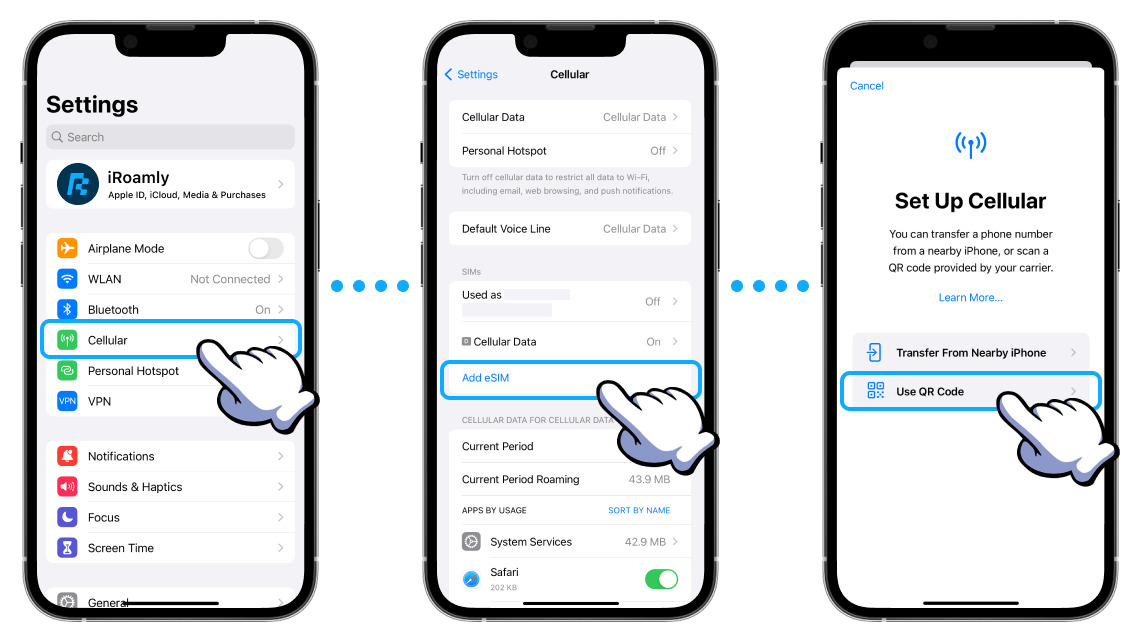
Step 2. Select Add eSIM or Add Cellular Plan
In the Mobile Data section, choose Add eSIM or Add Cellular Plan. The iPhone will switch to the interface for adding a new eSIM and be ready for the QR code scanning step.
Step 3. Scan the China eSIM QR code
Use the iPhone camera to scan the eSIM QR code sent by email. After a successful scan, the system will automatically download and install the China eSIM profile. During this process, do not leave the screen or turn off the internet connection.
Step 4. Confirm adding the cellular plan
When the iPhone displays the message “Add Cellular Plan?”, select Add to confirm. The China eSIM will be added to the list of SIMs on the device, ready for the next setup step.
Step 5. Turn on data roaming for the China eSIM
After the eSIM has been added successfully, go back to Mobile Data, select the China eSIM, and turn on Data Roaming. This is a required step for the eSIM to connect to the network while in China, without incurring any charges beyond the registered plan.
Step 6. The eSIM automatically activates upon arriving in China
When the iPhone is brought to China and the eSIM mobile data is turned on, the eSIM will automatically activate and connect to the network. If the network does not connect immediately, users can turn Airplane Mode on for a few seconds and then off so the iPhone can search for the signal again.
Guide to installing China eSIM on Android phones
For Android users, the China eSIM activation method is generally quite simple but may vary slightly depending on the brand and operating system version. Below is a general guide to installing an eSIM on Android phones, helping users operate easily and minimize errors during activation.
Step 1. Open Settings and SIM management
On an Android phone, open Settings, then select Connections and continue to SIM Manager. This is where all physical SIMs and eSIMs stored on the device are displayed. Before proceeding, make sure the phone is connected to stable Wi-Fi.
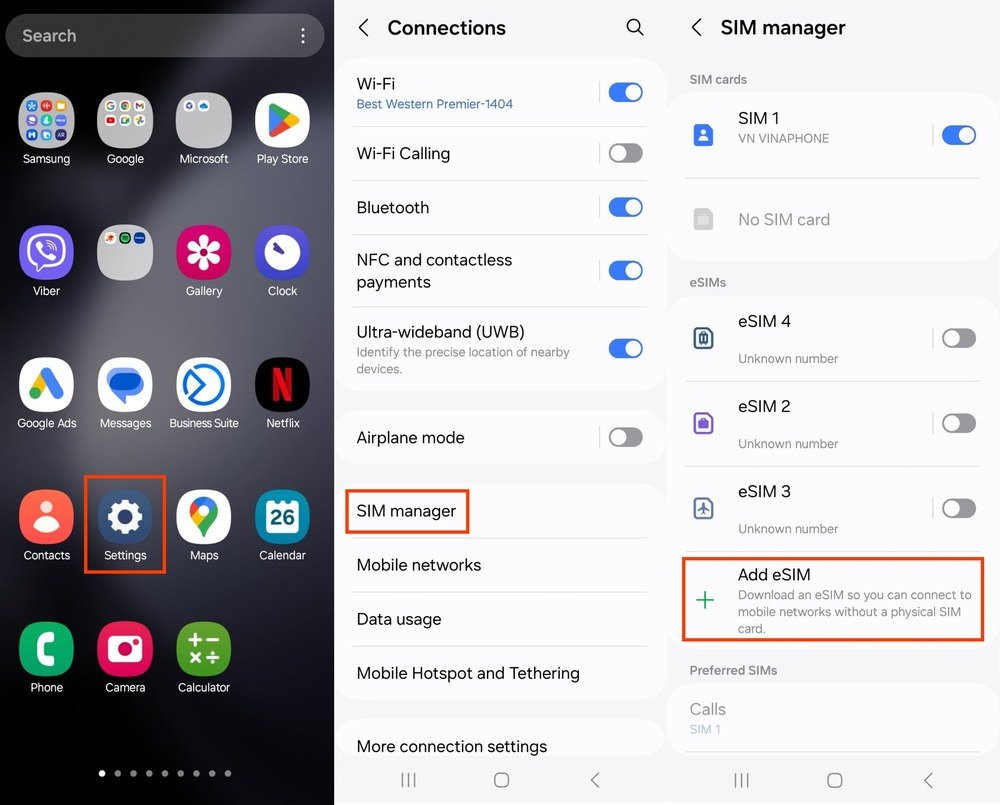
Step 2. Select Add eSIM or Add Cellular Plan
In SIM Manager, select Add eSIM or Add Cellular Plan. The system will switch to the interface that allows you to scan a QR code or enter eSIM details. At this step, users should keep the default settings to avoid errors.
Step 3. Scan the China eSIM QR code
Use the phone camera to scan the eSIM QR code sent in the email. After a successful scan, the device will begin downloading the network profile for the China eSIM. This process usually takes only a few seconds, but do not leave the screen or turn off the internet connection while the system is processing.
Step 4. Wait for the system to download the data plan
After scanning the QR code, the Android phone will display a message that the eSIM data plan is being downloaded. Users only need to wait a moment for the system to complete the installation. When this process ends, the China eSIM will appear in the SIM list on the device.
Step 5. Turn on mobile data and data roaming
Once the eSIM has been added successfully, users need to select the China eSIM in SIM management, then turn on Mobile Data and Data Roaming. This is a necessary step for the eSIM to connect to the network while in China. Turning on roaming does not incur any charges beyond the plan, because the data is already included in the travel eSIM package.
How to activate eSIM when arriving in China
After successful installation on the phone, the eSIM will automatically activate when you arrive in the country of use, China. However, to ensure the China eSIM activation process is stable and the eSIM connects quickly, users should check and follow the specific steps below.
Step 1. Turn on mobile data for the China eSIM
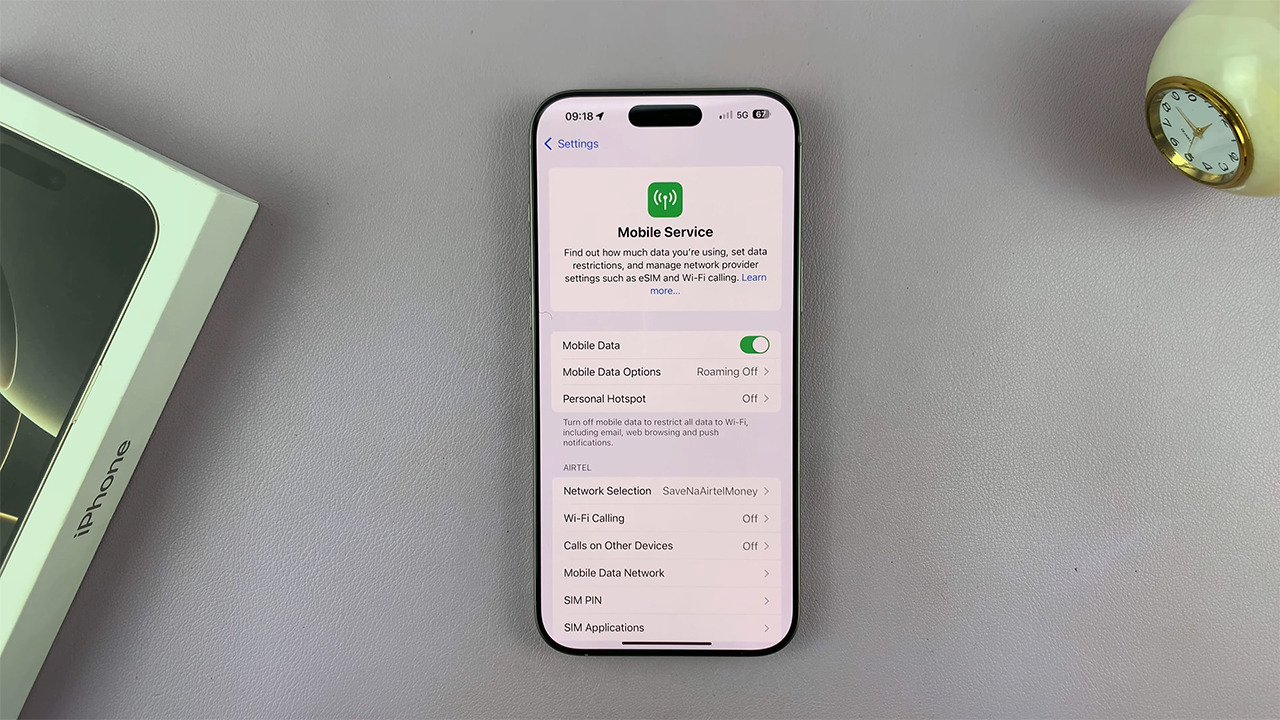
Go to Settings → Mobile Data / Connections, then select the eSIM and turn on Mobile Data. At the same time, make sure the China eSIM is selected as the primary mobile data source on the device.
Step 2. Turn on data roaming for the eSIM
In the China eSIM settings, turn on Data Roaming. This is a required step for the eSIM to connect to the network in China. Turning on roaming does not incur any extra charges because the data is already included in the eSIM plan.
Step 3. Turn off other physical SIMs if there is a network conflict
If the device is using a physical SIM and an eSIM at the same time, the eSIM may not be prioritized for network access. If there is no signal or the connection is unstable, temporarily turn off the other physical SIMs to avoid conflicts and help the device prioritize the China eSIM.
Step 4. Wait for the device to connect to the local network
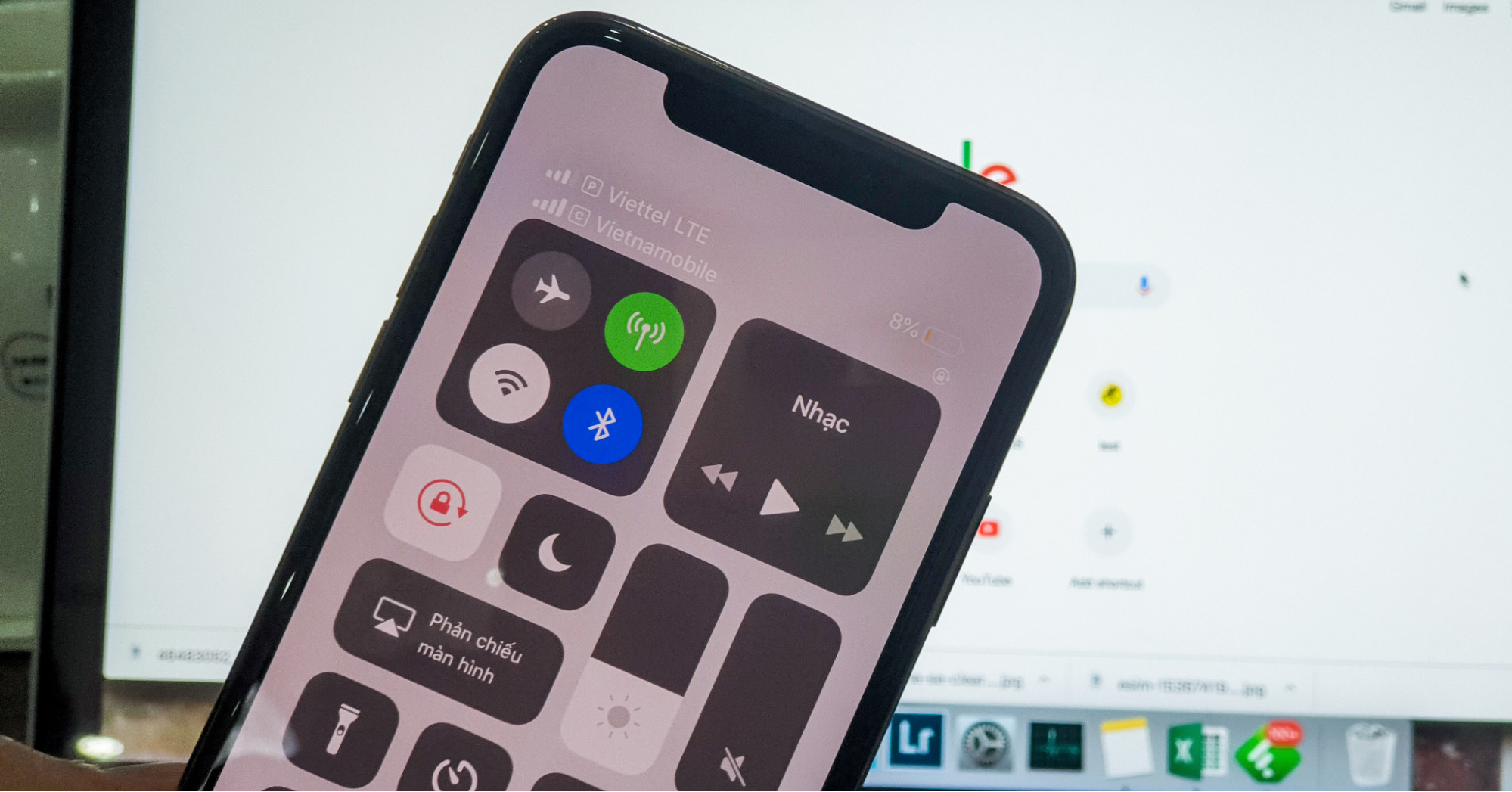
After completing the settings above, users should wait about 1–2 minutes for the eSIM to automatically search for and connect to the local mobile network in China. Connection time may be slightly longer at airports or in crowded areas.
Step 5. Manually select the carrier if the eSIM is not connected
If the eSIM still has no network after waiting, go to Network Selection, turn off automatic mode, and manually choose the carrier according to the instructions provided by email. After selecting the correct carrier, the eSIM will usually connect within a few seconds.
Understanding how to activate a China eSIM and using the correct process will help you stay connected throughout your journey in China. If you are looking for a reliable China eSIM that is easy to install and comes with clear technical support, SimPM is a trustworthy choice. SimPM eSIMs come with detailed instructions, transparent plan information, and a support team ready to assist when needed, helping you stay connected with confidence from the moment you arrive in China.
See more: China travel eSIM 7 days: A smart and convenient solution