
Is eSIM the primary or secondary SIM? How to set it up correctly

Many people switching to eSIM wonder whether an eSIM is the primary or secondary SIM, and whether setup will affect signal, calls, or data. SimPM helps you understand how it works, how phones assign SIM roles, and how to set it up correctly on iPhone and Android.
Learn how eSIM works
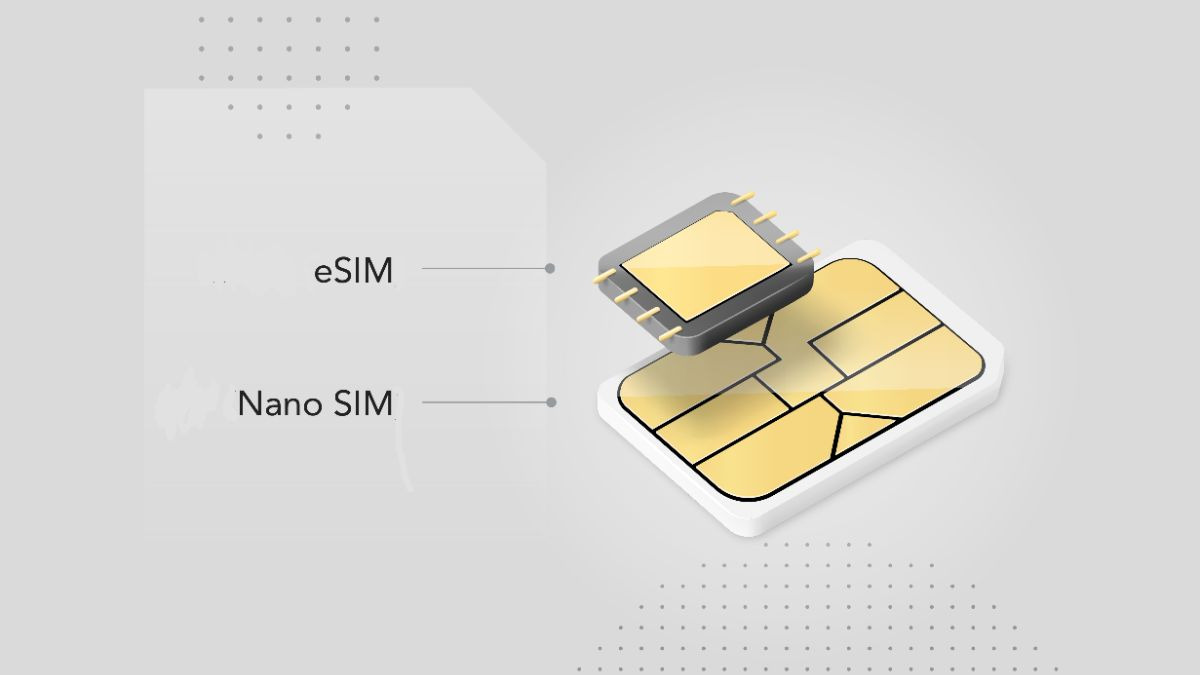
eSIM is an electronic SIM, a chip built into the phone instead of existing as a removable SIM card. Rather than inserting it into a SIM slot, subscriber information is downloaded directly to this chip via a QR code or activation code provided by the carrier.
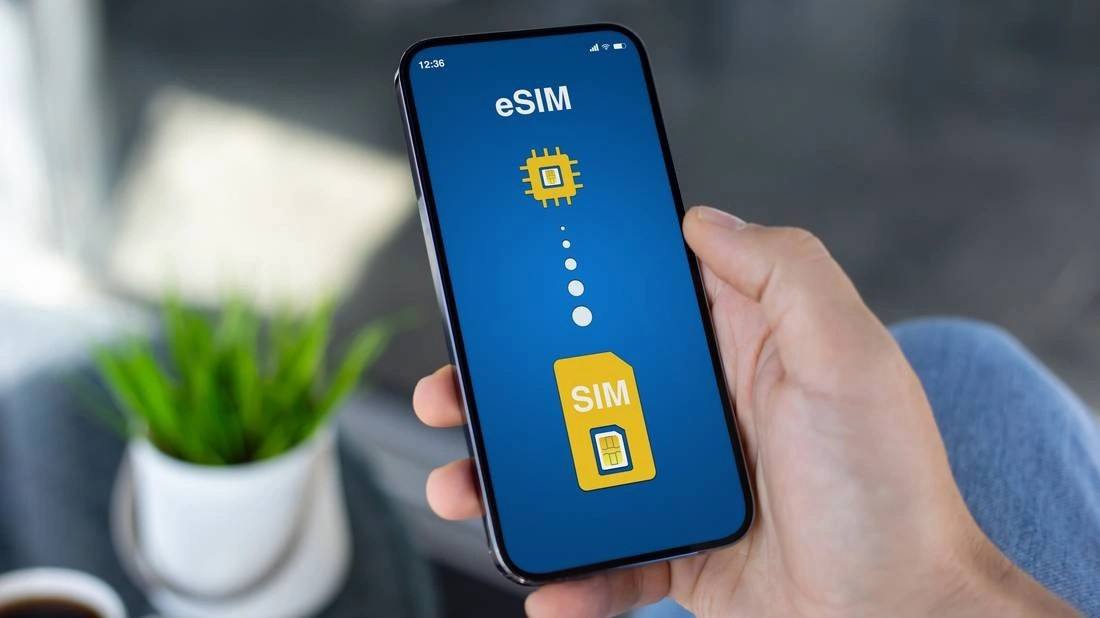
When the user scans the activation code, the phone connects to the carrier’s system to download a subscriber profile (SIM profile). This profile contains the phone number, authentication information, and network configuration. Once downloaded, the eSIM works like a regular physical SIM.
The basic process includes:
- The carrier provides a QR code or activation code.
- The user scans the code on the phone.
- The subscriber profile is downloaded and stored in the eSIM chip.
- The phone recognizes the eSIM as a regular SIM.
In principle, eSIM and physical SIMs have the same function: authenticating the subscriber and allowing the device to access the mobile network for calls, messages, and data use. A phone has only one radio modem, so the modem does not distinguish between eSIM and traditional SIM. Signal reception and network speed depend on the carrier and coverage area, not on the type of SIM.
How phones assign primary and secondary SIMs
On today’s smartphones, the way a phone assigns the primary and secondary SIM does not depend on SIM slot 1 or SIM slot 2, and it also does not depend on whether the SIM is physical or eSIM. The assignment is based entirely on priority settings in the operating system.
The phone lets users choose a default SIM for each function. The SIM prioritized for the most important use will be considered the primary SIM at that time.
Assigned by mobile data
The SIM selected as the default mobile data SIM is the one used to access the internet, social media, online apps, and platform services. If you change the default data SIM in settings, the primary and secondary roles change accordingly. No SIM is fixed as primary from the start.
Assigned by calls and messages
In addition to data, phones also let you choose a default SIM for calls and text messages. When you set a SIM as the default for calls, the phone will automatically use that SIM for new numbers. If no default is set, the system will ask you to choose a SIM each time you make a call or send an SMS. This shows that primary and secondary SIMs are only usage-based concepts, not fixed technical classifications.
Not dependent on slot location or SIM type
SIM slot 1 does not mean the primary SIM. An eSIM is also not automatically a secondary SIM. You can:
- Set the eSIM as the primary data SIM
- Set the physical SIM as the primary calling SIM
- Switch roles in just a few steps.
Is eSIM the primary or secondary SIM?
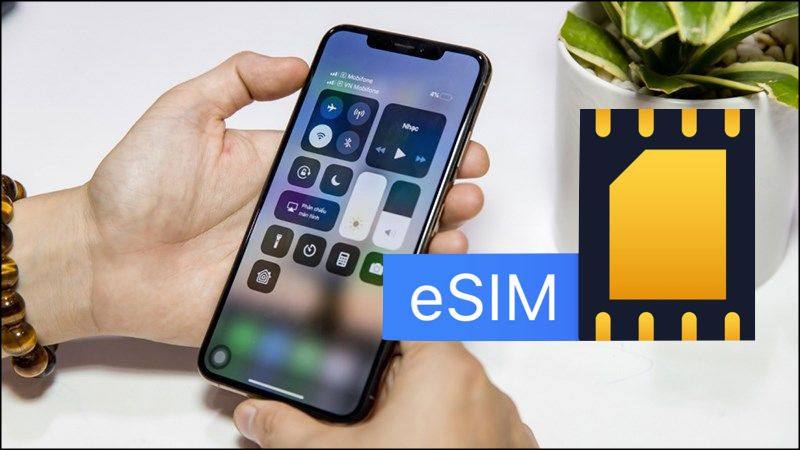
When people first start using eSIM, they often wonder: is eSIM the primary or secondary SIM? In fact, eSIM is not automatically primary or secondary.
An eSIM is simply a SIM built into the device, not a fixed location like SIM slot 1 or SIM slot 2. Whether it is primary or secondary depends entirely on what the user sets in the SIM Management or Mobile settings on the phone. The SIM chosen as the default for data, calls, or messages will take the role of the primary SIM at that time.
When eSIM is used as the primary SIM
eSIM can be used as the primary SIM long-term in many real-life situations:
- Using eSIM for a fixed personal number every day.
- Registering a domestic carrier eSIM instead of a physical SIM.
- Wanting to remove the traditional SIM slot to make the phone more compact or use another SIM as well.
In these cases, users set the eSIM as the default for data and calls. Then the eSIM works exactly like a primary SIM, with no functional difference from a physical SIM.
When eSIM is used as the secondary SIM
The most common use today is using an eSIM as a secondary SIM when traveling internationally.
For example:
- Keep the Vietnam SIM for calls and OTPs.
- Install an international eSIM for internet access abroad.
At that point, the local SIM remains the primary SIM for communication, while the eSIM only handles temporary data. When you return home, you can delete the eSIM or switch the primary role back to the old SIM.
See more: Can an eSIM be removed? An easy explanation for beginners
Does using an eSIM as the primary or secondary SIM affect signal, calls, or data?
When learning whether an eSIM is primary or secondary, many people worry that setting the eSIM as secondary will make the signal weaker or the network slower. In reality, the primary or secondary role is only a phone setting and does not affect connection quality. Here are the key factors to understand:
- Signal depends on the carrier, not on the SIM type: A phone has only one radio modem. This modem connects to cell towers based on subscriber information. Whether it is an eSIM or a physical SIM, the authentication mechanism is the same. Therefore, signal strength depends on the carrier’s coverage and geographic location, not on whether the eSIM is the primary or secondary SIM.
- Performance is equivalent if using the same carrier: If the eSIM and physical SIM use the same carrier, the same plan, and the same area, the speed 4G or 5G is equivalent. There is no technical priority for the SIM set as primary.
- Call quality depends on the network infrastructure: Calls are established through the carrier’s system. Stability and voice quality depend on signal and infrastructure, not on whether that SIM is currently the primary or secondary one.
- Data speed depends on the plan and supported bands: If the eSIM is an international travel SIM, speed may be limited according to the provider’s policy. The reason comes from the service plan, not from the eSIM being set as the secondary SIM.
How to set an eSIM as the primary or secondary SIM on iPhone and Android
After understanding that whether an eSIM is primary or secondary depends on the setup, the next step is to configure it correctly on the phone. The primary or secondary role is only the default configuration for data, calls, and messages, and does not affect signal quality because signal depends on the carrier, not on eSIM or the physical SIM. If the carrier is the same, performance is equivalent.
How to set up on iPhone
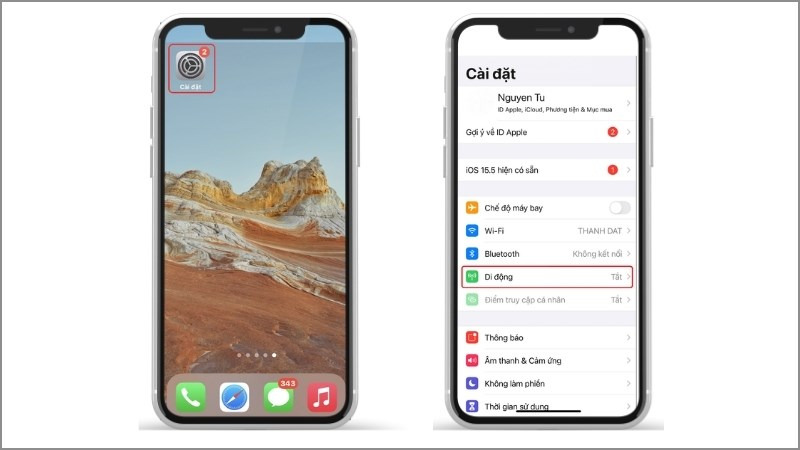
After successfully installing the eSIM, do the following:
- Go to Settings.
- Select Cellular.
- Select Mobile Data and choose the SIM you want to use as the default data SIM.
- Select Default Voice Line to set the preferred SIM for calls.
If you want the eSIM to be the primary SIM, set the eSIM as the default mobile data SIM and as the default voice line for calls. If you only want the eSIM to be a secondary SIM, keep the physical SIM as default and switch to the eSIM only when needed.
iPhone lets you name each line, such as Personal or Travel, to make it easier to distinguish when using both at the same time.
How to set up on Android
Depending on the brand, the interface may differ, but the general principle is as follows:
- Go to Settings
- Select Connections or Mobile Networks
- Select SIM Management
- Choose the default SIM for data
- Choose the default SIM for calls and SMS
If you want the eSIM to be the primary SIM, set the eSIM as the default for data and calls. If you use the eSIM for internet when traveling abroad, you can keep the local SIM as the default and switch flexibly in settings. This setup can be changed at any time, allowing users to decide whether the eSIM is the primary or secondary SIM depending on each specific need.
See detailed instructions for installing an eSIM on your phone here.
See more: New users should know: how many times can an eSIM be scanned?
Frequently asked questions about using eSIM
When switching to eSIM, users often have basic questions about how it works and how to manage it. Below are the most common questions with short, easy-to-understand answers.
Can an eSIM completely replace a physical SIM?
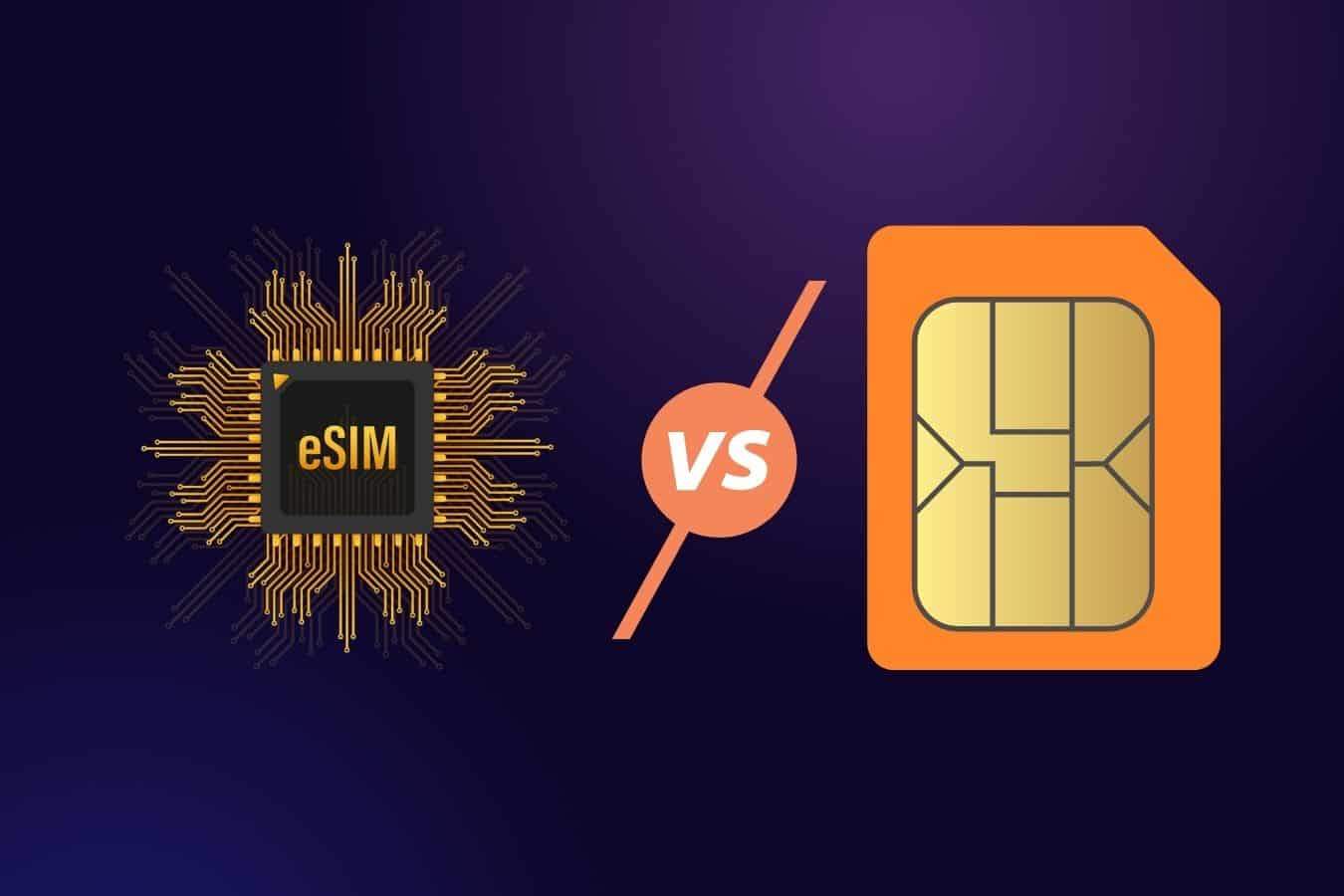
Yes, if the phone supports eSIM and the carrier provides the service. eSIM has full calling and data functions like a traditional SIM. You can use it long-term without installing a physical SIM.
Will deleting an eSIM lose my phone number?
Deleting an eSIM only removes the profile from the device; it does not delete the number at the carrier. You can still request a new activation code to reinstall it. However, it is best to contact the carrier before deleting it to avoid service interruption.
How many eSIMs can one phone use?
Depending on the model, a phone can store multiple eSIM profiles. However, usually only one or two SIMs can be active at the same time. Check the device specifications for the exact limit.
Is eSIM safe?
eSIM is secured to international standards and is difficult to physically clone. Because it is not a removable card, it reduces the risk of losing the SIM during installation or removal. Activation usually requires carrier verification to ensure safety.
Whether an eSIM is primary or secondary depends entirely on how you set it up in the phone settings, not on the technology itself. Whether it is the primary SIM or a secondary SIM, signal and data quality still depend on the carrier and the plan you use. If you are preparing to travel abroad and need a stable, convenient internet solution, check out SimPM’s international eSIM plans SimPM to activate quickly, no SIM swapping required, and start using it as soon as you land.









