
Does OPPO Support eSIM? Compatible Models & How to Check

Whether OPPO supports eSIM is a question many users care about as eSIM and travel eSIM usage become increasingly popular. However, not every OPPO phone supports eSIM, and support can vary by model version. SimPM will help you understand whether OPPO supports eSIM, how to identify compatible devices, and how to choose the most suitable eSIM solution for your needs.
Does OPPO support eSIM?
Although many users in Vietnam still ask whether OPPO supports eSIM, the reality is that OPPO only supports eSIM on certain models, not all devices. This means eSIM is not a standard feature available on every OPPO phone model. This difference comes from distribution strategy and hardware configuration by market: some premium versions or international-market-specific models are equipped with eSIM, while the popular models widely sold in Vietnam mainly only have a physical SIM slot.
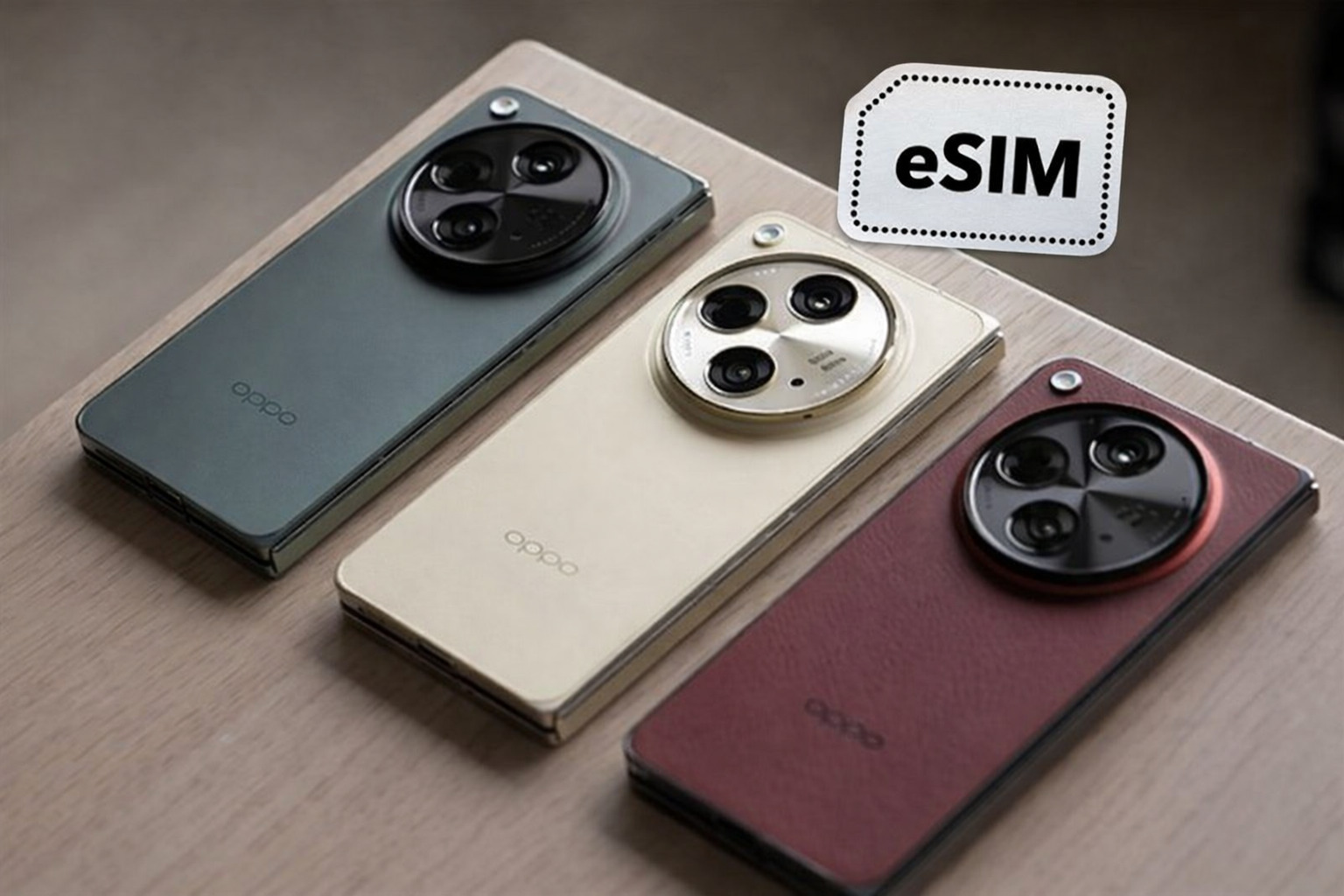
This limited support means users need to check carefully before buying an eSIM, because only phones with an eSIM chip and operating system software that integrates the eSIM feature can scan the QR code, activate, and use the service. This is also why some OPPO models display the “Add eSIM” option in settings, while most others do not. Therefore, when considering an eSIM for personal use or a travel eSIM, you should clearly determine whether the model you are using is actually supported by OPPO for eSIM to avoid the situation where the purchased eSIM code cannot be activated.
Latest updated list of OPPO phones that support eSIM
When researching whether OPPO supports eSIM, one of the deciding factors is the specific phone model. Not all products from this brand have eSIM, so listing the exact supported models will help users easily choose when buying a device or using an eSIM service, especially a travel eSIM.
Below is a summary table of the OPPO phones currently confirmed to support eSIM, updated according to the latest data from the manufacturer and verified sources.
| Product line | eSIM-supported models |
| Reno series | OPPO Reno 5A |
| OPPO Reno 9A | |
| OPPO Reno 13 | |
| OPPO Reno 13 Pro | |
| Reno14 Series (all eSIM-enabled versions) | |
| Find series | OPPO Find X3 |
| OPPO Find X3 Pro | |
| OPPO Find X5 | |
| OPPO Find X5 Pro | |
| OPPO Find X8 | |
| OPPO Find X8 Pro | |
| OPPO Find X9 | |
| OPPO Find X9 Pro | |
| OPPO Find N2 Flip | |
| OPPO Find N3 | |
| OPPO Find N3 Flip | |
| A series | OPPO A55s 5G |
| Pro series | OPPO Reno6 Pro 5G |
Knowing whether OPPO supports eSIM from the start will help you avoid buying a phone that does not have this feature. This is especially important if you need eSIM for international data connectivity, travel eSIM, or using multiple subscriptions at the same time.
How to quickly check whether an OPPO phone supports eSIM
To determine whether OPPO supports eSIM, the fastest and most accurate way is to check directly in the phone settings. This method does not rely on advertising, where the phone was purchased, or assumptions based on the product generation, but on the actual feature available in the operating system.

Check directly in your OPPO phone settings:
Follow these steps:
- Open Settings on your OPPO phone.
- Select Connections.
- Tap SIM management.
In this interface, take a close look at the options displayed:
- If you see Add eSIM or eSIM, that confirms your OPPO phone supports eSIM
- If only options related to physical SIM appear and there is no eSIM option, the device does not support eSIM or has been limited by market version
This check is especially useful for users who are wondering whether OPPO supports eSIM before buying a data eSIM or travel eSIM. As long as you have not seen the Add eSIM option in the SIM management section, you should not buy an eSIM to avoid unnecessary costs.
See also: Types of South Korea travel SIMs: Should you choose a physical SIM or eSIM?
How to set up eSIM on an OPPO phone
After checking and confirming whether OPPO supports eSIM, users can proceed to set up eSIM directly on the phone. On compatible OPPO models, the process is designed step by step, easy to follow, and does not require advanced technical knowledge.
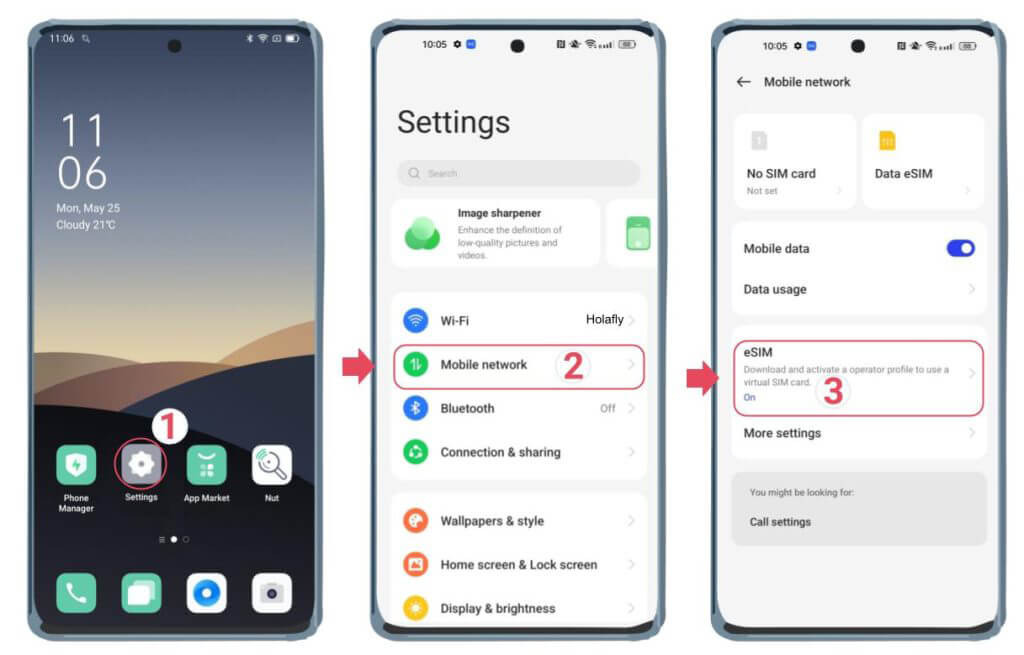
Step 1: Access SIM management
First, you need to open the system’s SIM management area to add the eSIM:
- Open Settings on your OPPO phone
- Select Connections
- Tap SIM management
Here, you will see options related to the physical SIM and eSIM if the device supports them.
Step 2: Scan the QR code to add eSIM
After entering SIM management, continue with the following steps:
- Select Add eSIM
- Tap Scan QR code from service provider
- Point the phone camera toward the eSIM QR code sent to you by the carrier or eSIM provider
At this step, the phone needs to be connected to WiFi or a stable network so the system can download the eSIM profile.
Step 3: Activate eSIM
When the QR code is scanned successfully:
- The system will automatically recognize the eSIM information
- You only need to wait a moment for the phone to confirm and activate the eSIM
The activation process is fully automatic, and users do not need to set anything up manually or restart the device in most cases.
Step 4: Check the eSIM connection
After the eSIM has been activated, you should check its working status again to make sure it is running smoothly:
- Go to Settings → Mobile connections
- Check eSIM status
- Turn on mobile data and try accessing the internet
If the phone can access the network normally, the eSIM has been installed successfully and is ready to use.
See also: 1 How many devices can an eSIM be used on? Travel eSIM buying tips
If I use an OPPO phone, can I use a travel eSIM?
The answer is yes, as long as your OPPO phone supports eSIM. Therefore, before deciding to buy a travel eSIM, users need to clearly determine whether OPPO supports eSIM, rather than relying only on the model name or release year.
Technically, a travel eSIM does not depend on Vietnamese carriers. When an OPPO model is equipped with eSIM, the device can fully use an international travel eSIM provided by SimPM to access the internet abroad. This applies similarly to other phones with eSIM, with no special difference for OPPO. You can refer to China eSIM, Japan eSIM,… at SimPM.
In use, a travel eSIM offers many benefits for OPPO users. You do not need to remove the physical SIM, you can still keep your Vietnamese phone number for calls or receiving OTP codes, and you can connect to the internet as soon as you arrive in a new country. Managing a physical SIM and an eSIM at the same time makes travel, business trips, or journeys more convenient.
However, users should also note that not every OPPO phone supports eSIM. Some models only have eSIM on the international version, while the version sold in Vietnam may have feature limitations. Therefore, checking directly in settings before buying a travel eSIM is very important.
Tips for choosing an eSIM for OPPO phones
To use eSIM stably and avoid incompatibility risks, OPPO users need to choose an eSIM carefully from the start. First, always check whether OPPO supports eSIM on your device, then apply the tips below to choose the right eSIM for your real needs.
Clearly determine whether your OPPO phone supports eSIM
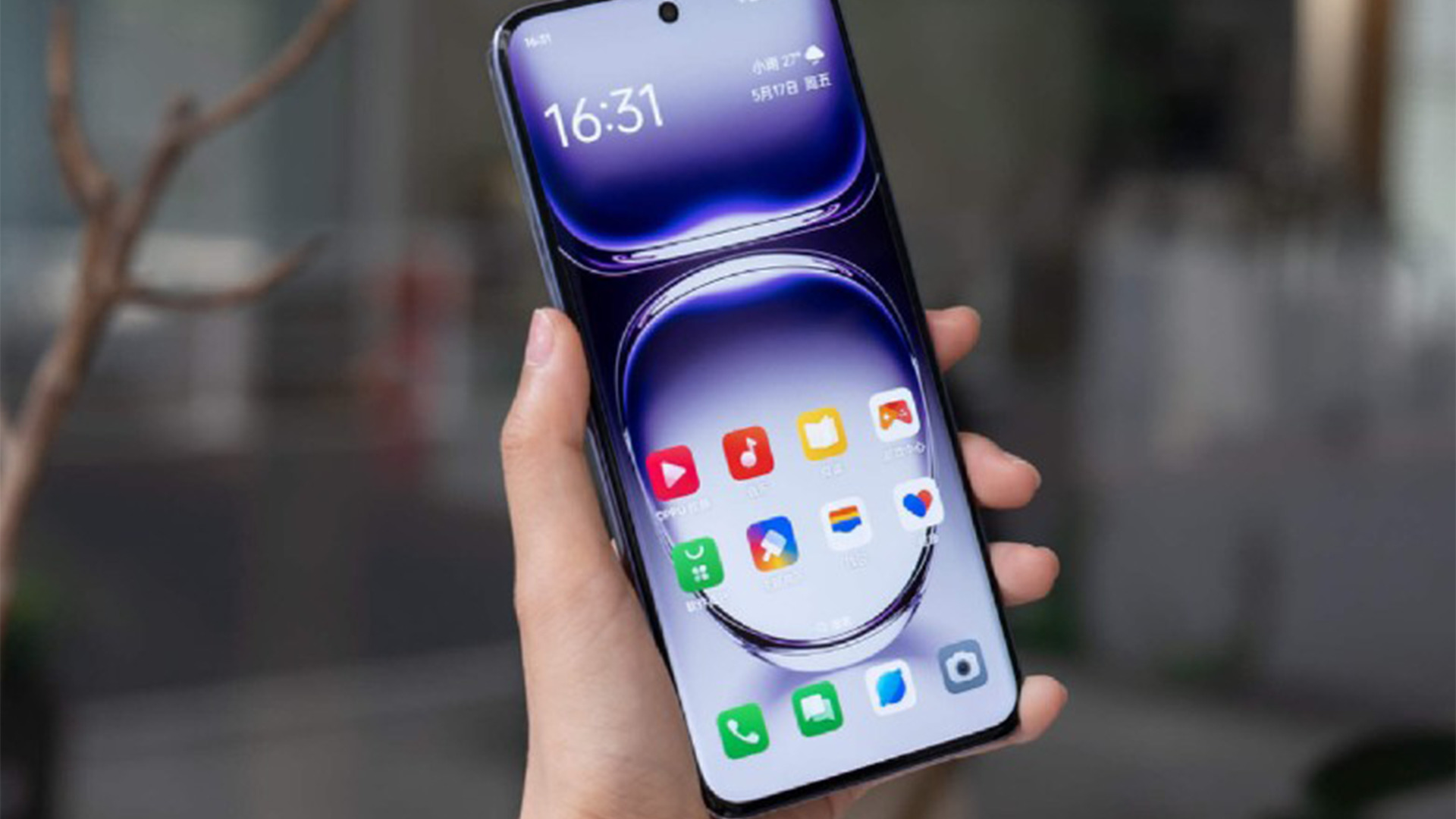
Not every OPPO model is equipped with eSIM. Therefore, before buy eSIM, you need to check directly in Settings → Connections → SIM management to make sure the device has an eSIM option. Confirming this from the beginning helps you avoid buying an eSIM that cannot be installed or used.
Clearly define your eSIM usage needs
Users should clarify what they need the eSIM for. If you only need internet for travel or short business trips, a data eSIM charged by day or by data allowance will be more suitable. For long trips or continuous use, you should prioritize long-validity eSIM plans to ensure stable connectivity and save costs.
Buy from a reputable eSIM provider
Once you have confirmed whether OPPO supports eSIM and identified your usage needs, choosing a reputable eSIM provider is very important. SimPM is a travel eSIM provider in more than 200 countries, suitable for OPPO users who travel frequently.
SimPM provides eSIM QR codes quickly by email, allowing users to install immediately after purchase without waiting. In addition, the provider offers clear technical support, ready to handle issues that arise during installation or eSIM use on OPPO phones.
In addition, the prices are reasonable, with many flexible eSIM plans from short-term to long-term, meeting diverse needs from personal travel and business trips to long-term work abroad. This helps OPPO users easily choose a suitable eSIM plan without incurring unnecessary costs.
Check coverage and supported bands
Before buying an eSIM, you should check the country or region the eSIM supports, as well as the compatible network type 4G or 5G. This is especially important for OPPO users traveling across multiple countries, to ensure the device always has a stable connection.
Safely store the QR code and eSIM information
After buying an eSIM, keep the QR code and activation information. In case you need to reinstall the eSIM or switch to another device, having the information ready will help you handle it quickly and avoid losing access to the eSIM.
SimPM has explained the question of whether OPPO supports eSIM and helped you understand which OPPO models have eSIM, how to check, how to set it up, and how to choose the right eSIM. Before using an eSIM, always check your device carefully to ensure compatibility. If your OPPO phone supports eSIM, choosing a reputable travel eSIM from SimPM will help you stay connected to the internet stably, save costs, and be more in control on every trip.









